Best answer

How to update the Assignee column in Smartsheet using Zapier?

  • January 24, 2025
  • 3 replies
  • 28 views

Forum|alt.badge.img

Hello again,

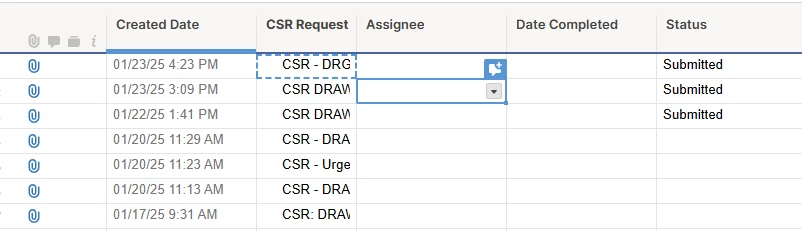
I have a zap that when a new email arrives in outlook, looks for a specific keyword in the subject line, and checks whether that subject line already exists in the rows in my Smartsheet grid. Once a matching row is found, I would like to use the sender’s email address to fill out the “Assignee” column or cell on the matching row.

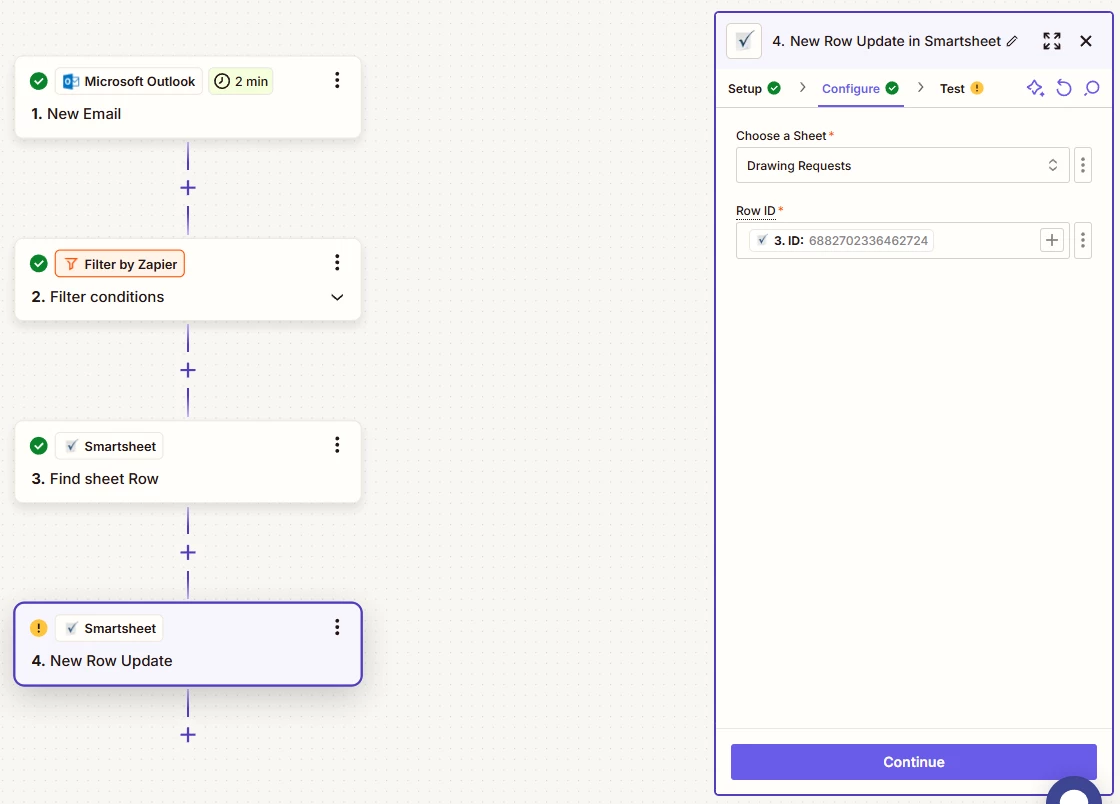
My problem is, the “New Row Update” action on Zapier doesn’t provide any following action in the configure step. You can just enter the sheet and row ID. There’s no place where I can tell the zap step to go to this column and do this.

So, how do I update the “Assignee” cell when a matching row is found?

Thank you.
 

Best answer by Troy Tessalone

Hi ​@SanazG 

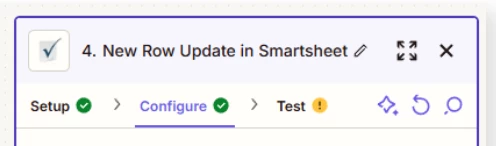
Try clicking the refresh arrow icon. (screenshot)


This post has been closed for comments. Please create a new post if you need help or have a question about this topic.

3 replies

Troy Tessalone
Zapier Orchestrator & Solution Partner
Forum|alt.badge.img+14
  • Zapier Orchestrator & Solution Partner
  • Answer
  • January 24, 2025

Hi ​@SanazG 

Try clicking the refresh arrow icon. (screenshot)


Forum|alt.badge.img
  • Author
  • Beginner
  • January 24, 2025

Hi ​@Troy Tessalone, thanks a lot! I was just about to come here and say I solved it using Zapier’s AI Custom Action. I’m glad to know that it is already there as part of the New Row Update!


JammerS
Forum|alt.badge.img+6
  • Zapier Staff
  • January 27, 2025

Wow! Thank you for confirming that Troy’s resolution got the Zap running. This will significantly help our Community members to have as a reference for the same issue.