Question

How to update existing account in a CRM via JotForm?

  • April 30, 2025
  • 3 replies
  • 26 views

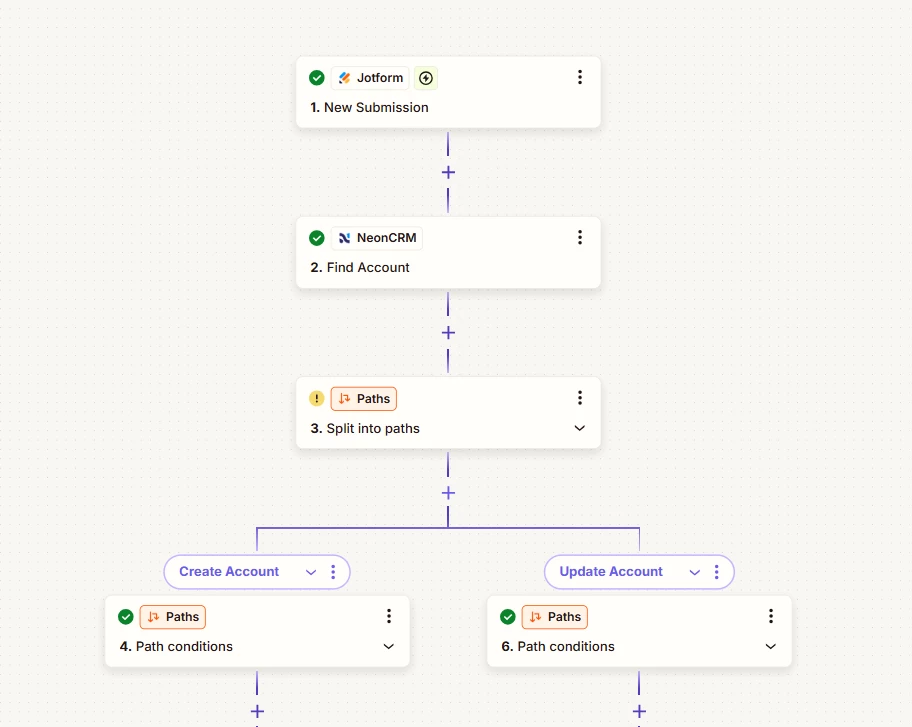
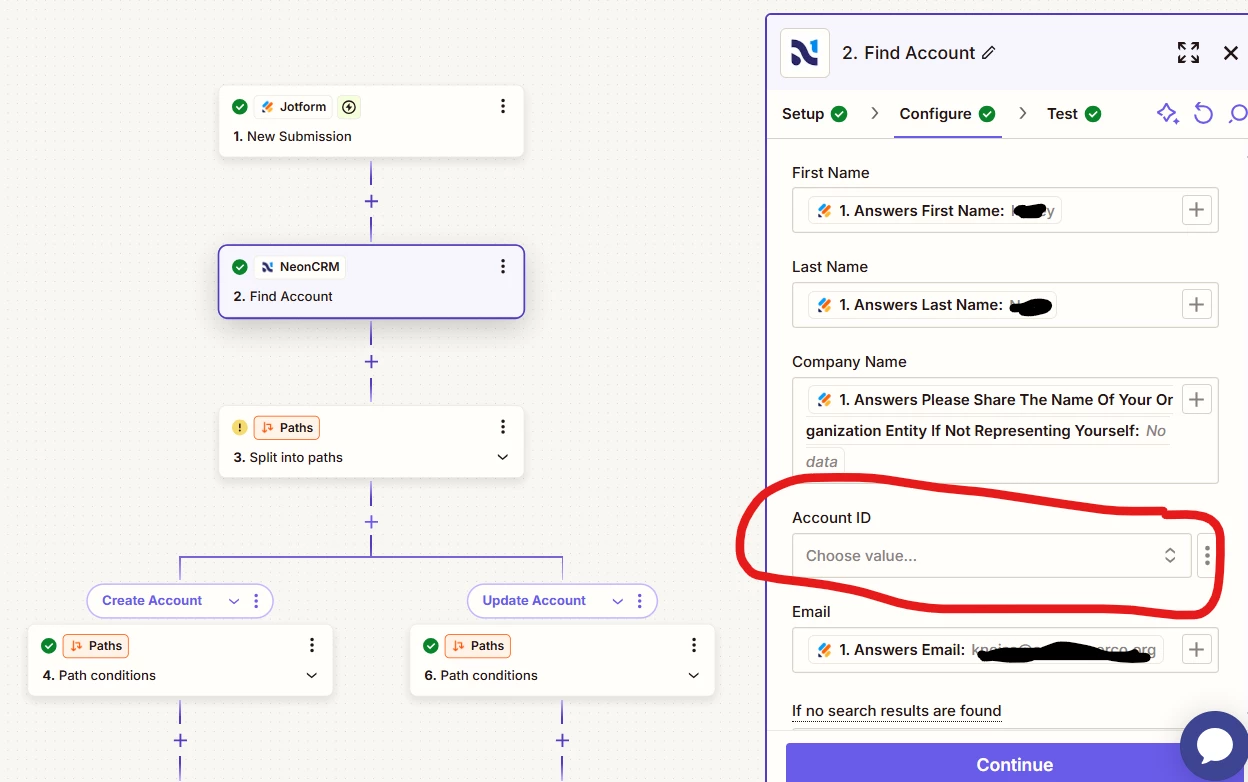
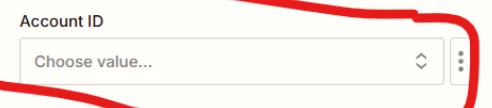
I’m new to this so apologies if this has been answered already. We are using JotForm to either add new accounts in Neon CRM or update existing ones. When I set the workflow to check for existing accounts it is asking for the account ID to search the CRM, but that isn’t recorded in the JotForm variables. Is there a way to link an account by email instead of account ID?


This post has been closed for comments. Please create a new post if you need help or have a question about this topic.

3 replies

Troy Tessalone
Zapier Orchestrator & Solution Partner
Forum|alt.badge.img+14
  • Zapier Orchestrator & Solution Partner
  • May 1, 2025

Hi ​@kneiss 

For us to have more info, post screenshots of the fields you are referring to in the Zap step.

TIP: Click field labels that are underlined to see a tooltip with more info that may be helpful.

Also, include screenshots of the field tooltip for us to have context.


  • Author
  • Beginner
  • May 1, 2025

The workflow starts with a jot form entry, and I am trying to push the answers into Neon One by either finding an existing account or adding a new account if none are found. I ideally would like to search accounts by email instead of account number since the response in JotForm doesn’t include the Neon One account number. 


Troy Tessalone
Zapier Orchestrator & Solution Partner
Forum|alt.badge.img+14
  • Zapier Orchestrator & Solution Partner
  • May 1, 2025

Hi ​@kneiss 

The Account ID does not appear to be a required field.

Try leaving it blank and testing.

If the Zap step has errors from testing, the post screenshots of the error.