Question

How to update existing account in a CRM via JotForm?


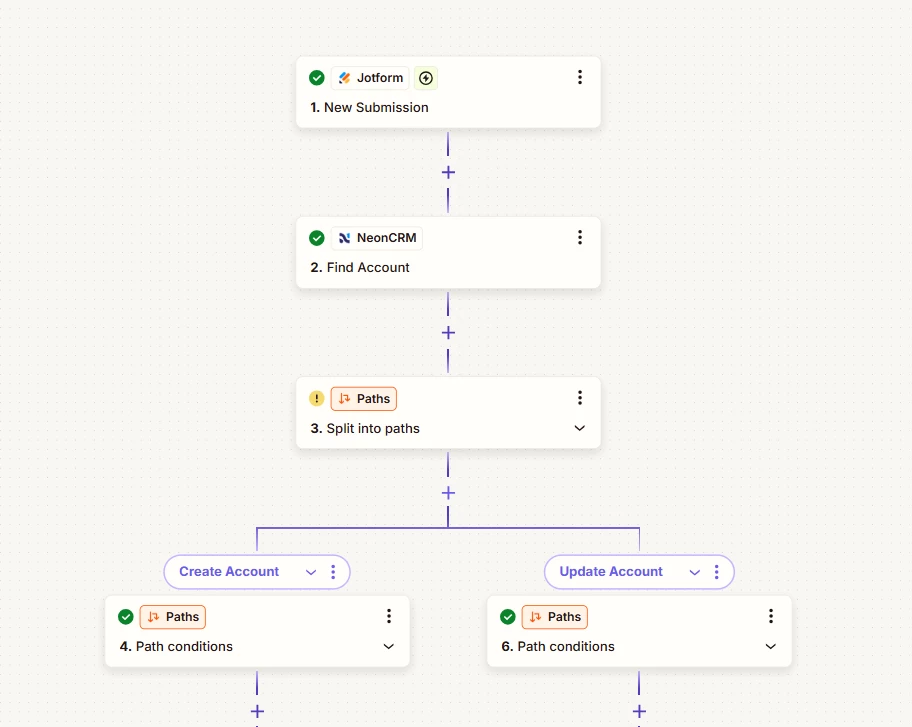
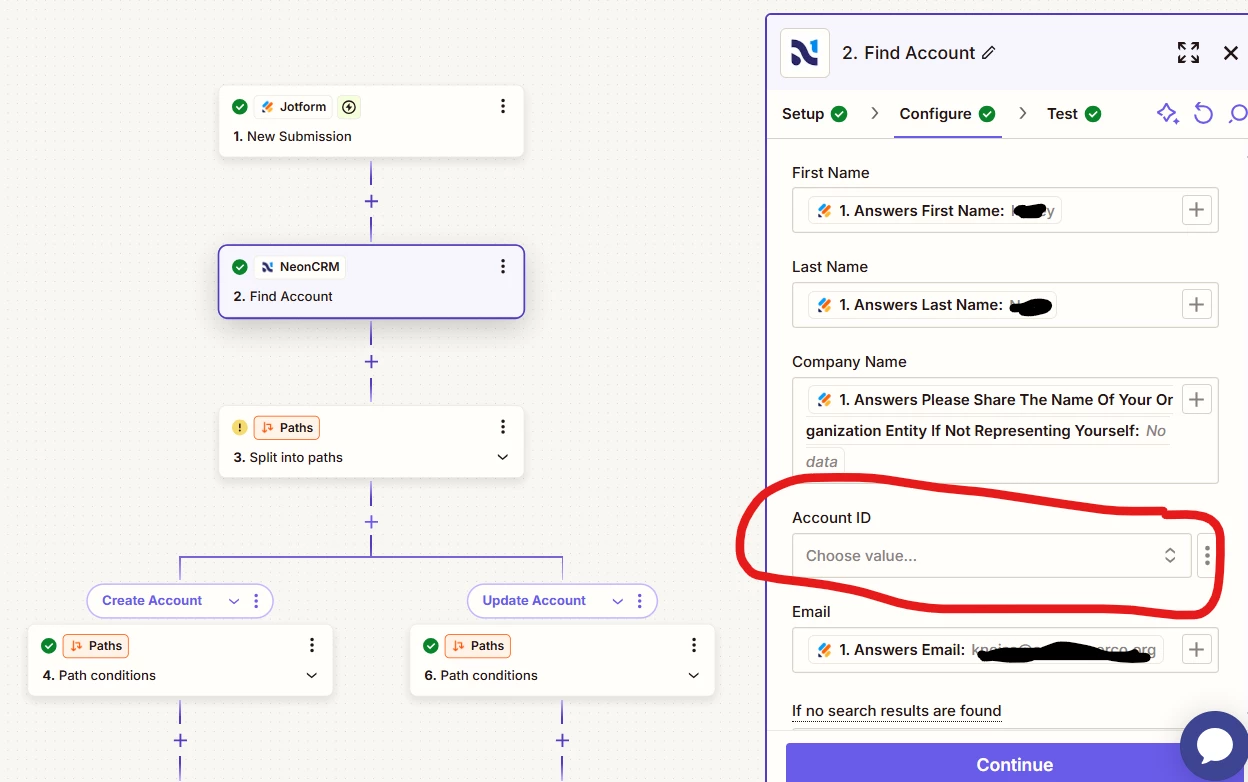
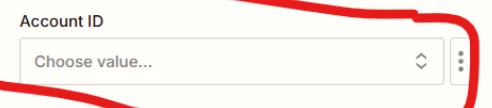
I’m new to this so apologies if this has been answered already. We are using JotForm to either add new accounts in Neon CRM or update existing ones. When I set the workflow to check for existing accounts it is asking for the account ID to search the CRM, but that isn’t recorded in the JotForm variables. Is there a way to link an account by email instead of account ID?


This post has been closed for comments. Please create a new post if you need help or have a question about this topic.

3 replies

Troy Tessalone
Zapier Orchestrator & Solution Partner
Forum|alt.badge.img+14
  • Zapier Orchestrator & Solution Partner
  • May 1, 2025

Hi ​@kneiss 

For us to have more info, post screenshots of the fields you are referring to in the Zap step.

TIP: Click field labels that are underlined to see a tooltip with more info that may be helpful.

Also, include screenshots of the field tooltip for us to have context.


  • Author
  • Beginner
  • May 1, 2025

The workflow starts with a jot form entry, and I am trying to push the answers into Neon One by either finding an existing account or adding a new account if none are found. I ideally would like to search accounts by email instead of account number since the response in JotForm doesn’t include the Neon One account number. 


Troy Tessalone
Zapier Orchestrator & Solution Partner
Forum|alt.badge.img+14
  • Zapier Orchestrator & Solution Partner
  • May 1, 2025

Hi ​@kneiss 

The Account ID does not appear to be a required field.

Try leaving it blank and testing.

If the Zap step has errors from testing, the post screenshots of the error.