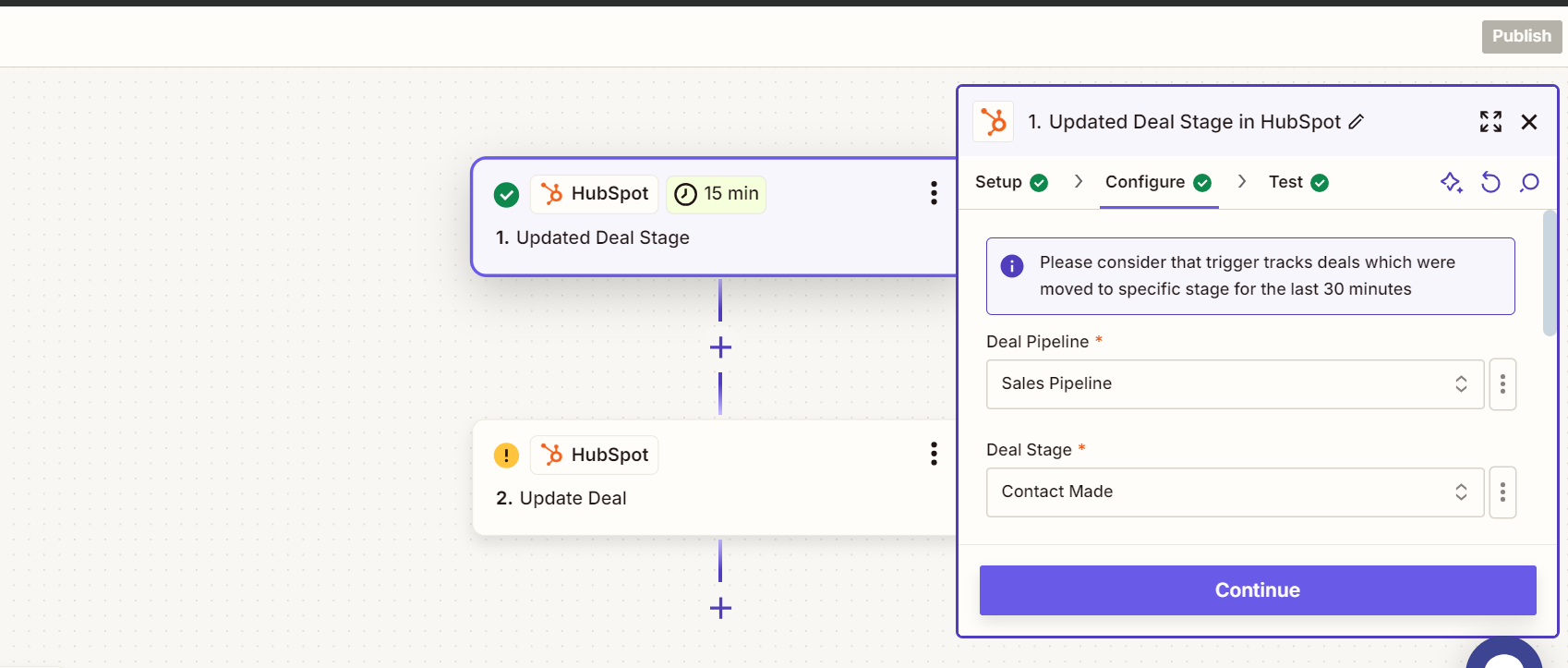
Based on the title of your post. To update a custom field in HubSpot when a deal stage changes, create a Zap with HubSpot's "Deal Stage Updated" as the trigger. Then, set HubSpot's "Update Deal" as the action, mapping the desired custom field to the new value. Test the Zap to ensure it works correctly, and once activated, it will automatically update the custom field whenever a deal stage changes. But in order to answer you accurately. Kindly give us a broader context of your concern. Thank you.
I hope this helps! Let me know if you have any other questions.
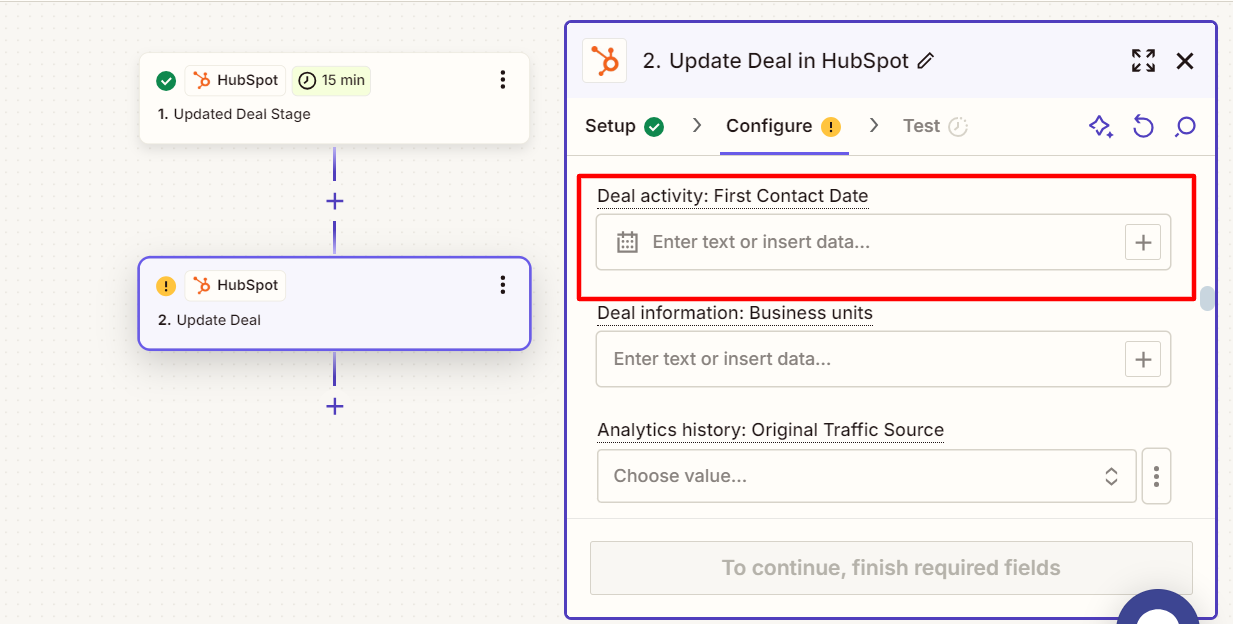
Hi, @JammerS , Actually I followed the steps that you have mentioned, but I need to store the time of when the deal stage changes happens in my hubspot’s custom filed. Can you help me with mapping the time value to custom field with screenshots for references.
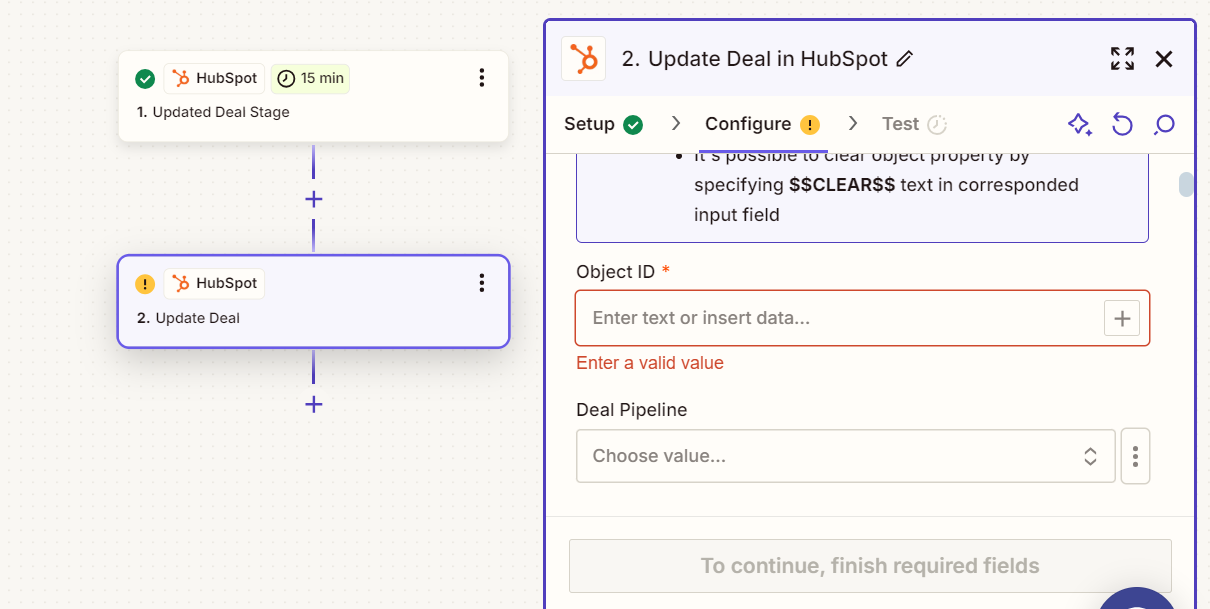
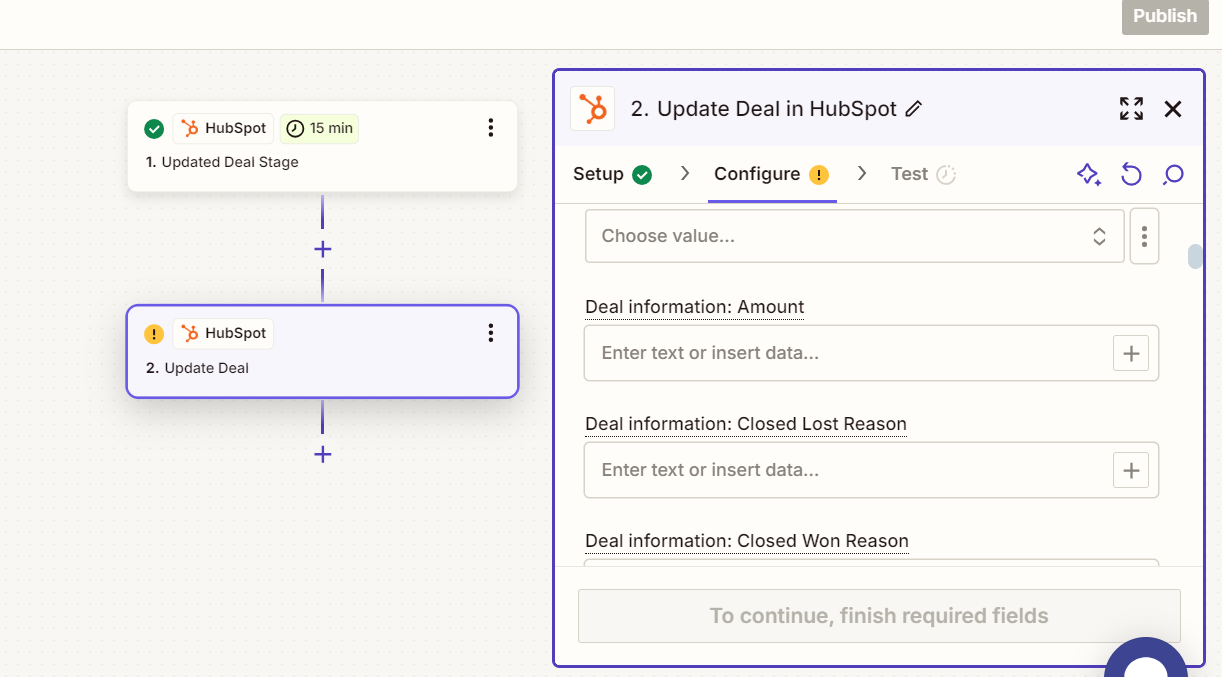
Before we dig deeper into this, would you mind sharing a detailed screenshot of how your Zap is configured? Also, please share a screenshot of the “CONFIGURE” section of the action step that shows all of its fields.
Please don't include personal information in the screenshot, or be sure blur out any personal information.
Thank you for providing the screenshots @Rootquotient!
I believe if you want to return additional deal properties you’d need to select the field that you want to retrieve in the “Additional properties to retrieve” field in the trigger step.