
Best answer

How to set up multiple triggers in a Zap for ClickUp and ASANA

  • January 24, 2025
  • 4 replies
  • 85 views

HotShotsSecret

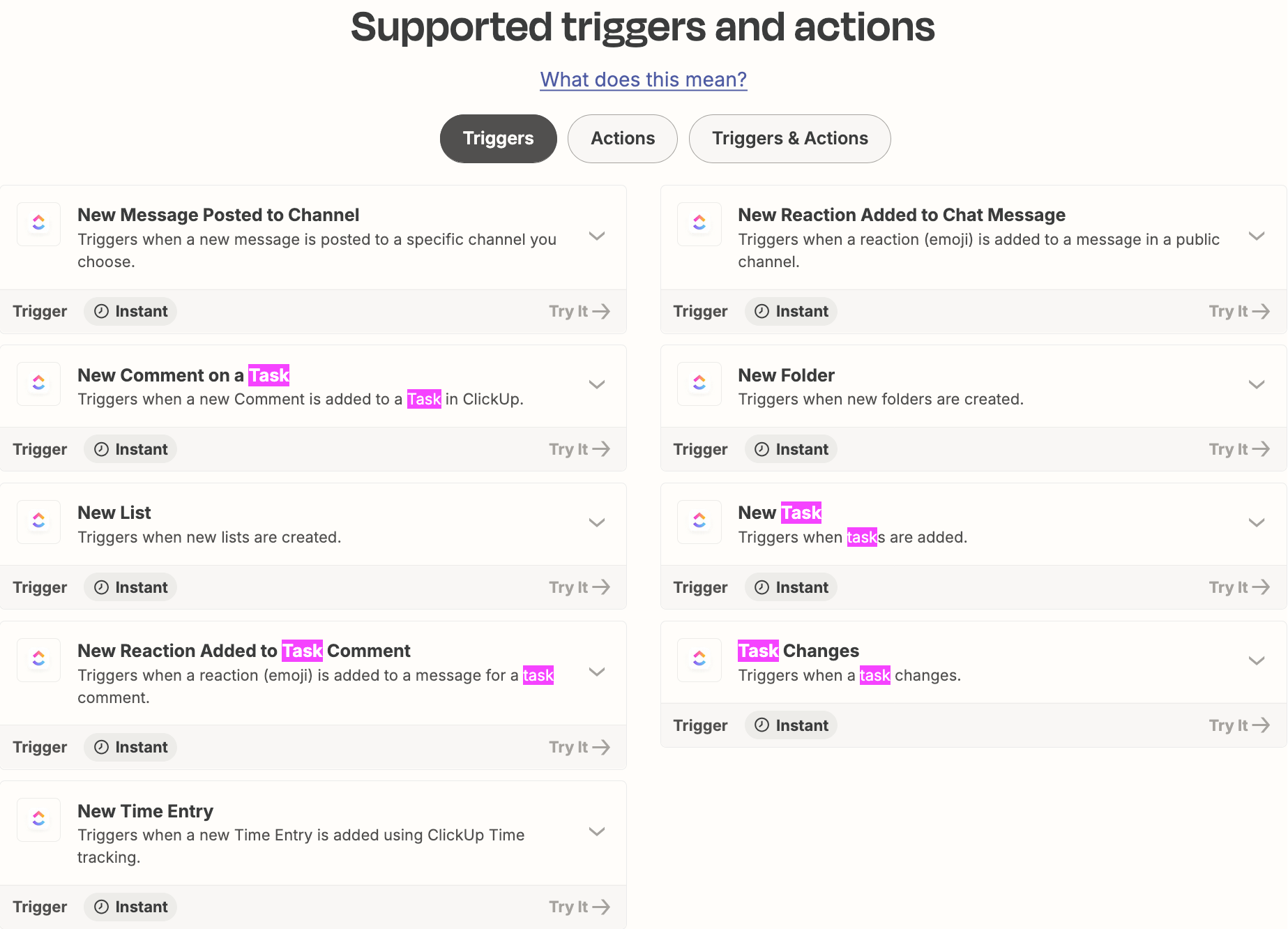
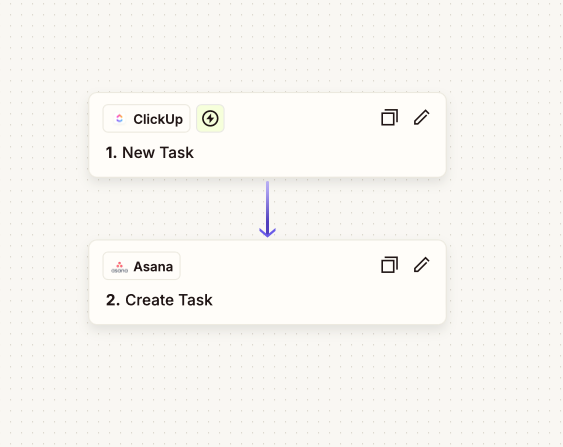
Hello! First time to the community and new user. I currently created a Zap that when a New Task is created and is assigned to a specific person created in ClickUp, that new task is created in ASANA. My question is, how do I make multiple triggers off that one Zap? The New Task is coming over to ASANA, but that’s it. I would like all updates to that task to also show up in the task over in ASANA, such as In Progress, all comments, etc. like live updates I guess? The task shows up in ASANA, but then nothing else is ever updated in ASANA when it is updated in the ClickUp task.

Is this where I need to use Sub-Zaps to make this happen?


Best answer by Troy Tessalone

Hi ​@HotShotsSecret 

You would need different Zaps using different triggers.


This post has been closed for comments. Please create a new post if you need help or have a question about this topic.

4 replies

Troy Tessalone
Zapier Orchestrator & Solution Partner
Forum|alt.badge.img+14
  • Zapier Orchestrator & Solution Partner
  • Answer
  • January 24, 2025

Hi ​@HotShotsSecret 

You would need different Zaps using different triggers.


HotShotsSecret
  • Author
  • Beginner
  • January 24, 2025

Ok, thank you! This is what I have been going back and forth on. :) 


HotShotsSecret
  • Author
  • Beginner
  • January 24, 2025

Having issues. If a new Task comes over with the Zap I set up, I can’t get the comments and everything else to come over unless I make a Zap for every single task. I just want everything that is associated to a certain assignee to show up on ASANA. I can’t find any videos showing me how this is done. 


ken.a
Forum|alt.badge.img+6
  • Zapier Staff
  • January 28, 2025

Hi ​@HotShotsSecret,

Before we dig deeper into this, would you mind sharing a detailed screenshot of how your Zap is configured? Also, please share a screenshot of the “CONFIGURE” section of the action step that shows all of its fields.

Please don't include personal information in the screenshot, or be sure blur out any personal information.

Thanks!