Question

How to send welcome email using gmail that is connected to passion

  • December 4, 2025
  • 3 replies
  • 12 views

So I have an app and is managed by passion. I want to create a welcome email and feedback email using gmail. I want to send it to those people who sign up on the apps. My zapier is now connected to the app.

3 replies

AndrewJDavison
Forum|alt.badge.img+11
  • Zapier Solution Partner
  • December 4, 2025

@Camilledivorcecoach 

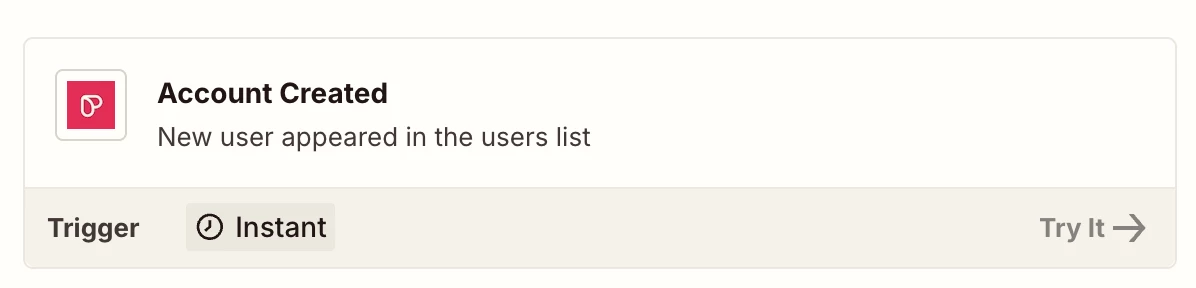
This can be done. You’d build a zap using the Passion.io “Account Created” trigger - that would give you their email address.

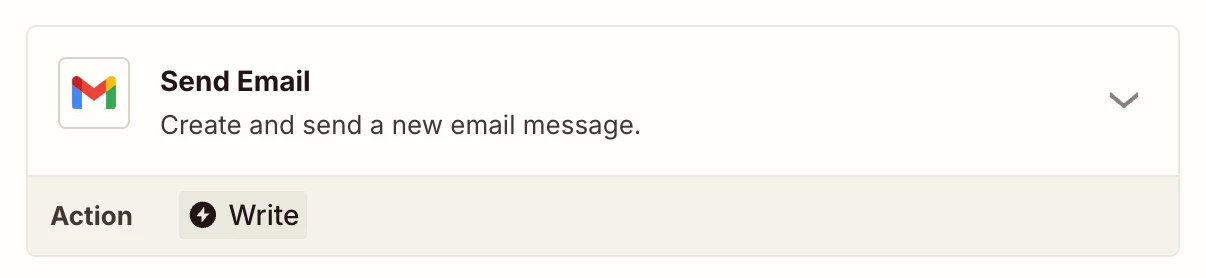
Then you add a Gmail “Send Email” step to your zap to send the message.

I’ll DM you.


Sparsh from Automation Jinn
Forum|alt.badge.img+6

Hey ​@Camilledivorcecoach,

Here are all the triggers/ actions for Passion in Zapier- https://zapier.com/apps/passion-io/integrations

Here are all the triggers/ actions for Passion in Gmail- https://zapier.com/apps/gmail/integrations

You workflow will look something like this-

  • Account Created trigger
  • Send Email action

You will have to dynamically map the variables from the trigger. Here is a helpful article about dynamic mapping- https://help.zapier.com/hc/en-us/articles/8496343026701-Send-data-between-steps-by-mapping-fields. Hope it helps!

PS: If you need more active assistance, I’m happy to connect through my Zapier Solution Partner page if you’d like to reach out here- https://zapier.com/partnerdirectory/automation-jinn


SamB
Community Manager
Forum|alt.badge.img+11
  • Community Manager
  • December 17, 2025

Hi there ​@Camilledivorcecoach 👋

How did you get on with the Send Email action Andrew and Sparsh suggested, did it do the trick?

Let us know if you still need any help getting that welcome email sorted 🙂