
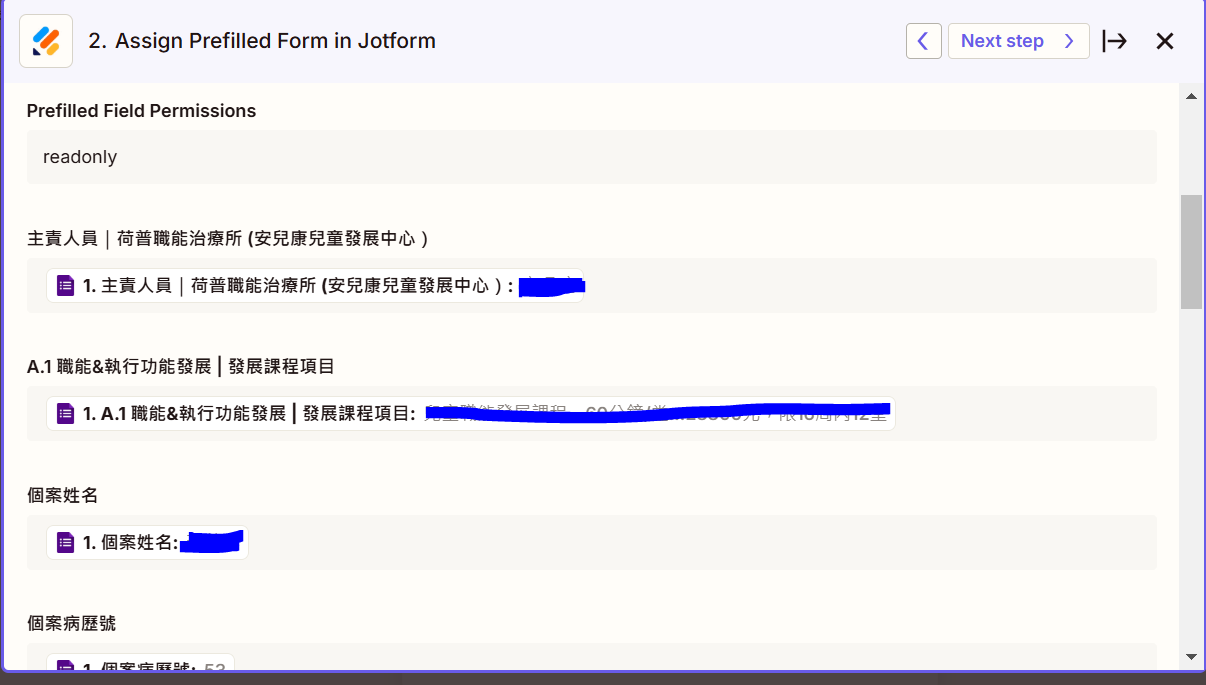
I want my coworker to fill in the google form and those information will be copied to my part of jotform. Then, it can automatically sent the prefill jorform to my customer. After the customer complete the form. The form will sent it to my company google drive.
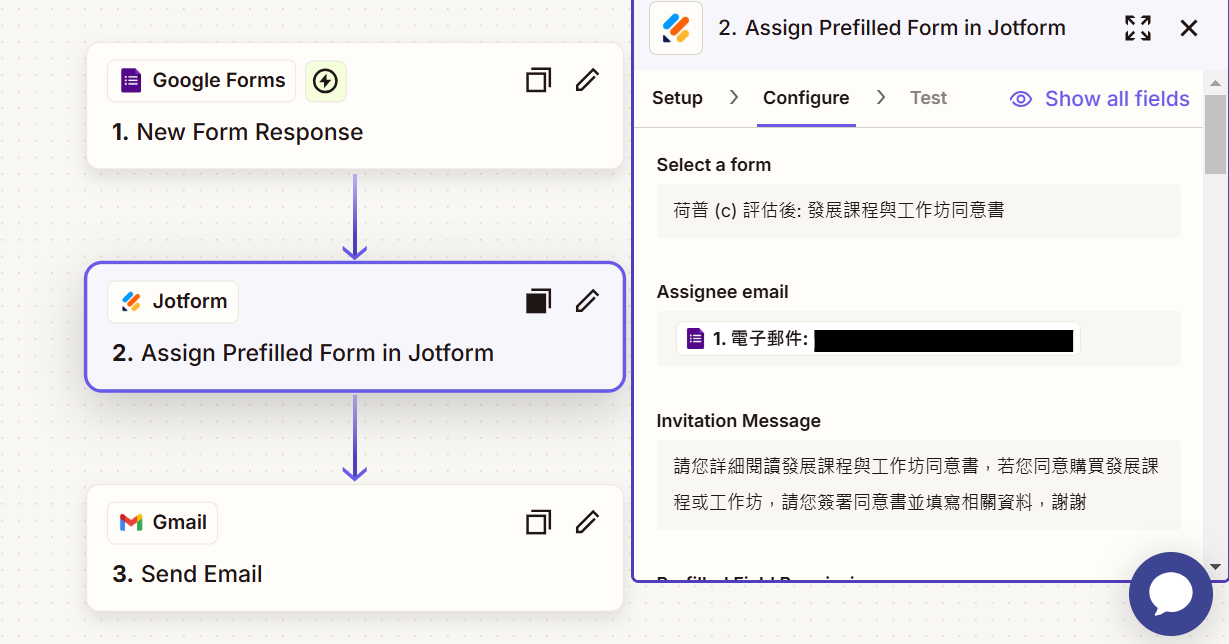
I have set up the trigger and action.
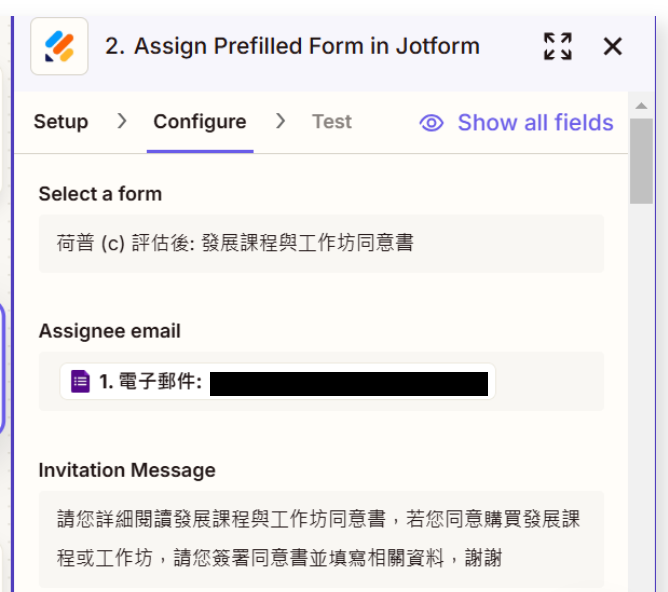
google form > assign prefill jotform > gmail. I didn’t use zapier to set up the google drive part, but I have intergrated the jotform and google dirve. It should work. When I test the workflow, I got the invitation email from jotform. Howevever, when I clicked the link, it’s not a prefill form but a new form.
I’m not sure what the problem is? or which step I did it wrong.
Thank you!

Question
How to retrieve Google Form data and create a prefilled Jotform for customers
- Beginner
This post has been closed for comments. Please create a new post if you need help or have a question about this topic.







ZapConnect 2026 is coming
Join us September 23rd, 2026 for a free, one-day virtual event with 30+ sessions on AI automation. Get live build-alongs, playbooks, and strategies to lead AI transformation at your organization.
Log in to the Community
No account yet? Create an account
Use your Zapier credentials
Log in with ZapierEnter your E-mail address. We'll send you an e-mail with instructions to reset your password.