Question

How to Replace Commas with New Lines in Formatter by Zapier Text Replace?

  • July 15, 2025
  • 7 replies
  • 28 views

Hi Zapier Community,


I have a comma-separated string of links from Browse AI, like this:

https://link1.com,https://link2.com,https://link3.com

I want to use Formatter by Zapier → Text → Replace to replace commas with actual new lines, so the output looks like:

https://link1.com

https://link2.com

https://link3.com

I’ve tried putting a comma in the “Find” field and pressing Enter or typing \n in the “Replace” field, but it doesn’t work. The output remains a single line.

Could anyone please help me how to correctly replace commas with new lines in Formatter by Zapier?

Thanks in advance!

This post has been closed for comments. Please create a new post if you need help or have a question about this topic.

7 replies

SamB
Community Manager
Forum|alt.badge.img+11
  • Community Manager
  • July 15, 2025

Hi ​@nm1989, welcome to the Community! 🎉

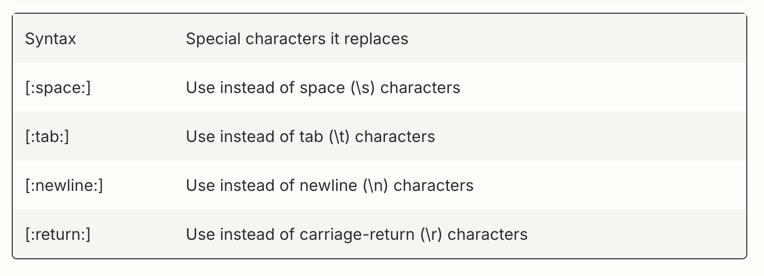
Ah, it’s not working as \n isn’t supported

655aae8e3b1b6163ade2c948b4a8bf09.png

In the Replace field you’ll want to use [:newline:] instead of \n.

Can you give that a try and let me know if that does the trick?


  • Author
  • Beginner
  • July 18, 2025

No, it’s not working


Troy Tessalone
Zapier Orchestrator & Solution Partner
Forum|alt.badge.img+14
  • Zapier Orchestrator & Solution Partner
  • July 18, 2025

Hi ​@nm1989 

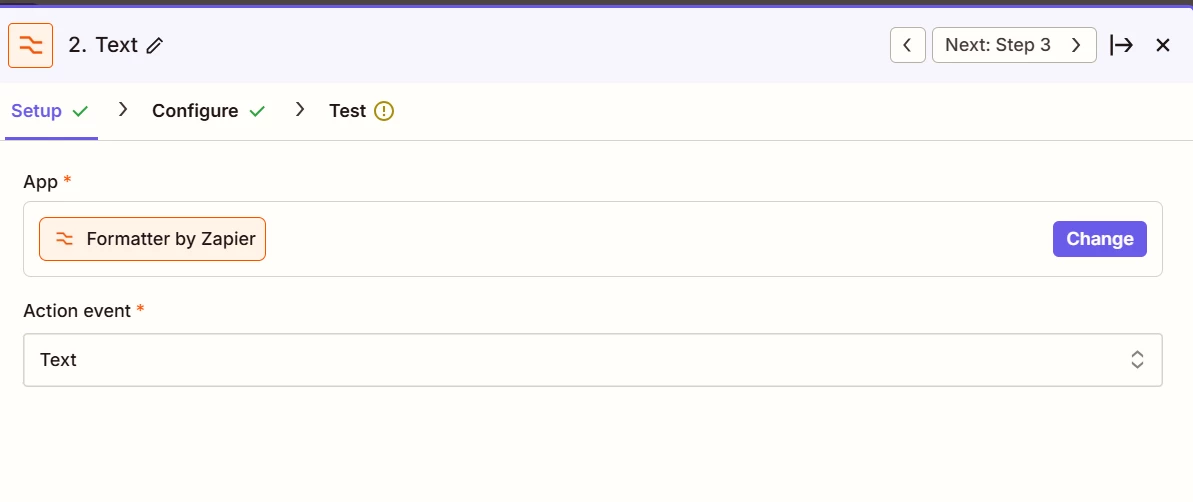
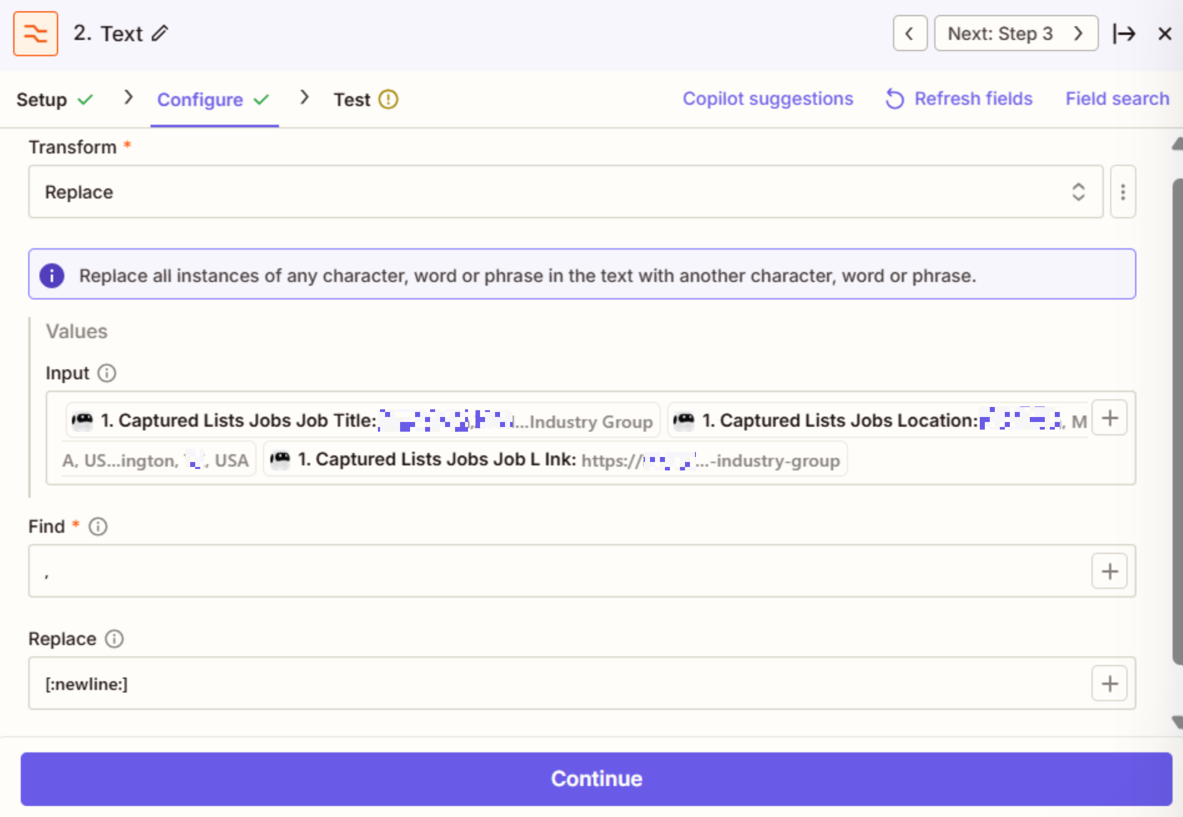
For us to have more info, post these screenshots:

  • how the DATA OUT is returned from the origin step
  • how the Formatter step is configured in EDIT mode


  • Author
  • Beginner
  • July 18, 2025

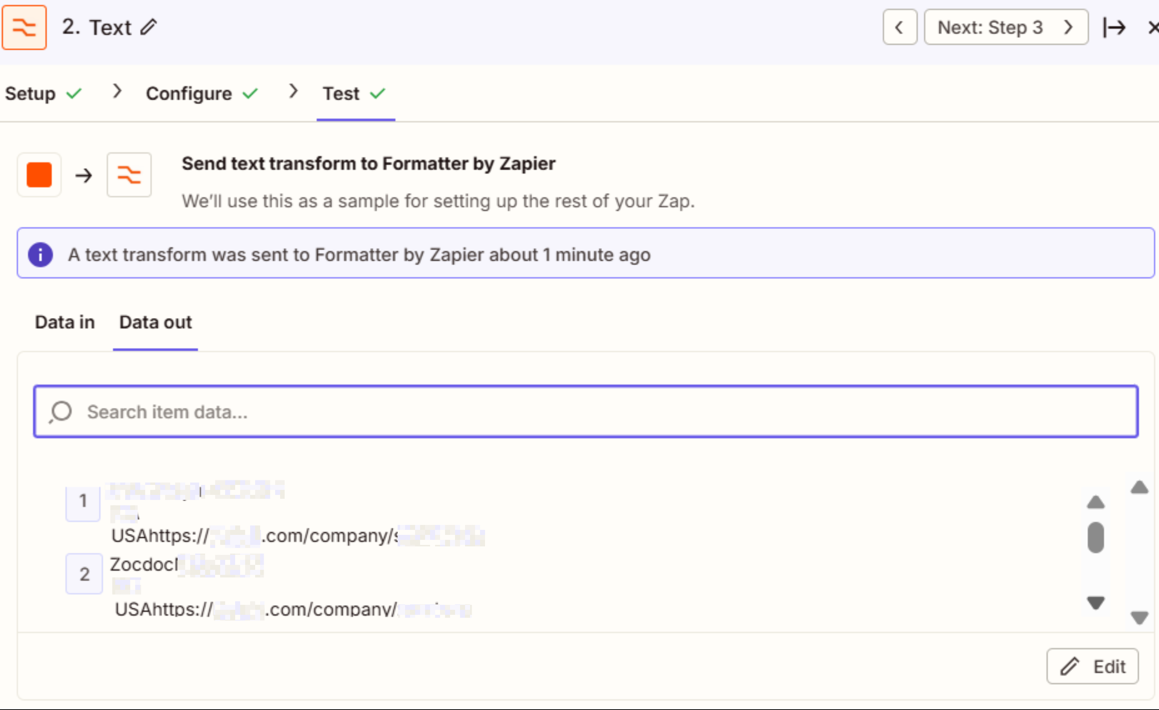
Data out

but in the new task I am sending the email of this, where everything is in one line with comma in it

This post has been edited by a moderator to remove potentially personally identifiable information (PII). Please remember that this is a public forum and avoid sharing sensitive details.


Troy Tessalone
Zapier Orchestrator & Solution Partner
Forum|alt.badge.img+14
  • Zapier Orchestrator & Solution Partner
  • July 18, 2025

@nm1989 

For us to have full context, we would need to see screenshots with how all of your Zap steps are configured in the CONFIGURE tab while in EDIT mode.

Also, post screenshots showing the DATA OUT from Zap step 1.


  • Author
  • Beginner
  • July 18, 2025

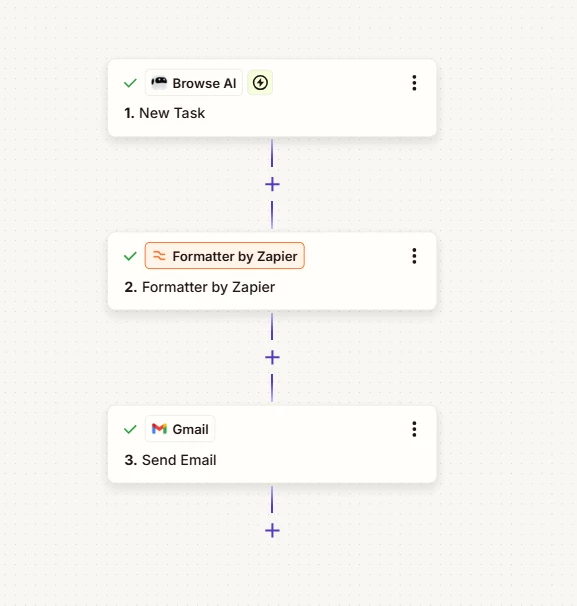
it looks like this , but I am getting mail like below

CompanyNameCity
 XX
 USAhttps://XXXXXXX.com/company/CompanyName,CompanyNameCity
 XX

instead of 
CompanyName, City, XX, USA, https://XXXXXXX.com/company/CompanyName,CompanyName

>CITY, XX

This post has been edited by a moderator to remove potentially personally identifiable information (PII). Please remember that this is a public forum and avoid sharing sensitive details.


Troy Tessalone
Zapier Orchestrator & Solution Partner
Forum|alt.badge.img+14
  • Zapier Orchestrator & Solution Partner
  • July 18, 2025

@nm1989 

You need to post these screenshots:

  • how your Zap step 1 is returning data out from the TEST tab
  • how your Zap step 3 is configured in the CONFIGURE tab