Question

How to Integrate ServiceNow and Clickup?

  • July 6, 2026
  • 1 reply
  • 32 views

How to Integrate ServiceNow and Clickup ?

we want to create task in ServiceNow from Clickup via Zapier. How we can do this ?

which table will be used in ServiceNow for task creation from Clickup via Zapier ?

After this Integration how the task will be synch on both end. if some one update the Task status in Clickup then it also need to update in Servicenow Task. how it can be achieve ?

Please suggest me on this, any little idea can solve our questions.

1 reply

robintrainward
Zapier Orchestrator & Solution Partner
Forum|alt.badge.img
  • Zapier Orchestrator & Solution Partner
  • July 7, 2026

Hi ​@Anuj

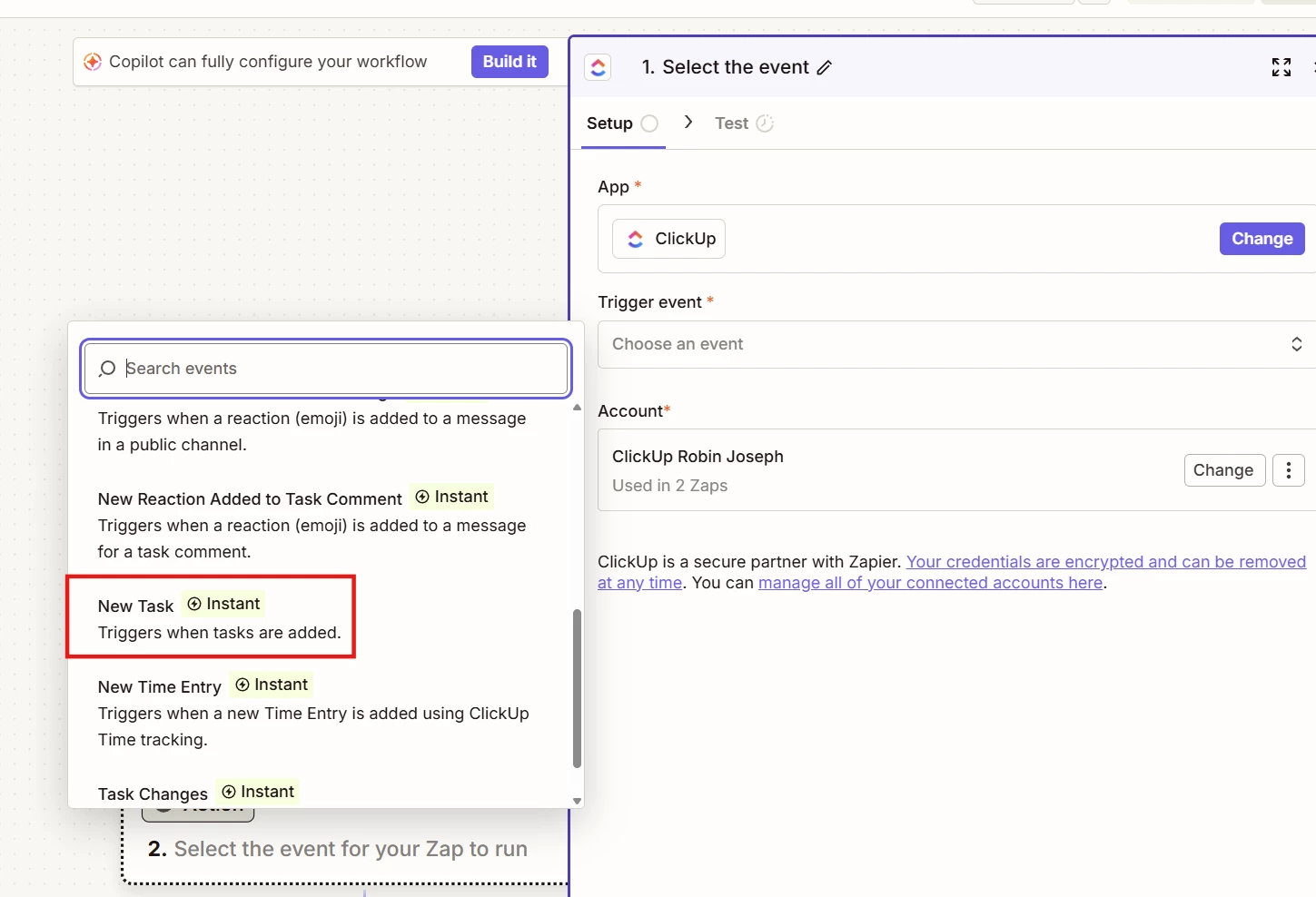
You can start with Zapier's New Task trigger in ClickUp. This will trigger your Zap and make the task details available to create a record in ServiceNow.

My thoughts:

  • The SN Table depends on what you're creating. If you're creating a generic task, use the Task table. If you're creating something more specific (such as an Incident, Change Request, or Problem), use the corresponding ServiceNow table instead.
  • For a two-way sync, you'll need a way to associate the ClickUp task with the ServiceNow record. One option is to store the mapping in a Zapier Table with columns like ClickUp Task ID and ServiceNow ID. An even better approach is to add a custom field in ClickUp that holds a “sn_id” after a successful initial sync. 
  • Once that relationship exists, you can build a second Zap that triggers when either record is updated, looks up its counterpart using the stored ID, and updates the matching record.

There’s a few other things that can cause this integration to go haywire. Make sure to introduce protections to prevent infinite update loops and factoring in how sub-tasks play into this integration can get quite complex.


Hope this helps or at least is a good starting point!