Question

How to import order info from Printavo into Excel and replace when updated

  • November 23, 2021
  • 1 reply
  • 34 views

Hello All,

I am currently using a zap to import order information from Printavo into an excel spreadsheet whenever order information is changed.  Sometimes I will make multiple changes to the same invoice number and I would like to replace the old information with the new information based on having the same Invoice #.  I do not want to have multiple rows with the same invoice number.  Is this something that can be done with Formatter or do I need a VBA macro to perform such actions.  Thanks so much for your help!

This post has been closed for comments. Please create a new post if you need help or have a question about this topic.

1 reply

Troy Tessalone
Zapier Orchestrator & Solution Partner
Forum|alt.badge.img+14
  • Zapier Orchestrator & Solution Partner
  • November 23, 2021

Hi @rshenk3 

Try these Zap steps.

Steps

  1. Trigger: Printavo - Updated Quote/Invoice
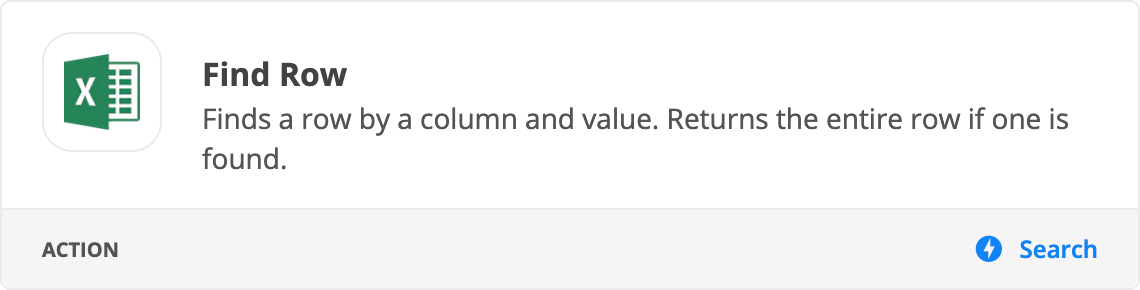
  2. Action: Excel - Find Row
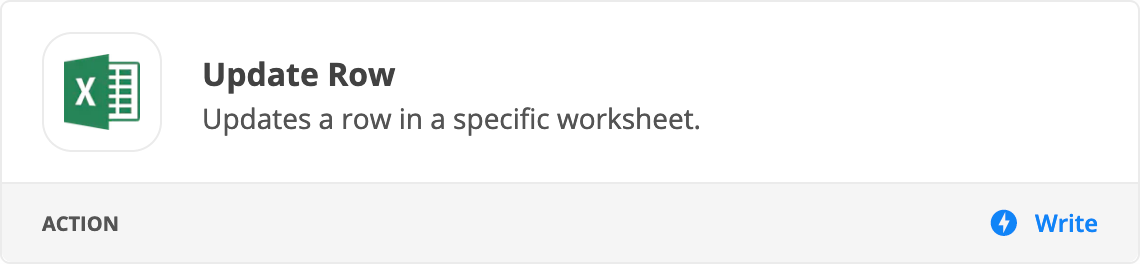
  3. Action: Excel - Update Row (map the Row ID from Step 2)