Best answer

How to identify which payment link was used for a specific Stripe payment?

  • November 21, 2023
  • 6 replies
  • 1415 views

I've googled a lot and haven't found a suitable solution yet, probably because my knowledge of this stuff is limited. I'm using Zapier to create payment links in Stripe for various products, but when someone makes a paymentl have no way of knowing which payment link that was just used. Metadata from the payment link is not passed on to the payment in Stripe and there is no other way (what I can see) to identify which payment link that was used to do that specific payment.


What do you think, how can identify which payment link was used for that exact payment?

Best answer by Exemplet

Thank you Troy!

I noticed that a customer paying with a payment link, stripe will only create a guest customer, and that's probably why email is not collected.

So instead, when users register on my site (because they have to before buying on the site), I added a zap so when a form is filled I at the same time create a customer in Stripe.

When that customer then pays (with the same email) I CAN retrieve the email from the payment with checkout session completed.

It's not perfect but works fluent.

This post has been closed for comments. Please create a new post if you need help or have a question about this topic.

6 replies

Troy Tessalone
Zapier Orchestrator & Solution Partner
Forum|alt.badge.img+14
  • Zapier Orchestrator & Solution Partner
  • November 21, 2023

Hi @Exemplet 

Good question.

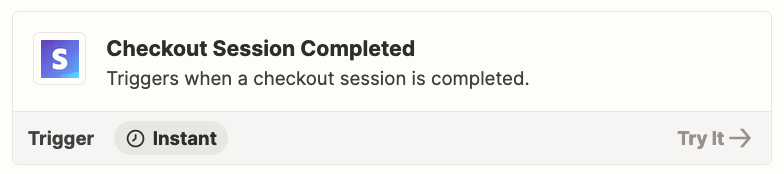
Try using this Zap trigger: Stripe - Checkout Session Completed

Then you can use a Filter in Step 2.


  • Author
  • New
  • November 22, 2023

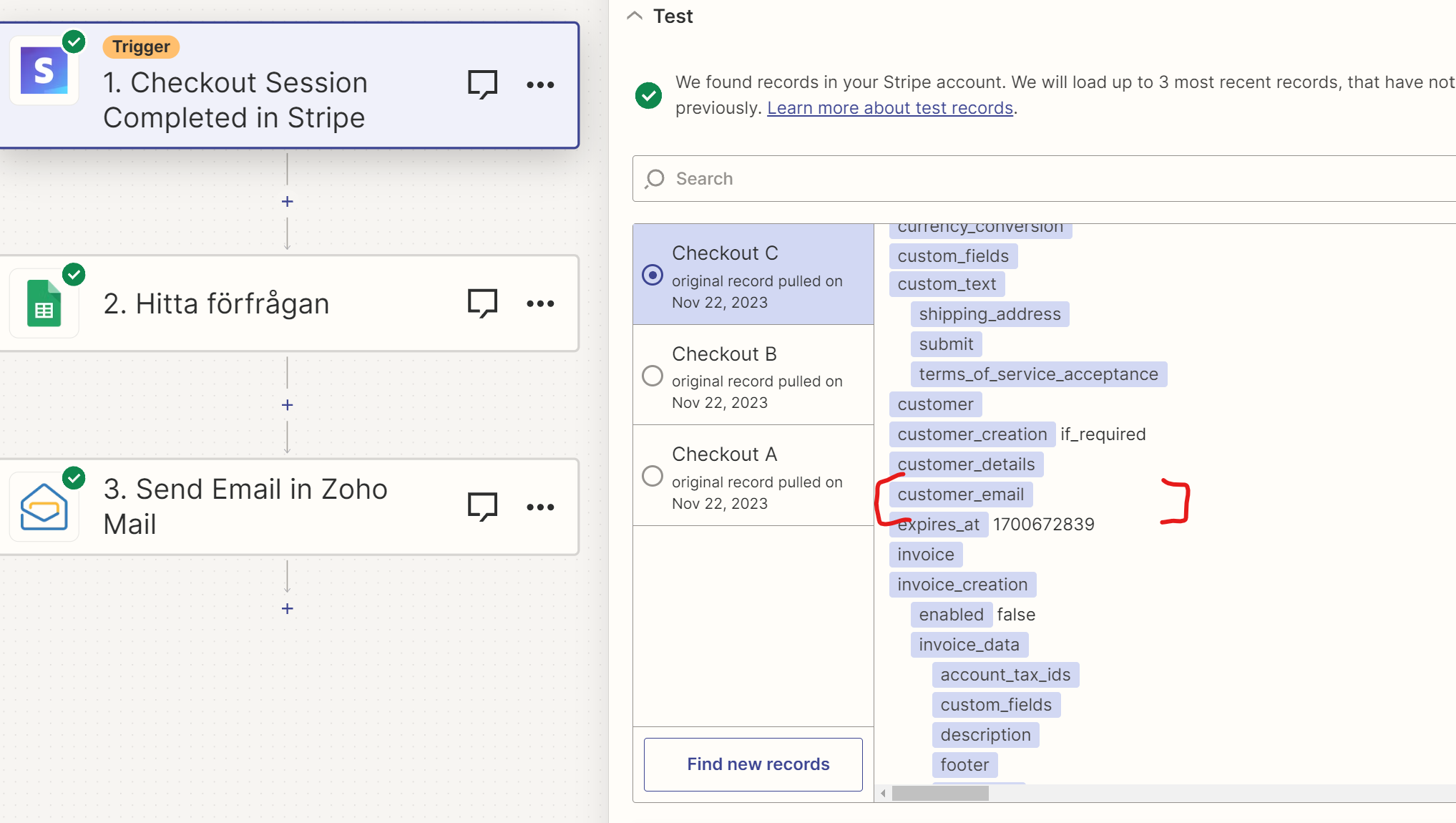
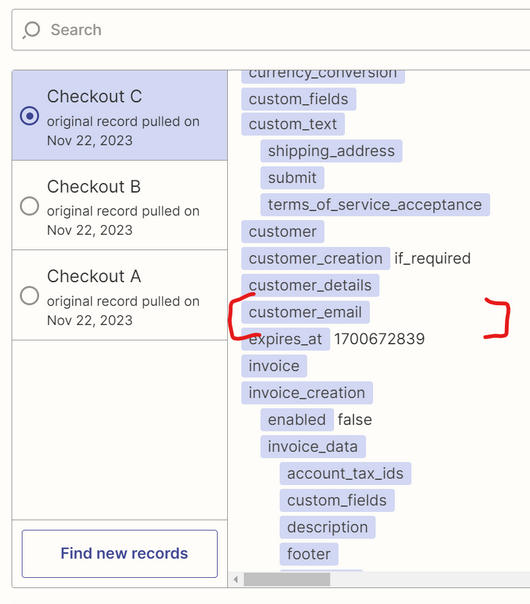
Thank you! That worked great, but now I can't see the customers email address or any identification of who made the payment, is there a way to retrieve that at the same time or some other way?

I still can't identify which payment belongs to which payment link, and vice versa. With "checkout session completed" I can see the other side of the information but loses for example customer email.

If I had two payment links and two payments at the same time, I would not know which payment came from which payment link, without checking manually.


Troy Tessalone
Zapier Orchestrator & Solution Partner
Forum|alt.badge.img+14
  • Zapier Orchestrator & Solution Partner
  • November 22, 2023

@Exemplet 

Try searching for @ to see which examples (A, B, C, etc.) have an email address.

Some of the listed examples may be for incomplete checkouts (i.e. not paid), so those won’t have customer info.

You may need to submit a real test then [Find new records] to pull thru fresh examples to use to configure the Zap action steps.


Troy Tessalone
Zapier Orchestrator & Solution Partner
Forum|alt.badge.img+14
  • Zapier Orchestrator & Solution Partner
  • November 22, 2023

@Exemplet 

The returned data from Stripe should include these data points:

  • plink_XXXXX: this is an ID of a payment link
  • prod_XXXX: this is the ID of a product
  • price_XXXX: this is the ID of a price associated to a product

  • Author
  • New
  • Answer
  • November 22, 2023

Thank you Troy!

I noticed that a customer paying with a payment link, stripe will only create a guest customer, and that's probably why email is not collected.

So instead, when users register on my site (because they have to before buying on the site), I added a zap so when a form is filled I at the same time create a customer in Stripe.

When that customer then pays (with the same email) I CAN retrieve the email from the payment with checkout session completed.

It's not perfect but works fluent.


ken.a
Forum|alt.badge.img+6
  • Zapier Staff
  • November 23, 2023

That’s awesome @Exemplet! Really appreciate you sharing your workaround for the workflow. It's super helpful, and I'm sure it'll be a great tip for other amazing members in our Community facing similar challenges.

If you have any other questions, please don’t hesitate to reach out to the Community. We’re always happy to help! 🤗