
Hi all,
I have an excel spreadsheet which contains data submitted from 3 different jotforms. Is there a way I can use Zapier and any external apps to create a PDF document from a template, and export data from one row into that PDF? Please note I dont want to export the entire spreadsheet.
Thanks.

Best answer
How to export a single row to pdf document
- Beginner
Best answer by SamB
Thanks for getting back to me
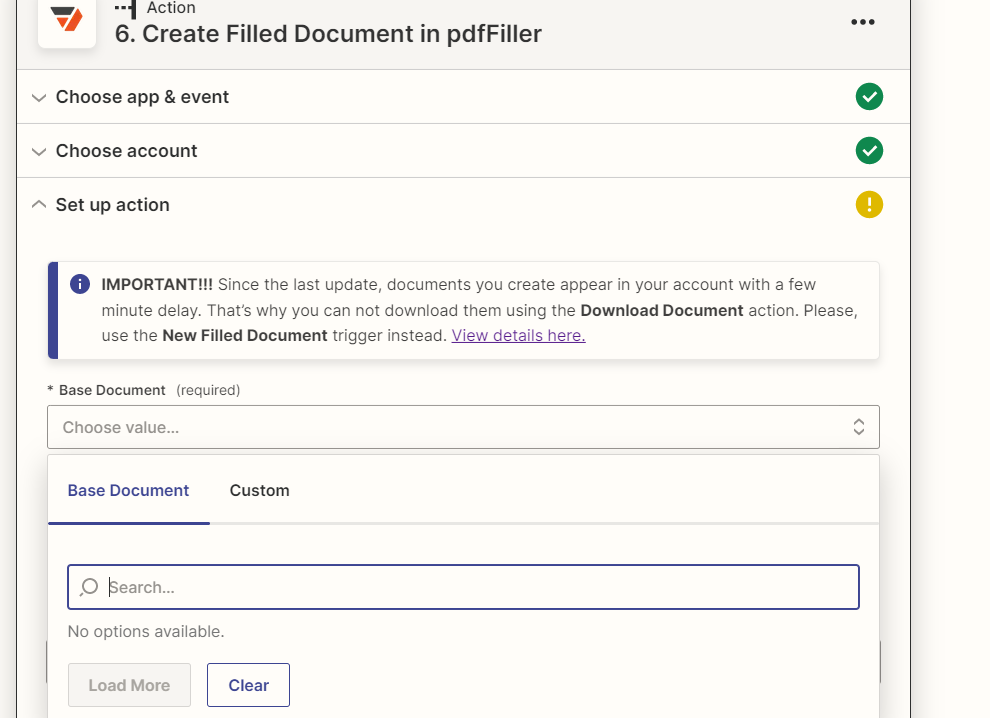
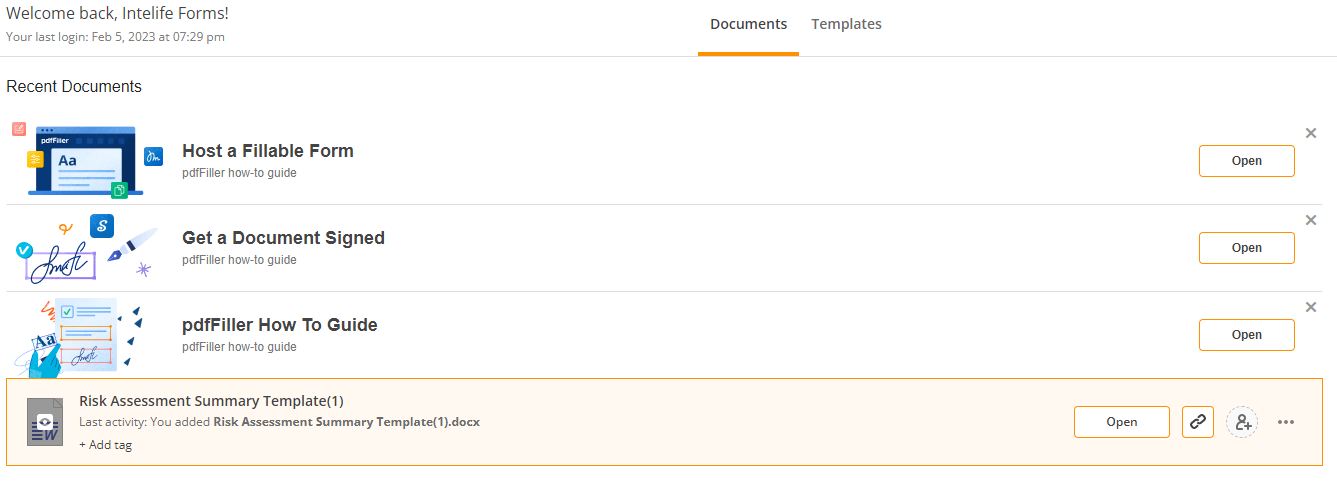
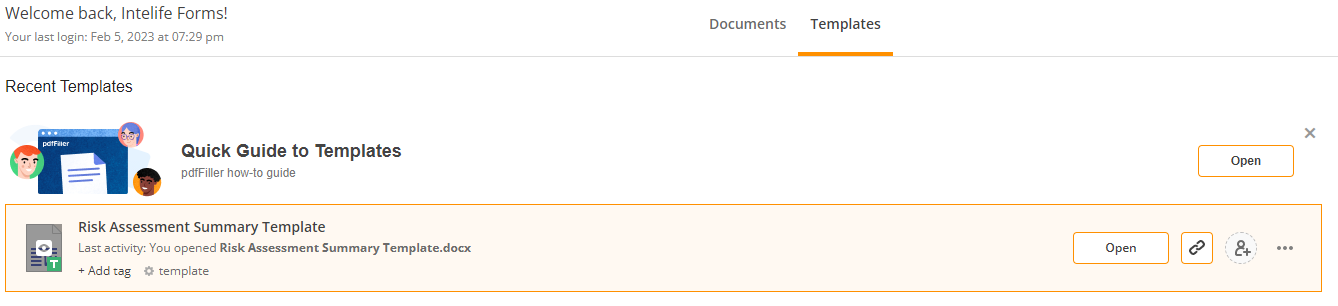
Hmm, that’s odd. Does the “Risk Assessment Summary Template” template have any fields added to it?
If the template doesn’t have any fields, can you try the following:
- Add the fields you want to have filled out it to the template in PDFfiller.
- Once that’s done, save the template.
- Then go back to the Zap and see if you’re then able to load the template.
If it already has fields in the template, can you try:
- Adding a new field to the template in PDFfiller.
- Save the template.
- Remove the new field that was added.
- Save the template again.
- Go back to the Zap to see if the template then appears.
Can you give the above steps a try, as appropriate, and let us know if that then allows you to select the template as the Base Document?
Looking forward to hearing how this goes!
This post has been closed for comments. Please create a new post if you need help or have a question about this topic.





ZapConnect 2026 is coming
Join us September 23rd, 2026 for a free, one-day virtual event with 30+ sessions on AI automation. Get live build-alongs, playbooks, and strategies to lead AI transformation at your organization.
Log in to the Community
No account yet? Create an account
Use your Zapier credentials
Log in with ZapierEnter your E-mail address. We'll send you an e-mail with instructions to reset your password.