
Question

How to download and view your database in Zapier

  • Jun 12, 2025 6:05 PM UTC
  • 5 replies
  • 111 views

Hello

I am trying to download my current database but have no idea how to do this. I am new to Zapier and would like to see what was previously built into the database I have access to.


Thank you,

Lorenzo



This post has been closed for comments. Please create a new post if you need help or have a question about this topic.

5 replies

Troy Tessalone
Zapier Orchestrator & Solution Partner
Forum|alt.badge.img+14
  • Zapier Orchestrator & Solution Partner
  • Jun 12, 2025 6:07 PM UTC

Hi ​@LorenzoZinetti 

What database app are you trying to use? (name)


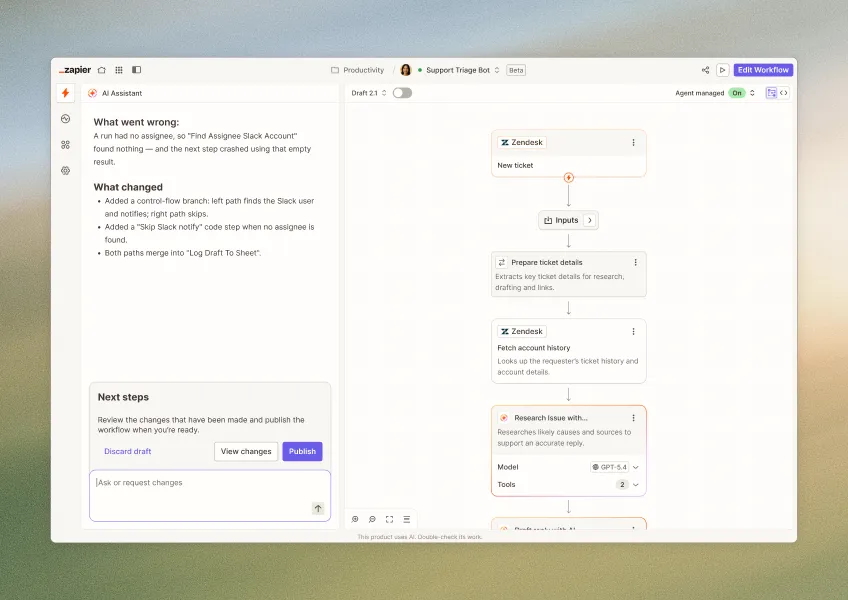
Zapier is connected to woocommerce and I have attached a screenshot and trying to see the database. My website is down and need to fix it but first need to see what is in Zapier to verify the right data. I have never used Zapier so please bare with me.


Thank you,

Lorenzo


Troy Tessalone
Zapier Orchestrator & Solution Partner
Forum|alt.badge.img+14
  • Zapier Orchestrator & Solution Partner
  • Jun 12, 2025 6:19 PM UTC

​@LorenzoZinetti 

Which app are you trying to see the database for?

  • Gravity Forms
  • WooCommerce
  • Website (WordPress)

​@Troy Tessalone 


WooCommerce but has per my original image I see gravity forms is linked in as well.


Troy Tessalone
Zapier Orchestrator & Solution Partner
Forum|alt.badge.img+14
  • Zapier Orchestrator & Solution Partner
  • Jun 12, 2025 7:35 PM UTC

​@LorenzoZinetti 

Gravity Forms Zap app: 

WooCommerce Zap app:

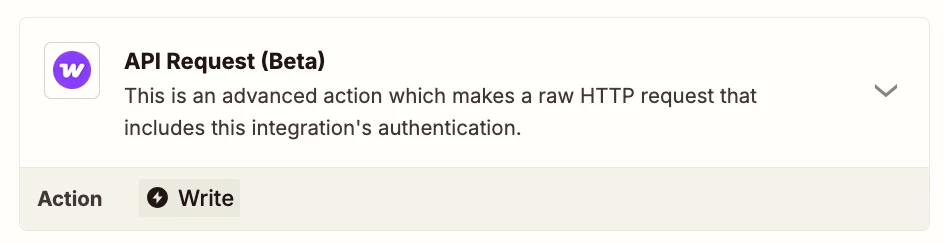
You may need to try using the WooCommerce API: https://woocommerce.com/document/woocommerce-rest-api/

Zap action: WooCommerce - API Request