Question

How to connect Attio and JIRA using Zapier?

  • January 8, 2026
  • 2 replies
  • 19 views

What would be the best method for connecting Attio and JIRA with a ZAP to match a user on both platforms?

2 replies

Sparsh from Automation Jinn
Forum|alt.badge.img+6

Hey ​@filipe falcao,

Here are all the triggers/ actions for Attio integration in Zapier- https://zapier.com/apps/attio/integrations

Here are all the triggers/ actions for Jira integration in Zapier- https://zapier.com/apps/jira-software-cloud/integrations

For matching a user from both platform, there should be unique identifier like Email or an ID. You can get by matching on Name as well but it may not be as consistent.

This is a sample workflow-

  • Record Create Attio trigger 
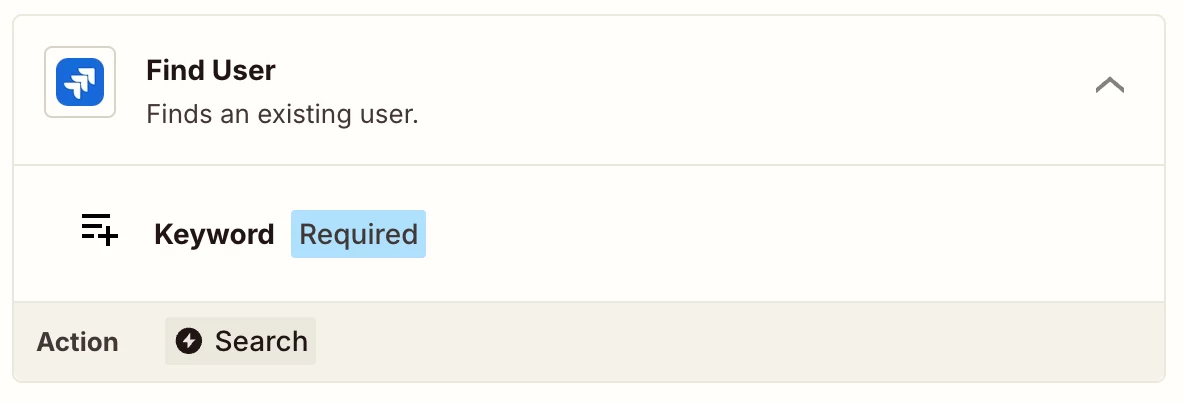
  • Find User action


You can pass a keyword dynamically from the trigger. This is sample workflow and you may need to add other actions like Filter, Formatter etc as workflows are usually personalized to user’s needs. Hope it helps!


drtanvisachar
Forum|alt.badge.img+3

Best approach is to match users by email since both Attio and Jira support it.

Trigger the Zap when a user is created or updated in one app, then use a Find User step in the other app with the email. If no match is found, either create the user or stop the Zap to avoid duplicates. A Formatter step helps if emails need cleanup.

Helpful links:

https://help.zapier.com/hc/en-us/articles/8496288691597-Find-or-create-records-in-Zaps
 

https://help.zapier.com/hc/en-us/articles/8496292666253-How-to-prevent-duplicates-in-Zapier