Question

How to automate Excel file to CRM

  • June 10, 2023
  • 1 reply
  • 27 views

Dipak

I need automate from Excel file to CRM.

In Excel File, this field is there.

Product Name Description Image 1 Image 2 Video Before Package 1 (feet) After Package 1 (feet) Dimension Length 1 (cm) Dimension Width 1 (cm) Dimension Height 1 (cm)
<text> <paragraph> <link> <link> <link> <number> <number> <number> <number> <number>


All data will come in CRM after uploading this file.


Please tell me how to automate ?

This post has been closed for comments. Please create a new post if you need help or have a question about this topic.

1 reply

Troy Tessalone
Zapier Orchestrator & Solution Partner
Forum|alt.badge.img+14
  • Zapier Orchestrator & Solution Partner
  • June 10, 2023

Hi @Dipak 

Good question.


  1. Where is the file being uploaded?
  2. What is the file format? (Excel or CSV)
  3. Which CRM app are you using?


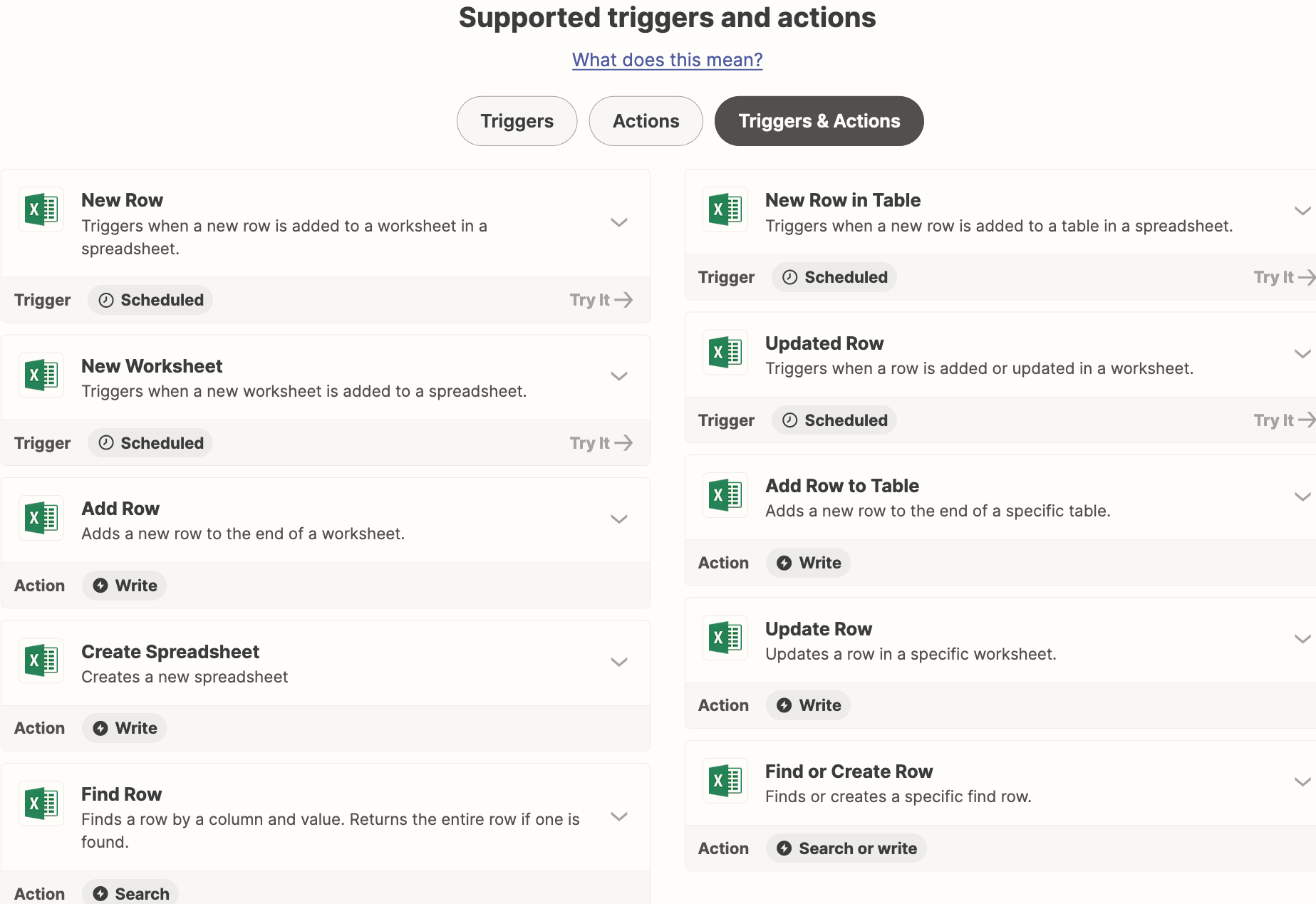
Excel has these available Zap triggers/actions.