Best answer

How to auto-complete ClickUp task when Shopify order is fulfilled

  • September 9, 2025
  • 4 replies
  • 44 views

I currently have a Zap that creates a ClickUp task whenever a new Shopify order is placed. I want Zapier to automatically archive/complete that same ClickUp task once the order is marked as fulfilled in Shopify.

How do I link the fulfillment event to the original task so Zapier updates the right one?

Best answer by Sparsh from Automation Jinn

Hey ​@Tom21,

You are giving for multiple Task Id in ClickUp that’s why you are getting this error. In the second zap of Find a List of All Tasks action, filter by the the Order Number custom field(assuming it’s unique and you can map it from New Fulfilled Order trigger). Once you give a single Task Id in ClickUp action it will be able to archive or delete a task. Hope it helps.

PS: If you need more active help, I’m happy to connect through my Zapier Solution Partner page if you’d like to reach out here- https://zapier.com/partnerdirectory/automation-jinn

This post has been closed for comments. Please create a new post if you need help or have a question about this topic.

4 replies

Sparsh from Automation Jinn
Forum|alt.badge.img+6

Hey ​@Tom21,

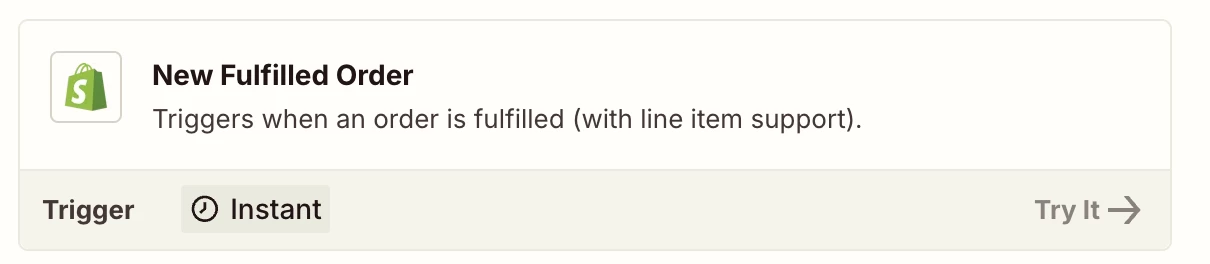
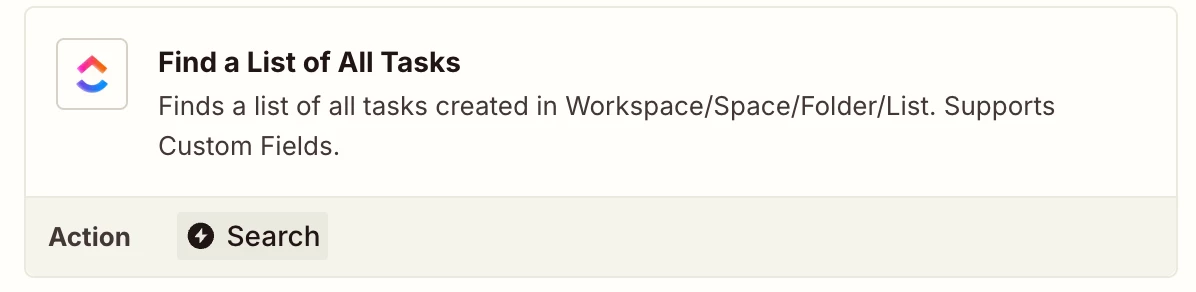
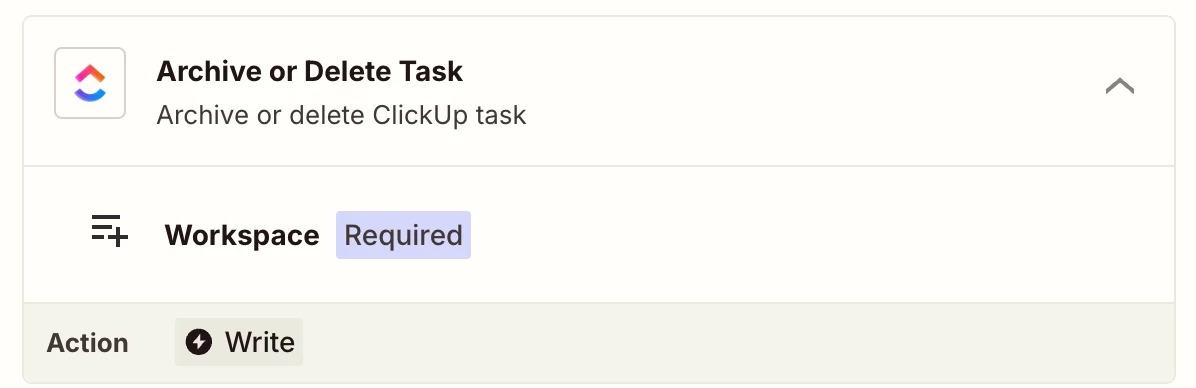
You can use New Fulfilled Order trigger in Shopify to get the details whenever the order is fulfilled. Your workflow will look something like this-

  • New Fulfilled Order( Shopify Trigger)
  • Find a List of All Taks( Search for Shopify order)
  • Archive or Delete Task action


Hope it helps!


  • Author
  • Beginner
  • September 10, 2025


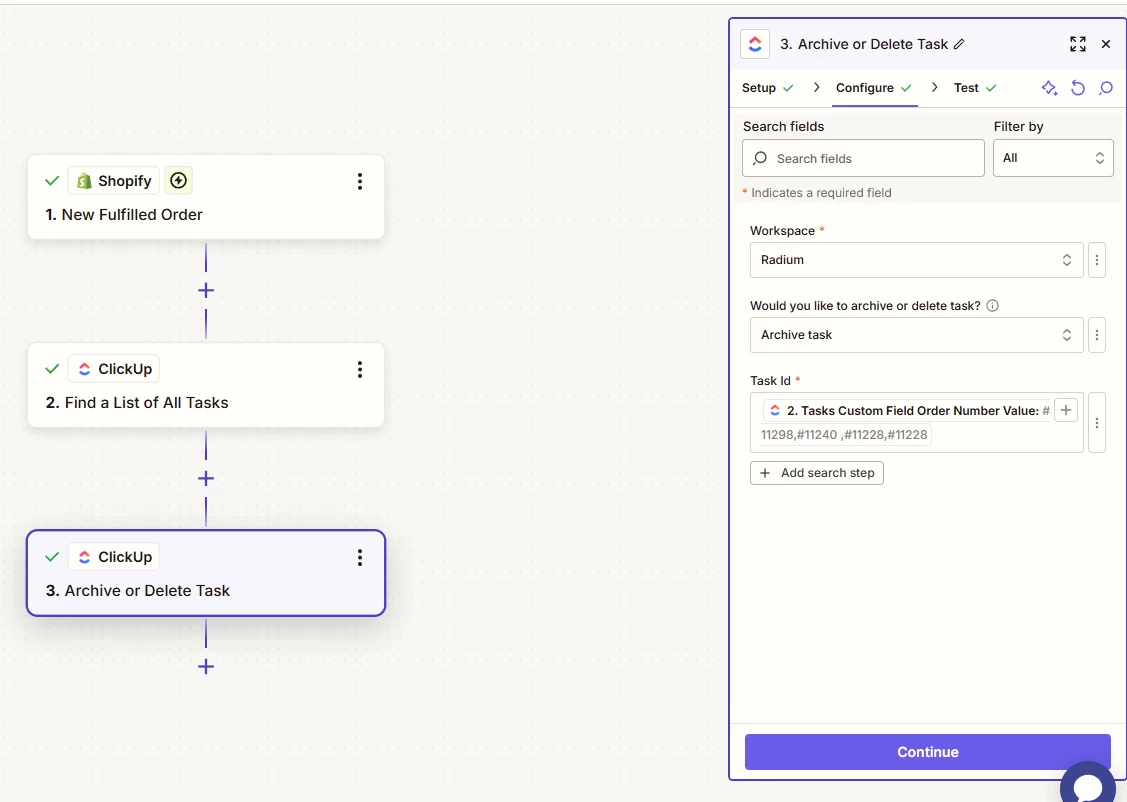
What will I need to put as task ID?

Because at the moment, I get this error:

Failed to create an archive or delete task in ClickUp
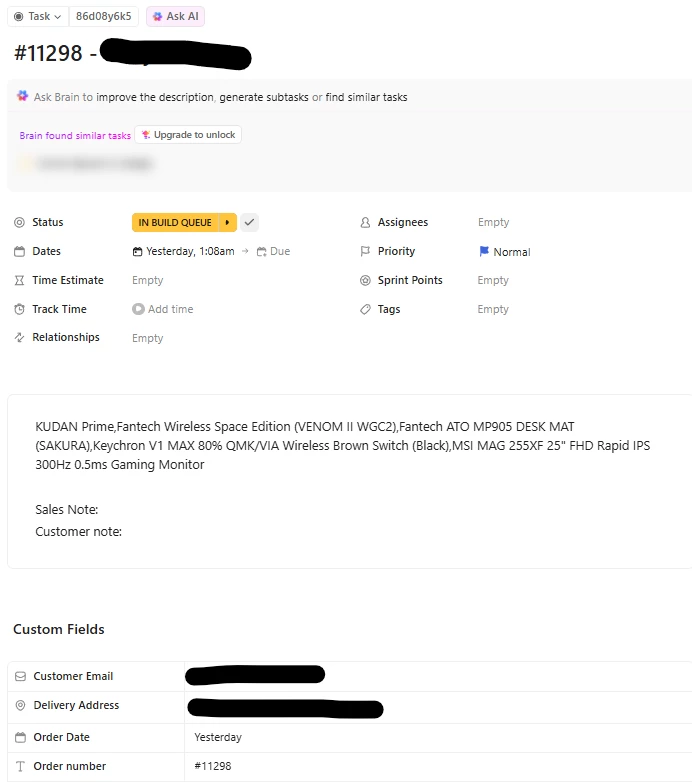
Error from halted execution: Invalid task #11298,#11240 ,#11228,#11228


Zapier Flow


Clickup Task


Sparsh from Automation Jinn
Forum|alt.badge.img+6

Hey ​@Tom21,

You are giving for multiple Task Id in ClickUp that’s why you are getting this error. In the second zap of Find a List of All Tasks action, filter by the the Order Number custom field(assuming it’s unique and you can map it from New Fulfilled Order trigger). Once you give a single Task Id in ClickUp action it will be able to archive or delete a task. Hope it helps.

PS: If you need more active help, I’m happy to connect through my Zapier Solution Partner page if you’d like to reach out here- https://zapier.com/partnerdirectory/automation-jinn


  • Author
  • Beginner
  • September 10, 2025

Legend, thanks man