Best answer

How to attach spreadsheet to an automated email

  • October 31, 2021
  • 2 replies
  • 229 views

Good day everyone, 

This is my very first interaction here, and my very first time creating a zap, so please be patient with me. 


I am creating a zap that would send an email whenever a row value in the google spreadsheet gets updated, it is all working fine, but, I want it to attach the sheet itself as attachment and not only a row value. 

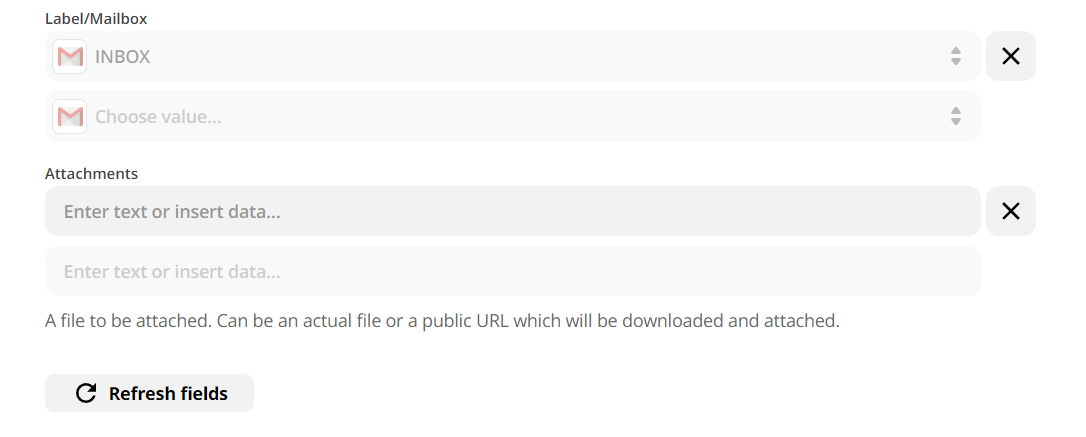
I tried posting the link of the spreadsheet in the attachment field but that didn't work.


how it can be possibly done to attach the whole sheet when sending the email. 


Thank you 

 

Best answer by jayeshkumarbhatia

Hey @Hosseios ,


I can suggest a solution a solution.  Add below action in your Zap.


  • This action is for Sharing preference of the above file, You can define whom to share the file. This action will give a shareable link which you can use in next action.
  • Now add a gmail step below that. You will get an URL from Action 3.


Hope this works for you.

This post has been closed for comments. Please create a new post if you need help or have a question about this topic.

2 replies

jayeshkumarbhatia
Forum|alt.badge.img+7
  • Zapier Solution Partner
  • Answer
  • October 31, 2021

Hey @Hosseios ,


I can suggest a solution a solution.  Add below action in your Zap.


  • This action is for Sharing preference of the above file, You can define whom to share the file. This action will give a shareable link which you can use in next action.
  • Now add a gmail step below that. You will get an URL from Action 3.


Hope this works for you.


  • Author
  • New
  • October 31, 2021

Thanks for your response ! i didn’t think of this as an option. 


works like magic , appreciated