Question

How to add subscribers to specific audience/tag in Mailchimp when a specific product is purchased in Stripe?

  • May 5, 2025
  • 13 replies
  • 49 views

I have a specific product in Stripe that I want to connect to specific tag in MailChimp. How do I do this?


This post has been closed for comments. Please create a new post if you need help or have a question about this topic.

13 replies

Troy Tessalone
Zapier Orchestrator & Solution Partner
Forum|alt.badge.img+14
  • Zapier Orchestrator & Solution Partner
  • May 5, 2025

  • Author
  • Beginner
  • May 5, 2025

Thanks! I’m trying Filters but my issue is with the Description. It’s connected to a past product and not a general Description form that I can connect to any of my products.


Troy Tessalone
Zapier Orchestrator & Solution Partner
Forum|alt.badge.img+14
  • Zapier Orchestrator & Solution Partner
  • May 5, 2025

@DaniellaQ 

Which Stripe trigger are you trying to use? (screenshot)


Try using this Zap trigger: Stripe - Checkout Session Completed

That should contain the Product ID/Name to use to filter.


  • Author
  • Beginner
  • May 5, 2025

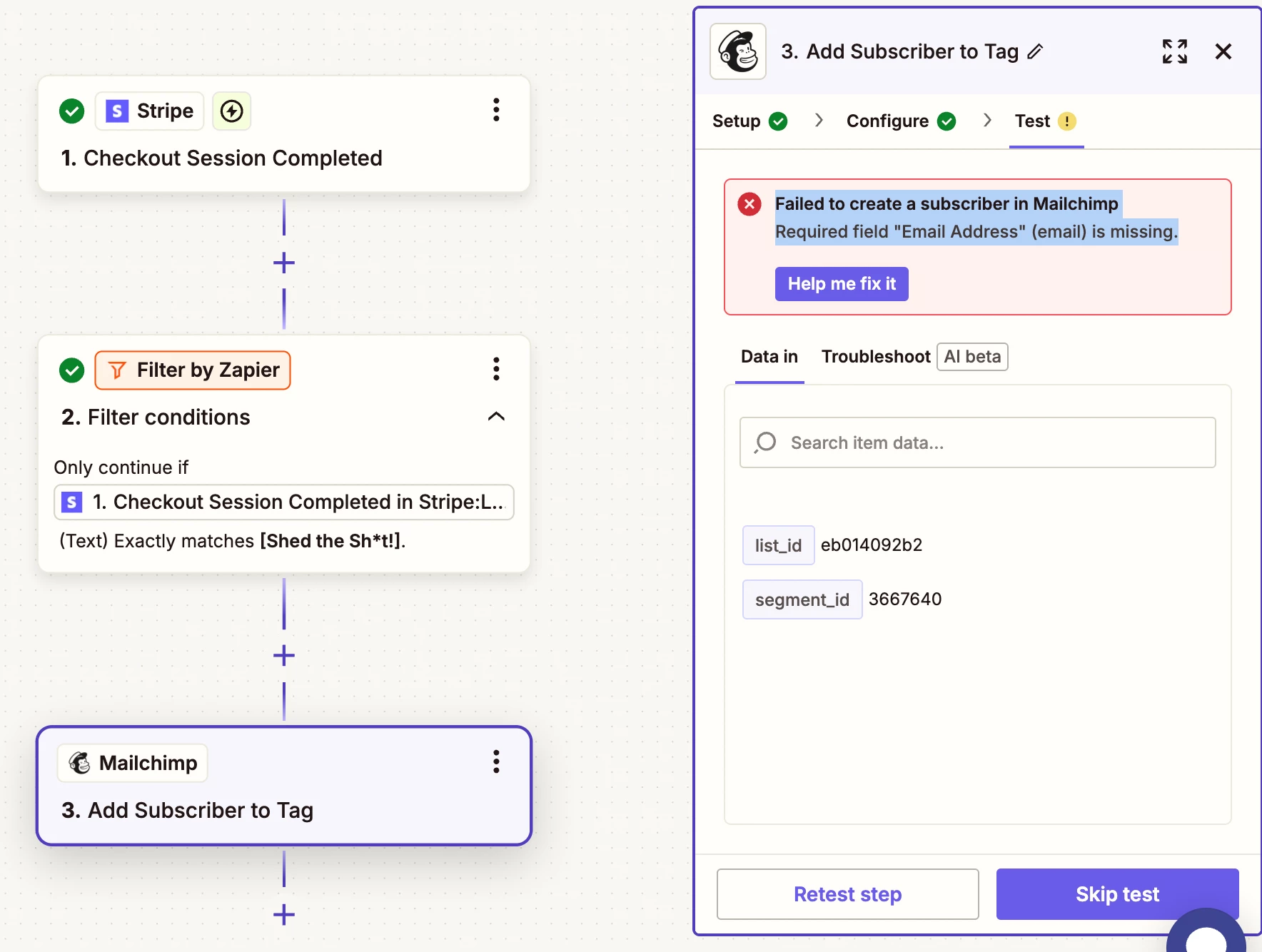
Did that, now I’m running into an issue with the MailChimp action. Audience and Tag are fine but then when I get to the Email Address, I press the plus button and add Customer Email and get this when I go click Test

Failed to create a subscriber in Mailchimp. Required field "Email Address" (email) is missing.


Troy Tessalone
Zapier Orchestrator & Solution Partner
Forum|alt.badge.img+14
  • Zapier Orchestrator & Solution Partner
  • May 5, 2025

@DaniellaQ 

For us to have more info, post screenshots showing:

  • how your Zap steps are outlined
  • how your Zap steps are configured in EDIT mode with the field mappings visible

  • Author
  • Beginner
  • May 6, 2025

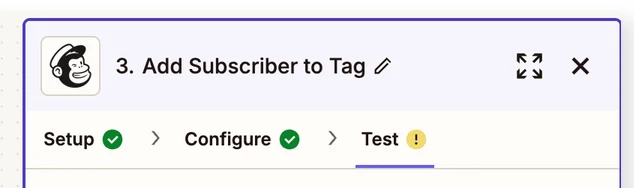
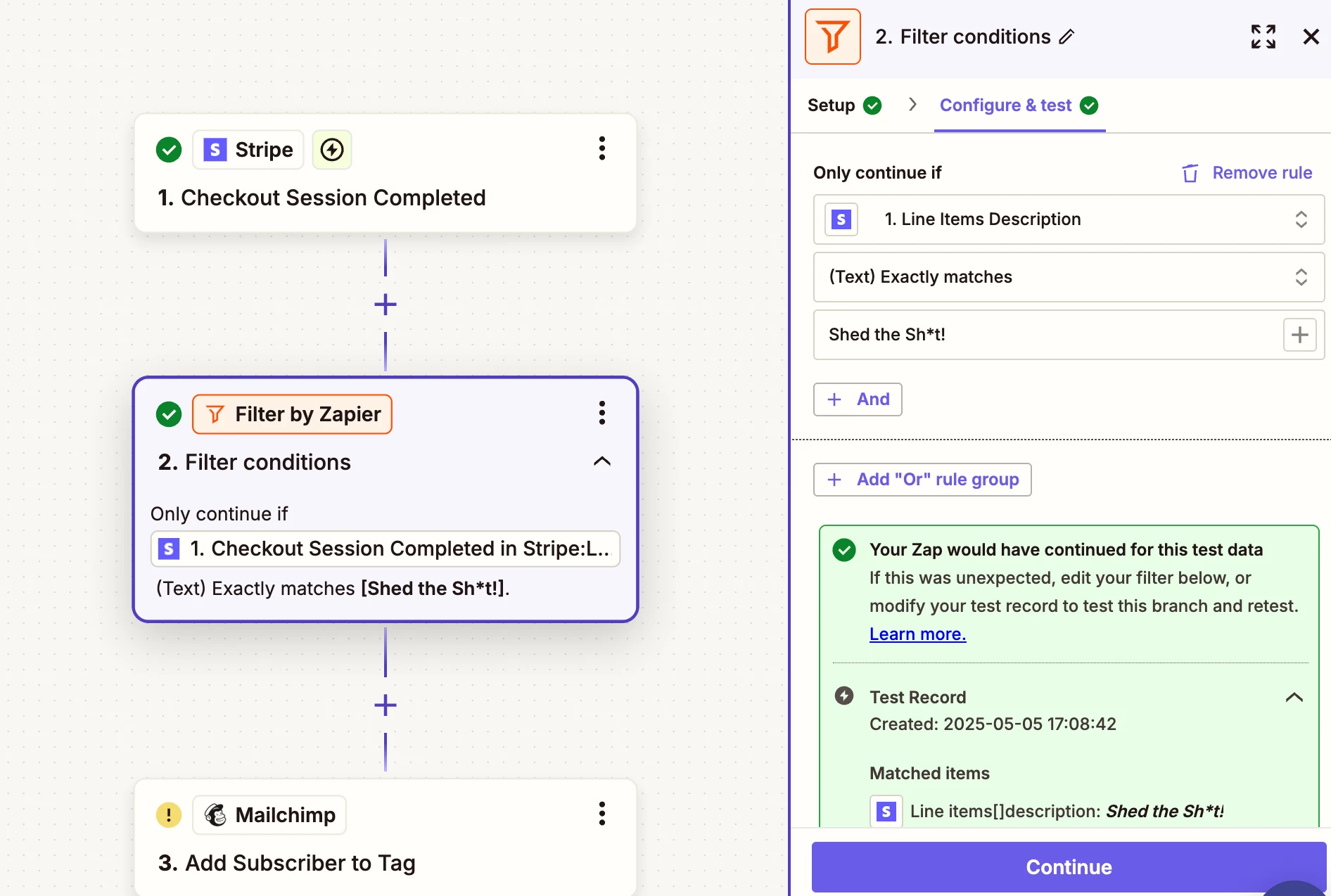
Hi! See attached, does this help? 


Troy Tessalone
Zapier Orchestrator & Solution Partner
Forum|alt.badge.img+14
  • Zapier Orchestrator & Solution Partner
  • May 6, 2025

@DaniellaQ 

Screenshot does not show how the Zap step is configured in the CONFIGURE tab.


  • Author
  • Beginner
  • May 6, 2025


Troy Tessalone
Zapier Orchestrator & Solution Partner
Forum|alt.badge.img+14
  • Zapier Orchestrator & Solution Partner
  • May 6, 2025

@DaniellaQ 

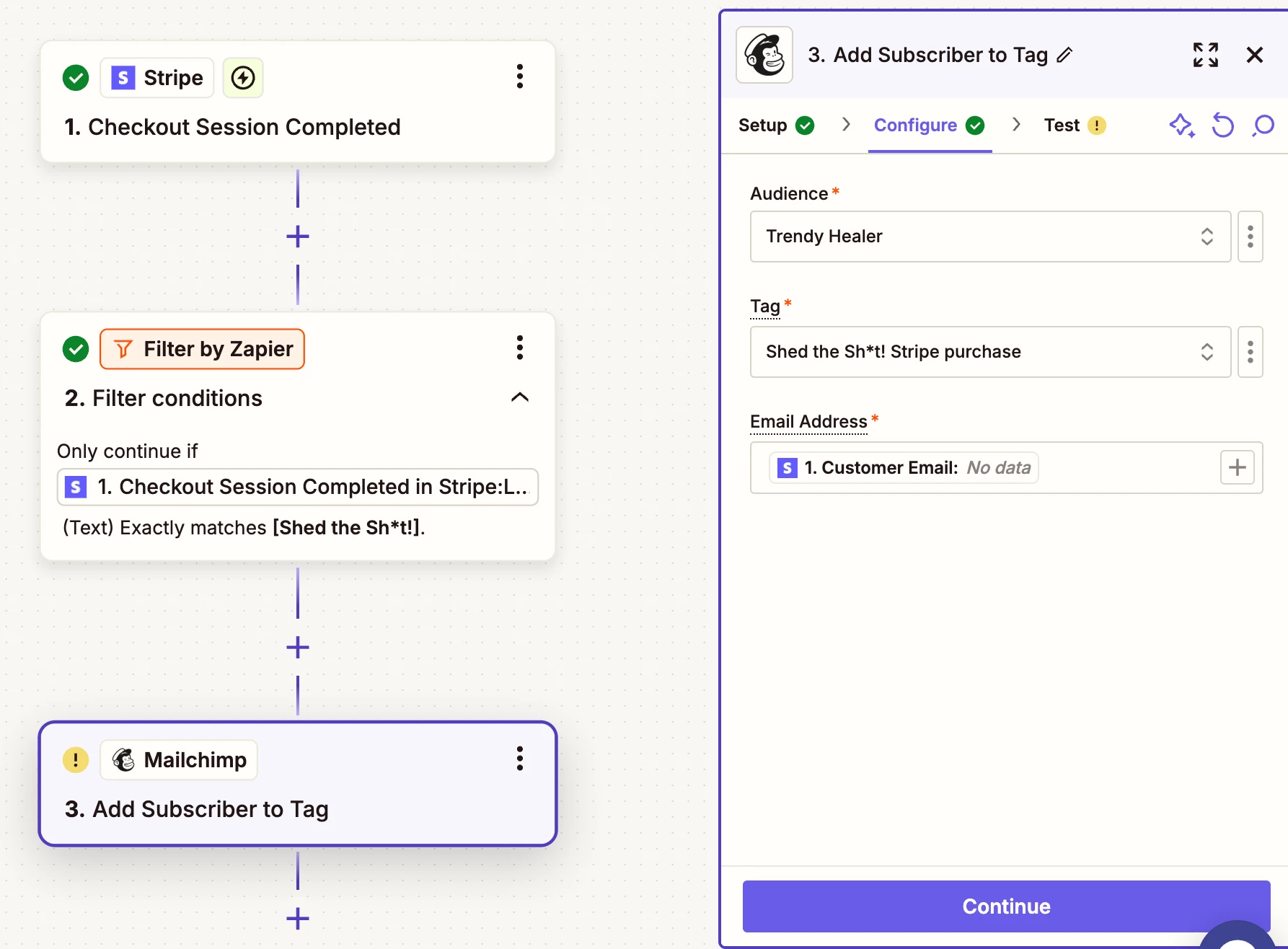
NOTE: Screenshots do not show how Zap step 3 that has the error is configured.

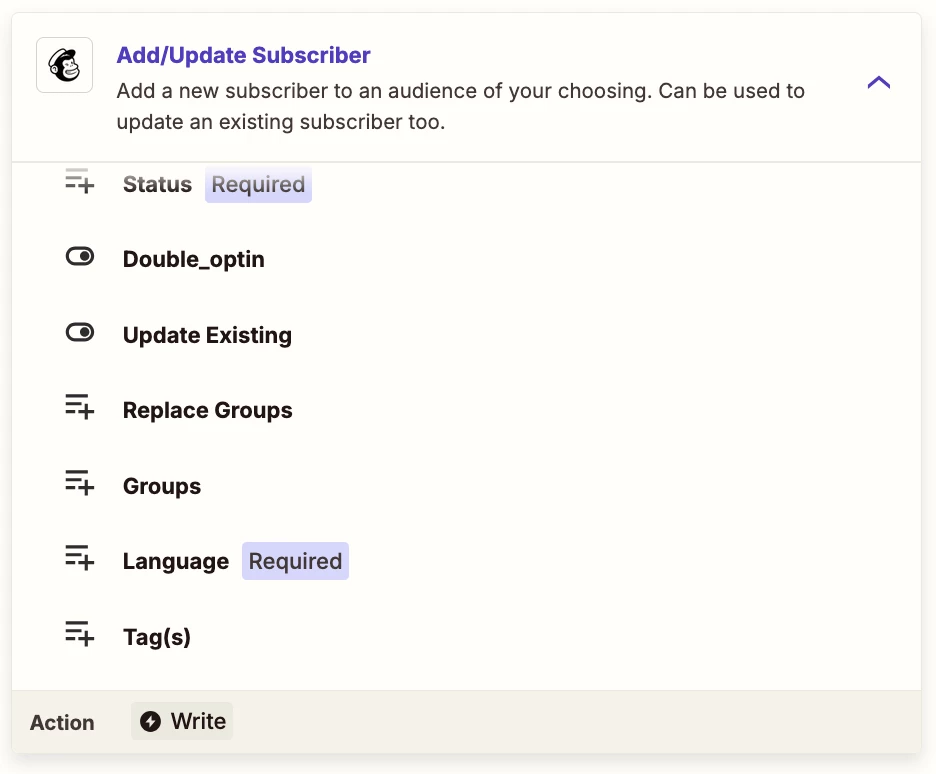
You will want to use this Zap action: Mailchimp - Add/Update Subscriber

This supports setting a Tag on the Mailchimp Subscriber.


  • Author
  • Beginner
  • May 6, 2025

Okay thank you! I’ll try the above.

and so sorry, this is all so new to me. Here is the screengrab of what you’re looking for. 


Troy Tessalone
Zapier Orchestrator & Solution Partner
Forum|alt.badge.img+14
  • Zapier Orchestrator & Solution Partner
  • May 6, 2025

@DaniellaQ 

For Zap step 3, you need to use this Zap action: Mailchimp - Add/Update Subscriber

This supports setting a Tag on the Mailchimp Subscriber.


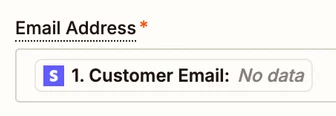
When testing, you need to use an example record from Zap step 1 in the TEST section, that has an email value for the Customer Email variable that is being used in Zap step 3, since the Email Address field is a required field.

Screenshot below shows the Email Address field mapped with the variable “Customer Email” from Stripe, but that variable has “No data” for the value, thus why the error occurs.


  • Author
  • Beginner
  • May 7, 2025

Thank you so much!


JammerS
Forum|alt.badge.img+6
  • Zapier Staff
  • May 8, 2025

Hi ​@DaniellaQ,
 
We just wanted to see how everything is going with your Zap. Did Troy's recommendation get the job done? Feel free to reach out if you need further assistance with your Zap. We're glad to address any concerns and assist you.
 
We're looking forward to your response.