Question

How to add note to contact in ActiveCampaign when an email from them is received in Outlook?

  • August 13, 2021
  • 6 replies
  • 67 views

Is it possible to integrate Outlook into ActiveCampaign?

I'm trying to sync all emails to my AC contacts. So every time my contacts sends an email via Outlook, a note will be added to their account on ActiveCampaign.

This post has been closed for comments. Please create a new post if you need help or have a question about this topic.

6 replies

robschmidt
Forum|alt.badge.img+9
  • Zapier Solution Partner
  • August 13, 2021

Hi @clrtffo 

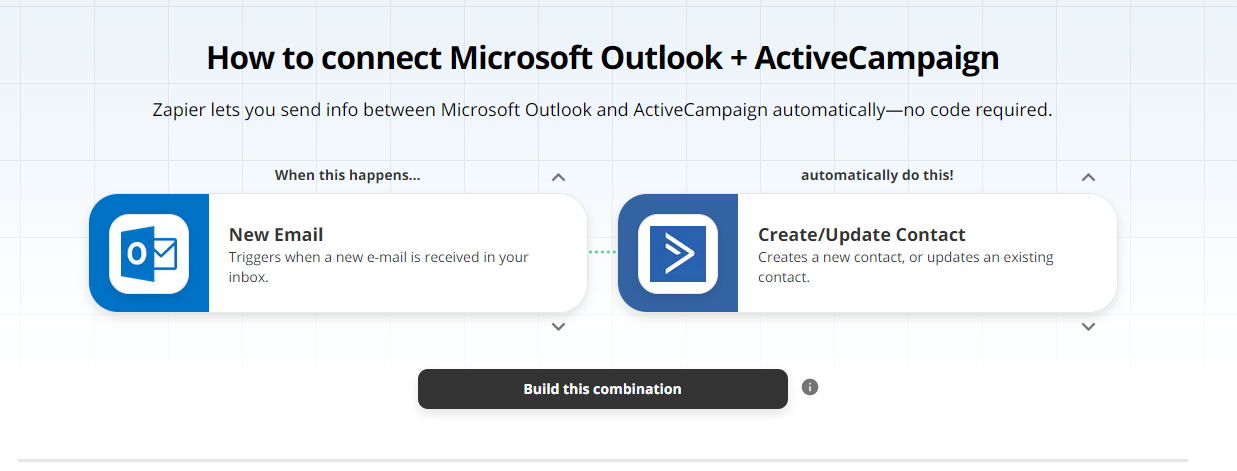
You can build this automation using this zap: https://zapier.com/apps/microsoft-outlook/integrations/activecampaign


  • August 13, 2021

Hi @clrtffo 

You can build this automation using this zap: https://zapier.com/apps/microsoft-outlook/integrations/activecampaign


Yes, I used this but it won’t work. :(


  • August 16, 2021

Is there any workaround to this?


  • New
  • August 30, 2021

Trying to get this to work as well. Nothing is sending to my AC notes. 
Pretty sure I’ve tried everything. Any one made it work? 

Goal is: When recieving an email from a client, their content is added as a note & when I send an email, the content is added as a note. To keep track of communications without having to use the built-in email client. 

Thank you


SamB
Community Manager
Forum|alt.badge.img+11
  • Community Manager
  • August 31, 2021

Hey @clrtffo and @AndreasMS,

To add a note to a contact in ActiveCampaign you might want to give the Add Contact Note ActiveCampaign action a try instead. In order to dynamically select the correct contact automatically, you’ll also want to add in a Find Contact search action. This will allow you to search for the contact in ActiveCampaign and then select it’s ID number (which will ensure ActiveCampaign knows which contact to add the note to) in the Add Contact Note step.

Hope that helps to point you in the right direction! :)


  • August 31, 2021

Hey @clrtffo and @AndreasMS,

To add a note to a contact in ActiveCampaign you might want to give the Add Contact Note ActiveCampaign action a try instead. In order to dynamically select the correct contact automatically, you’ll also want to add in a Find Contact search action. This will allow you to search for the contact in ActiveCampaign and then select it’s ID number (which will ensure ActiveCampaign knows which contact to add the note to) in the Add Contact Note step.

Hope that helps to point you in the right direction! :)

I already tried this one but the Outlook and ActiveCampaign Contact IDs aren’t the same.