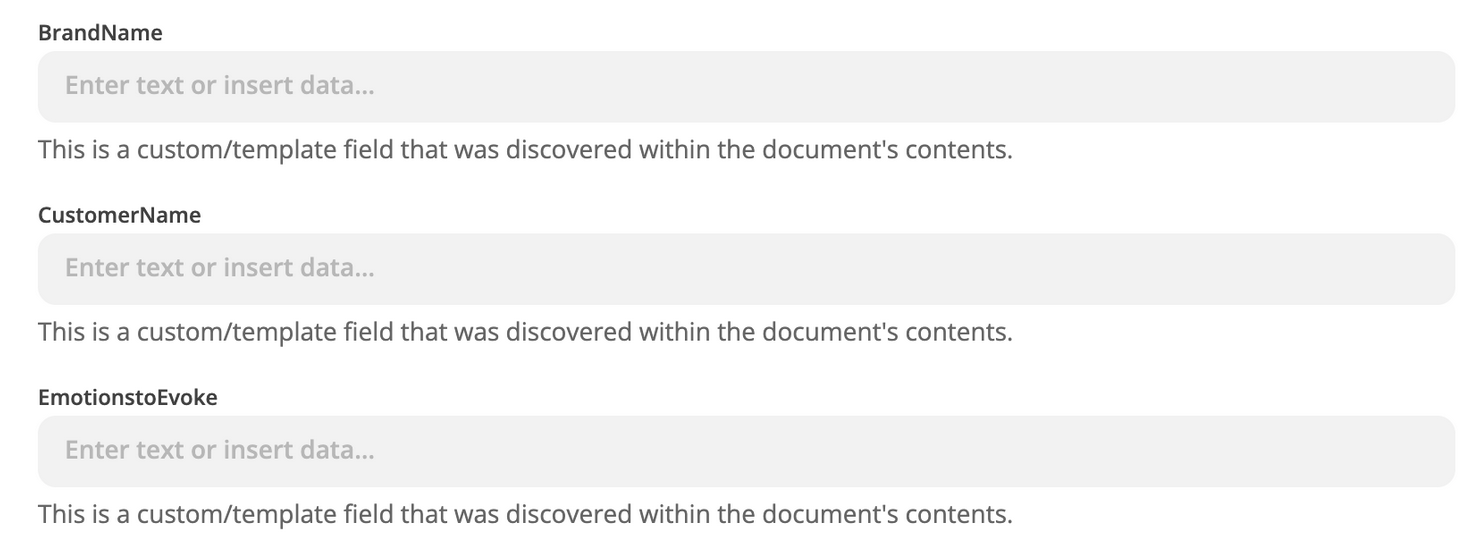
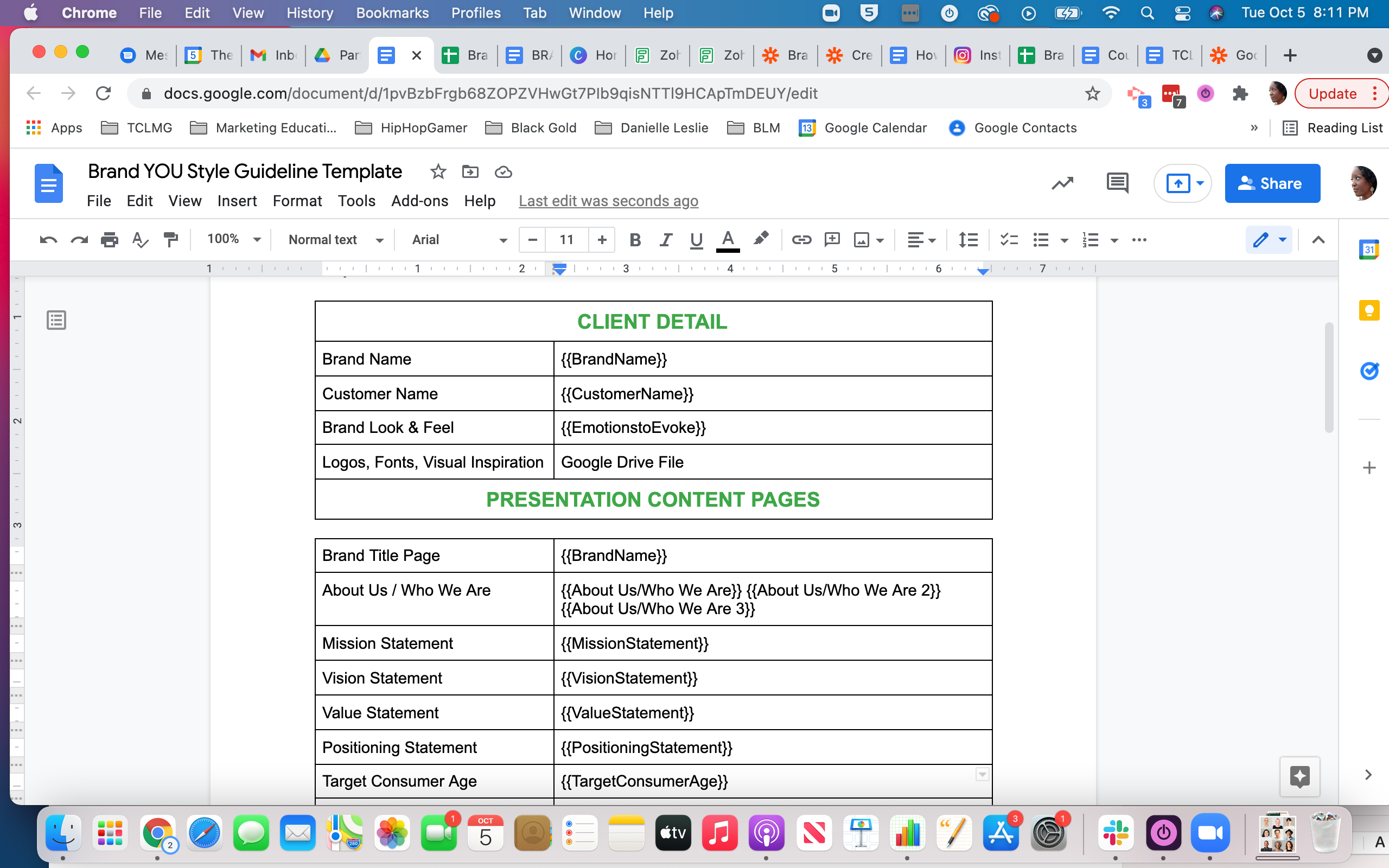
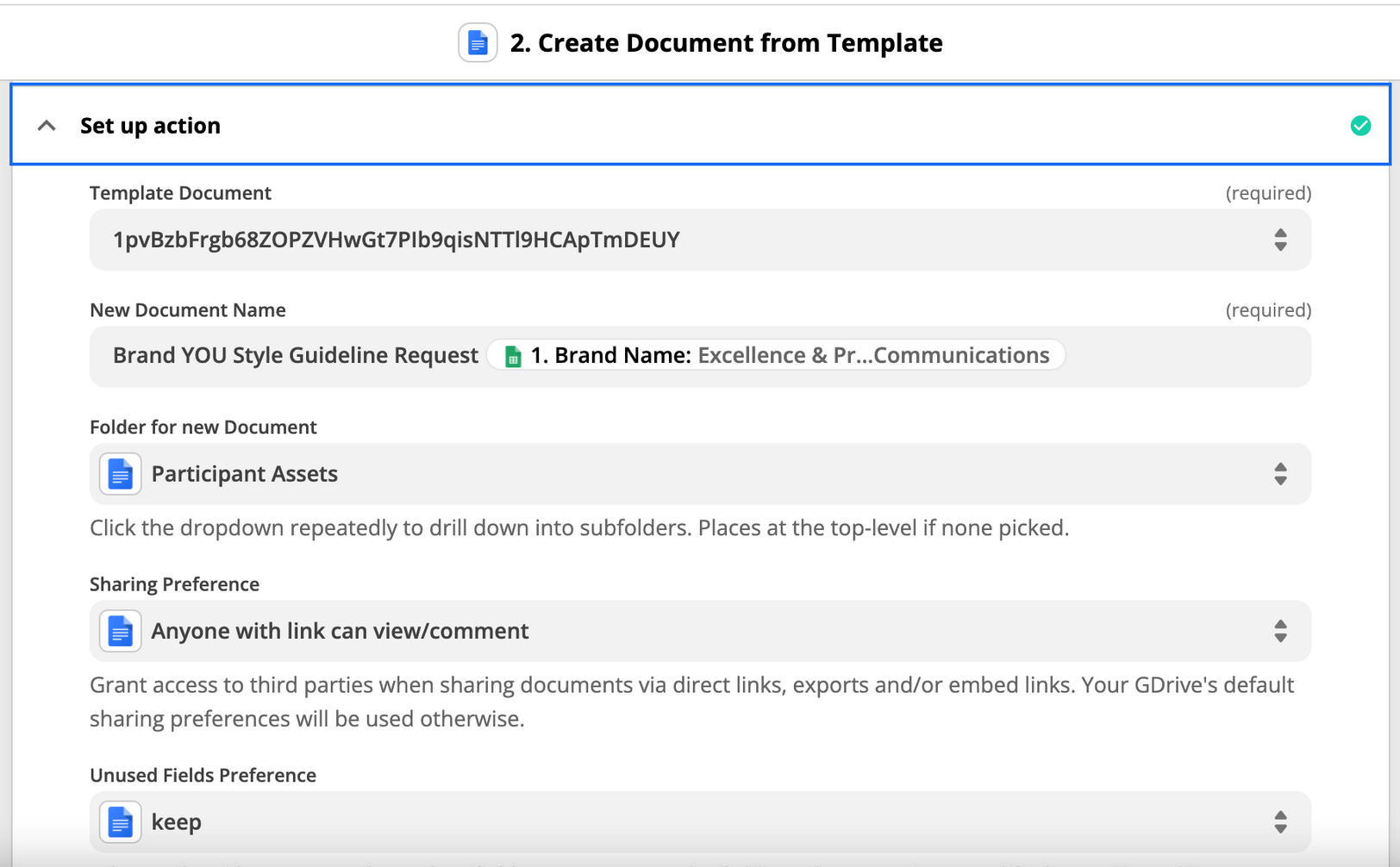
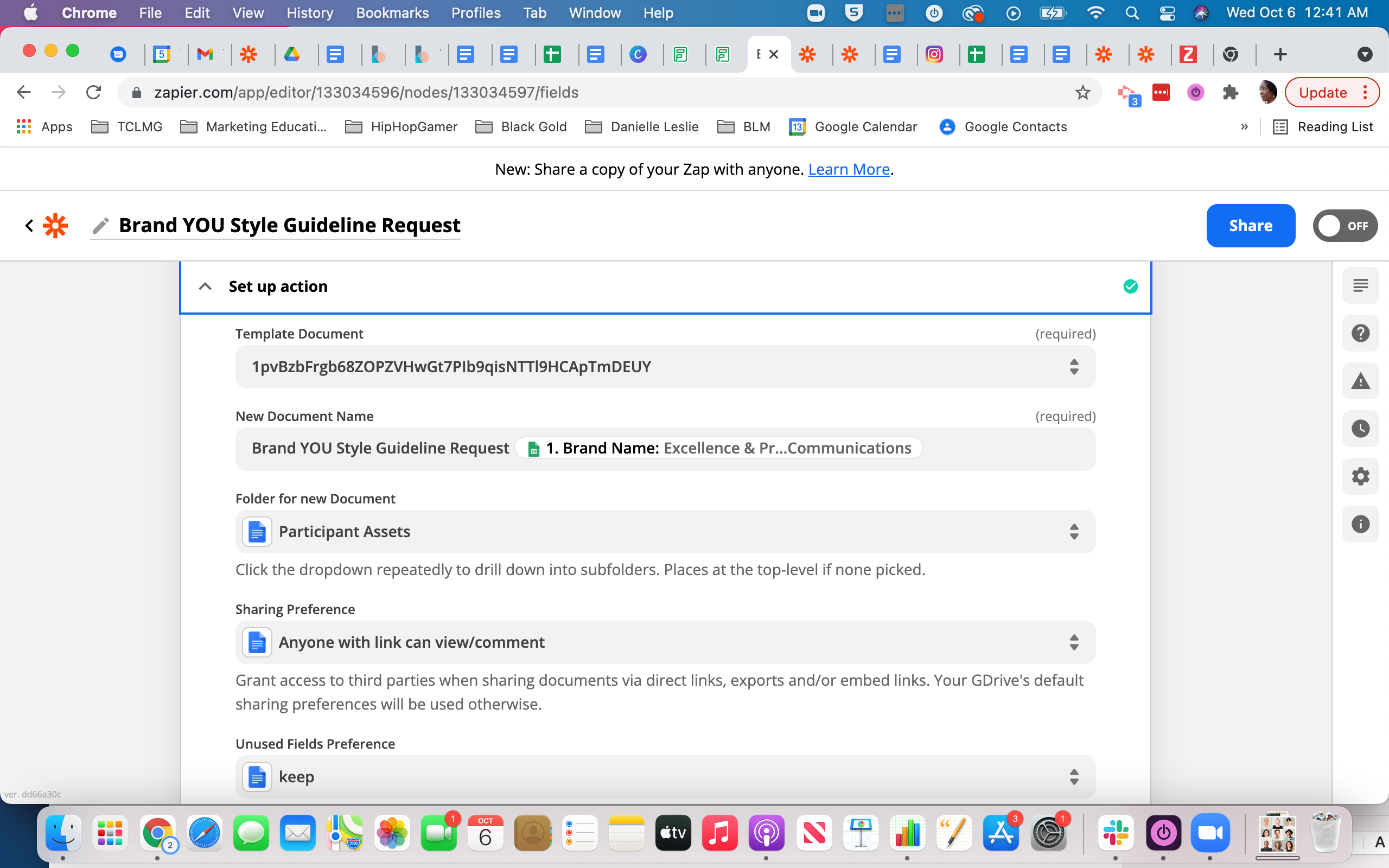
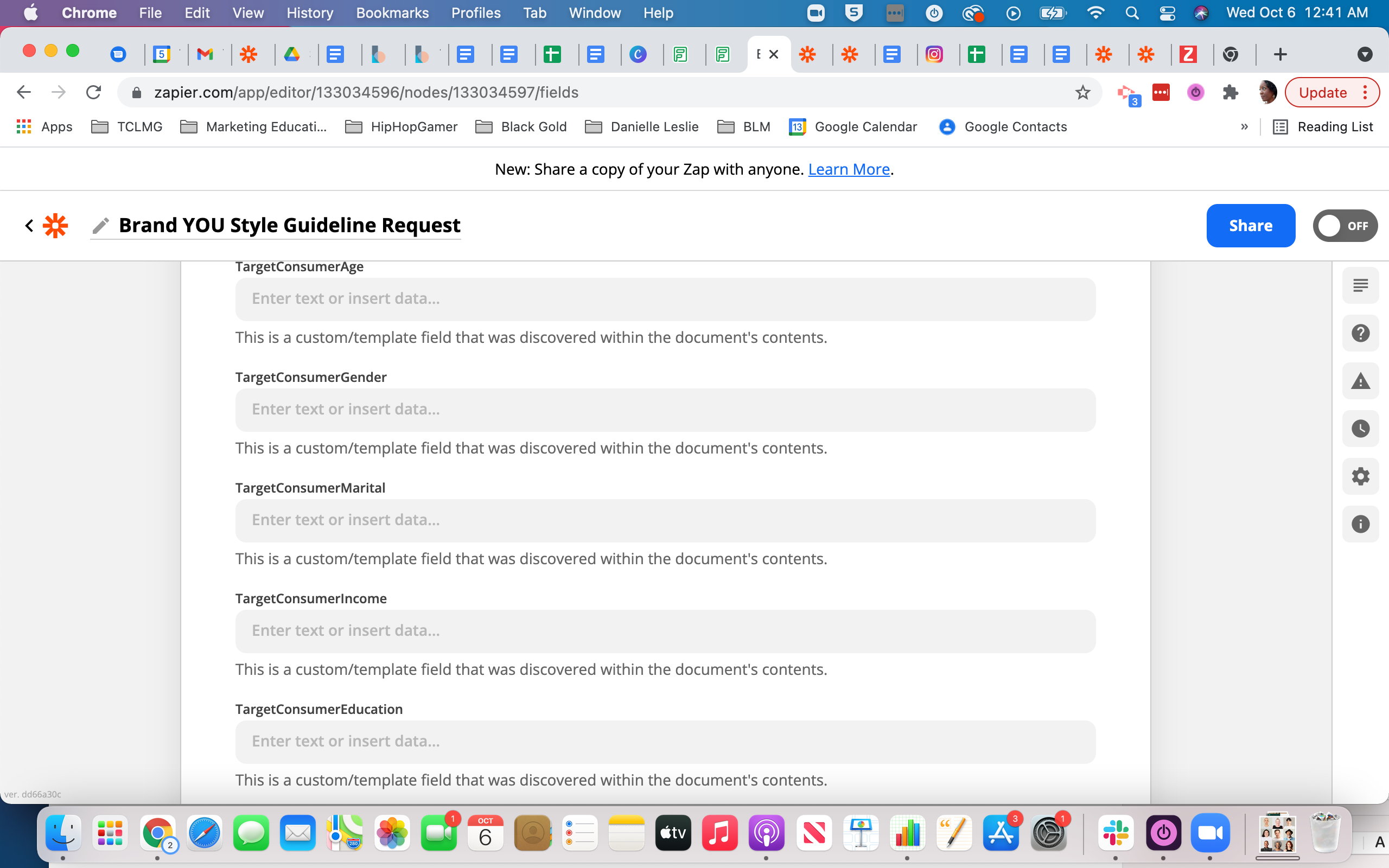
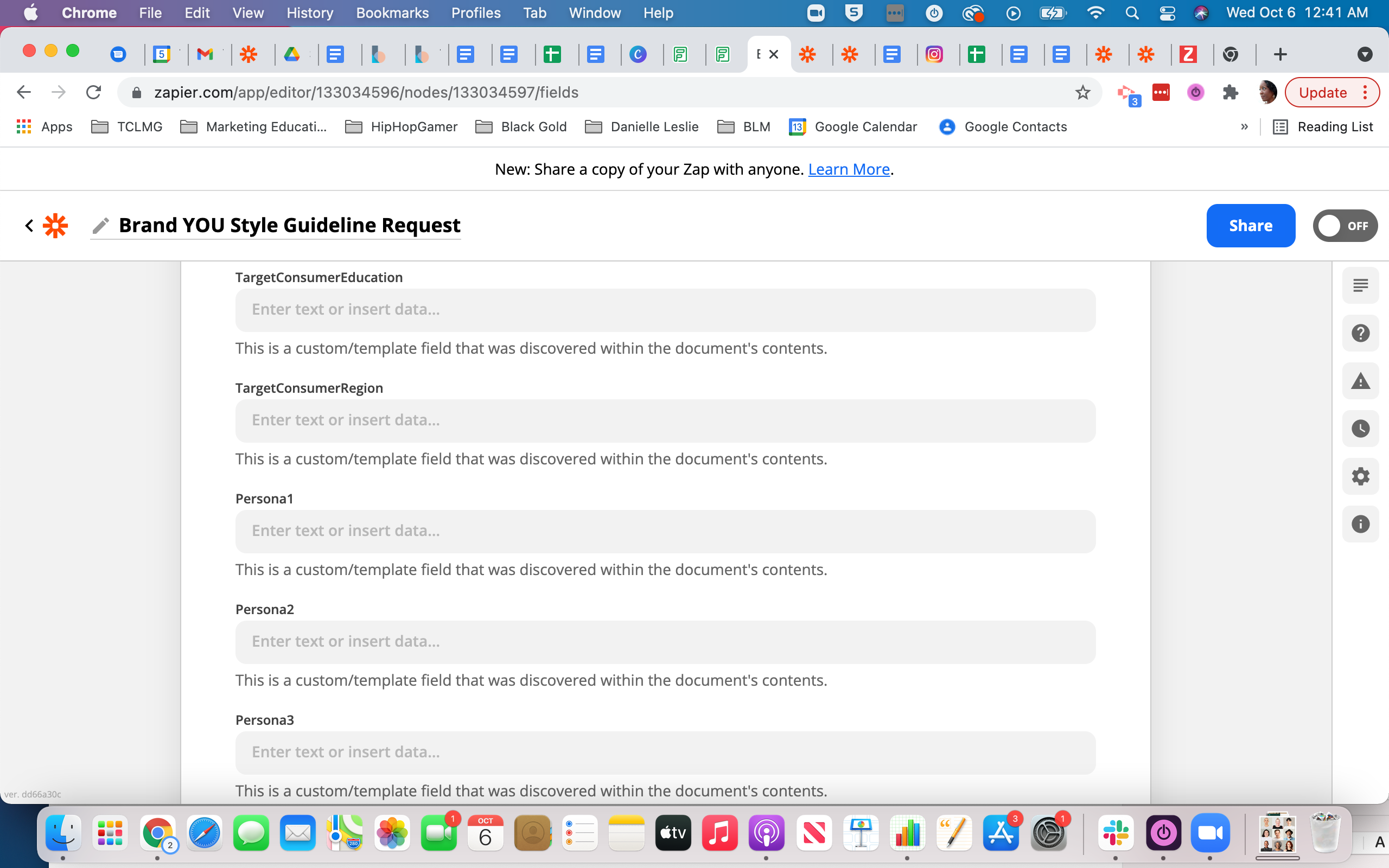
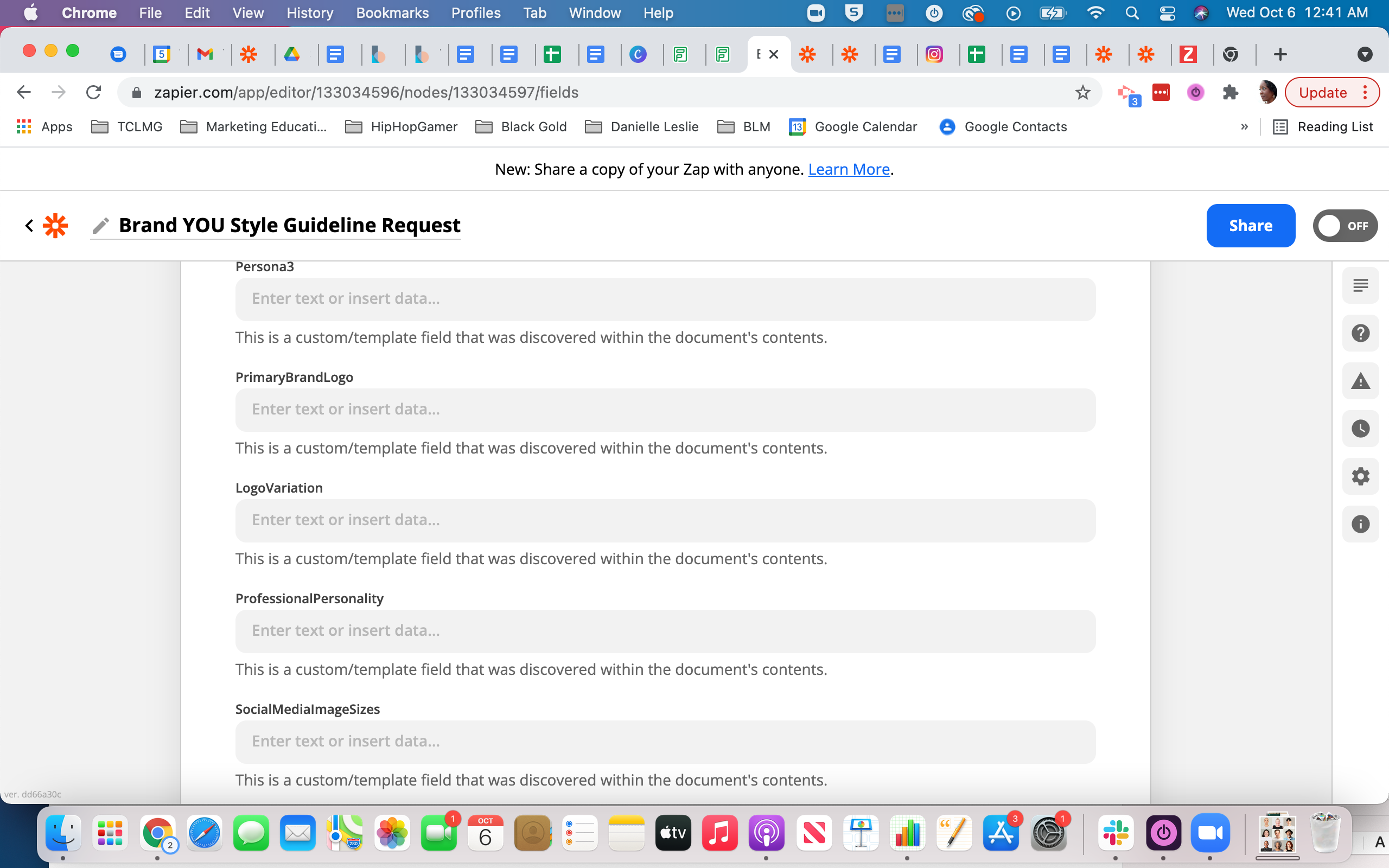
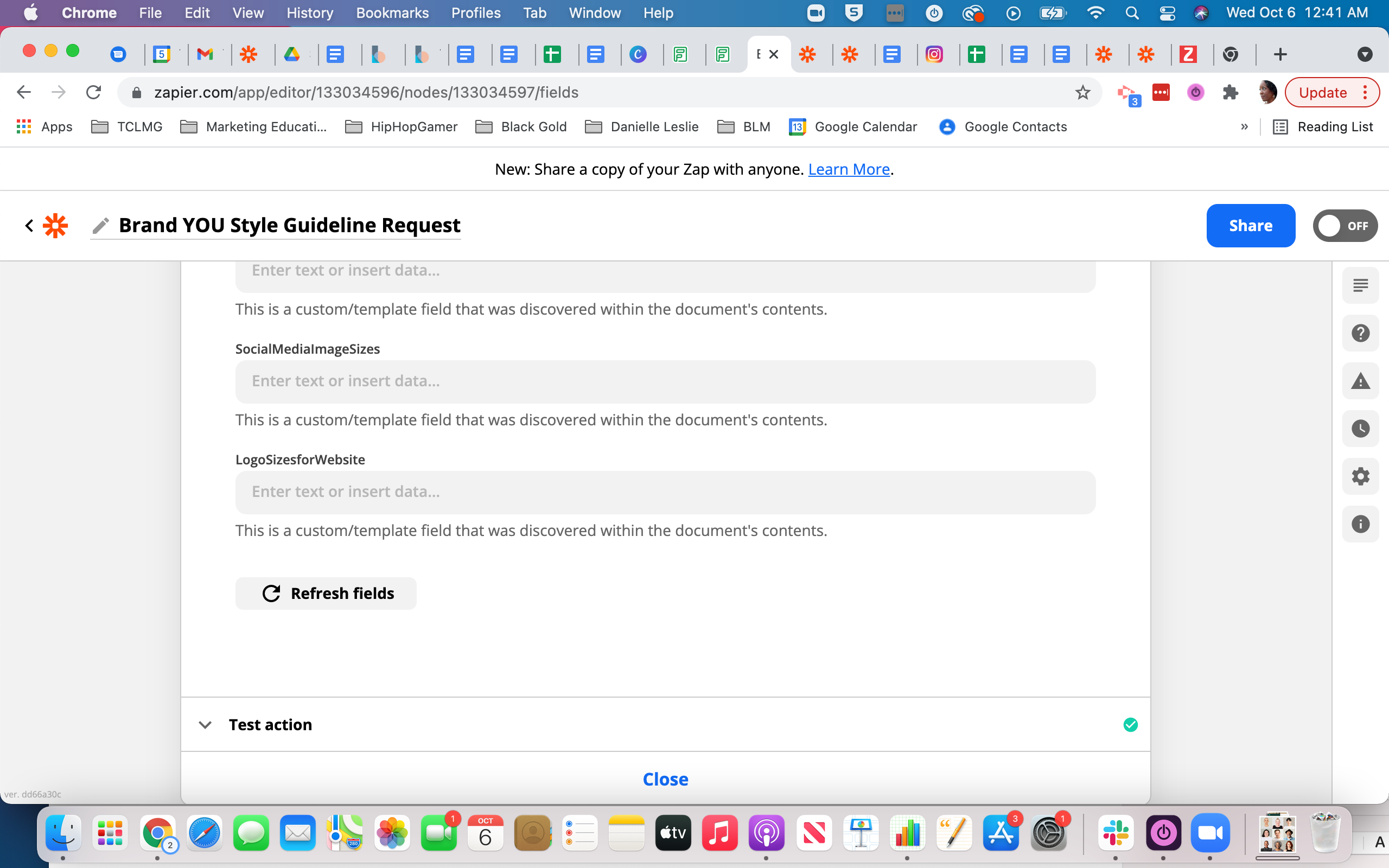
I have a Google Docs template that uses a two column table.
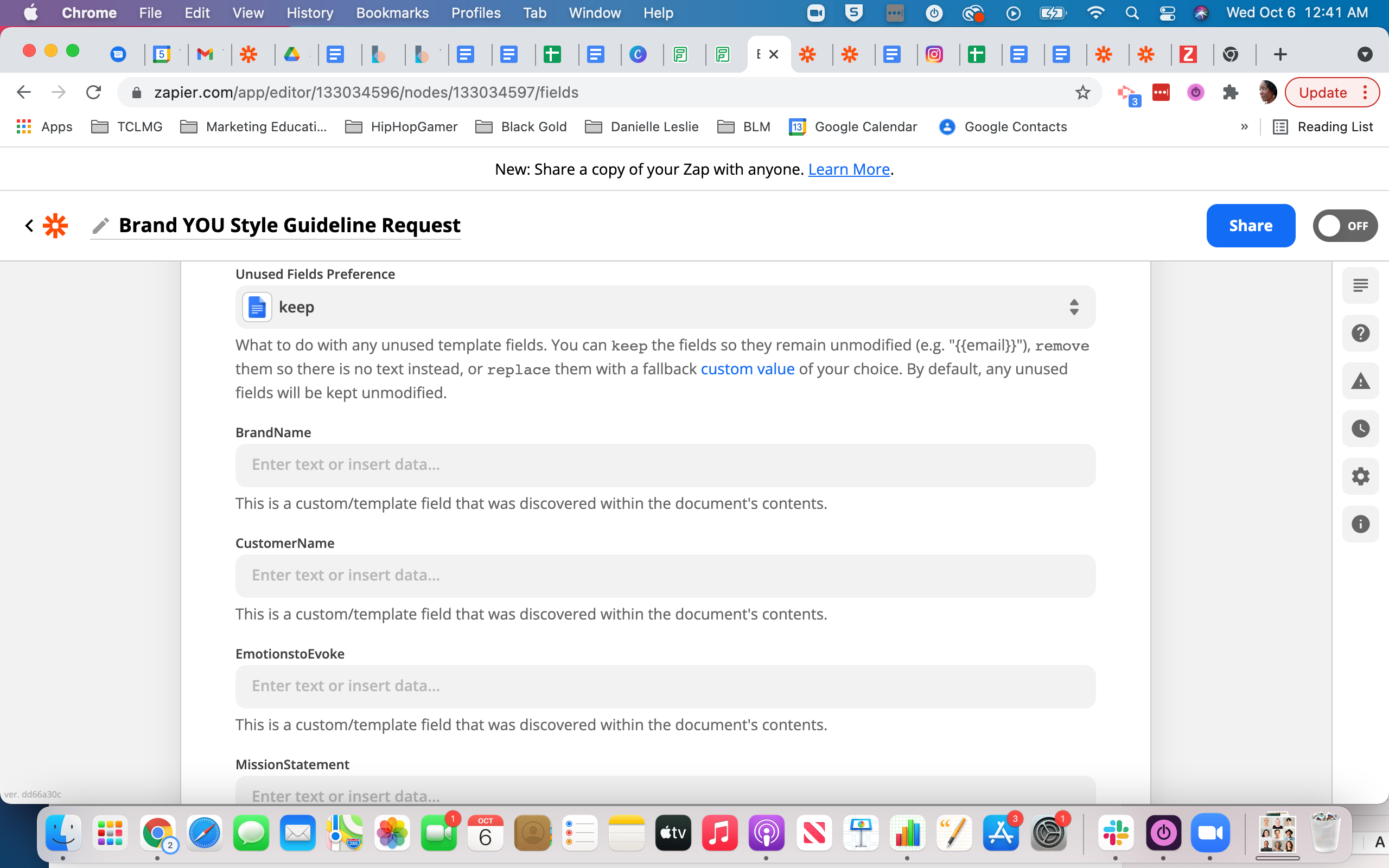
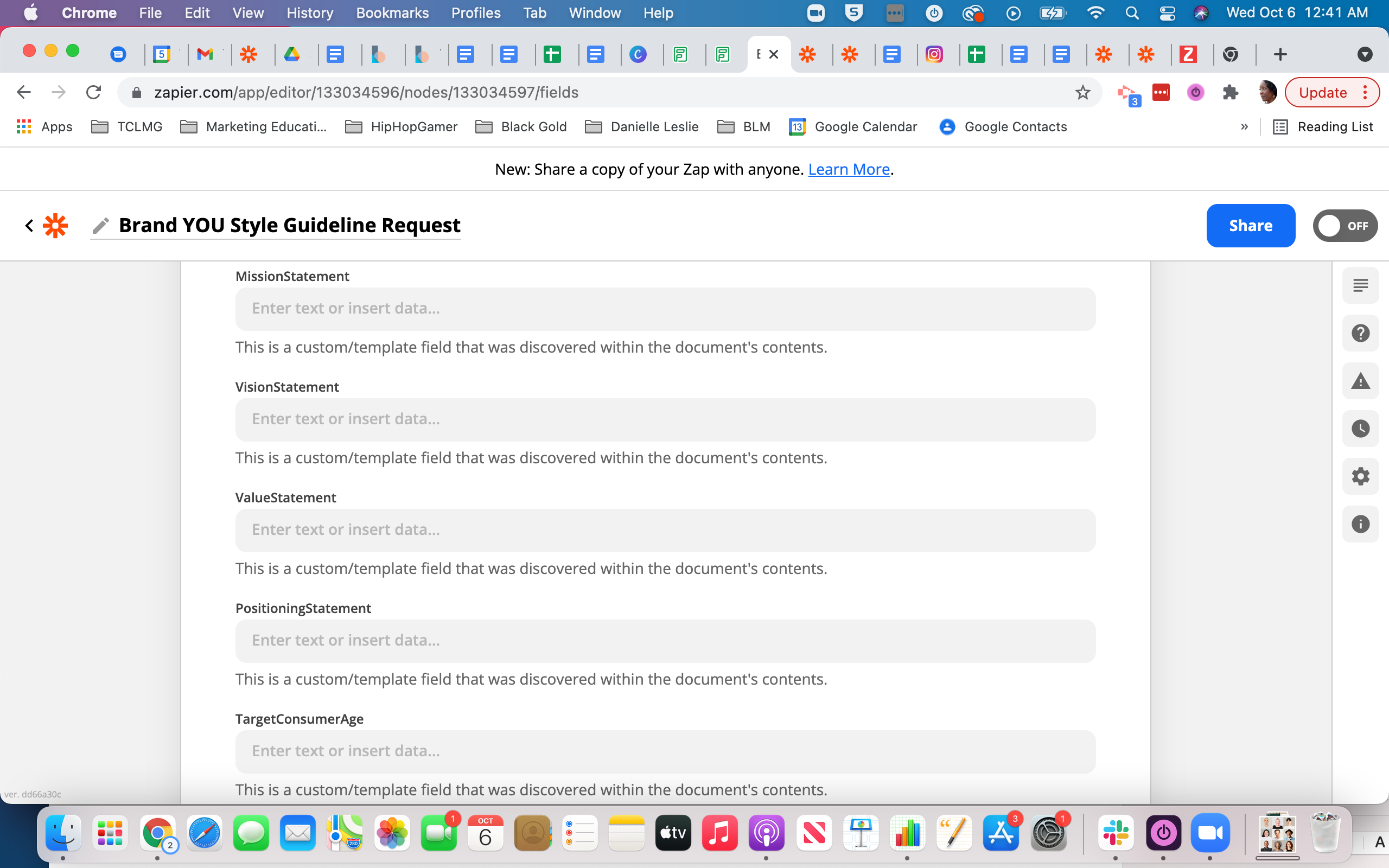
The placeholder is formatted as instructed, with the Google Spreadsheet’s column name in between brackets without spaces ie. {{BrandName}}.
I made sure that there is no formatting for that text.
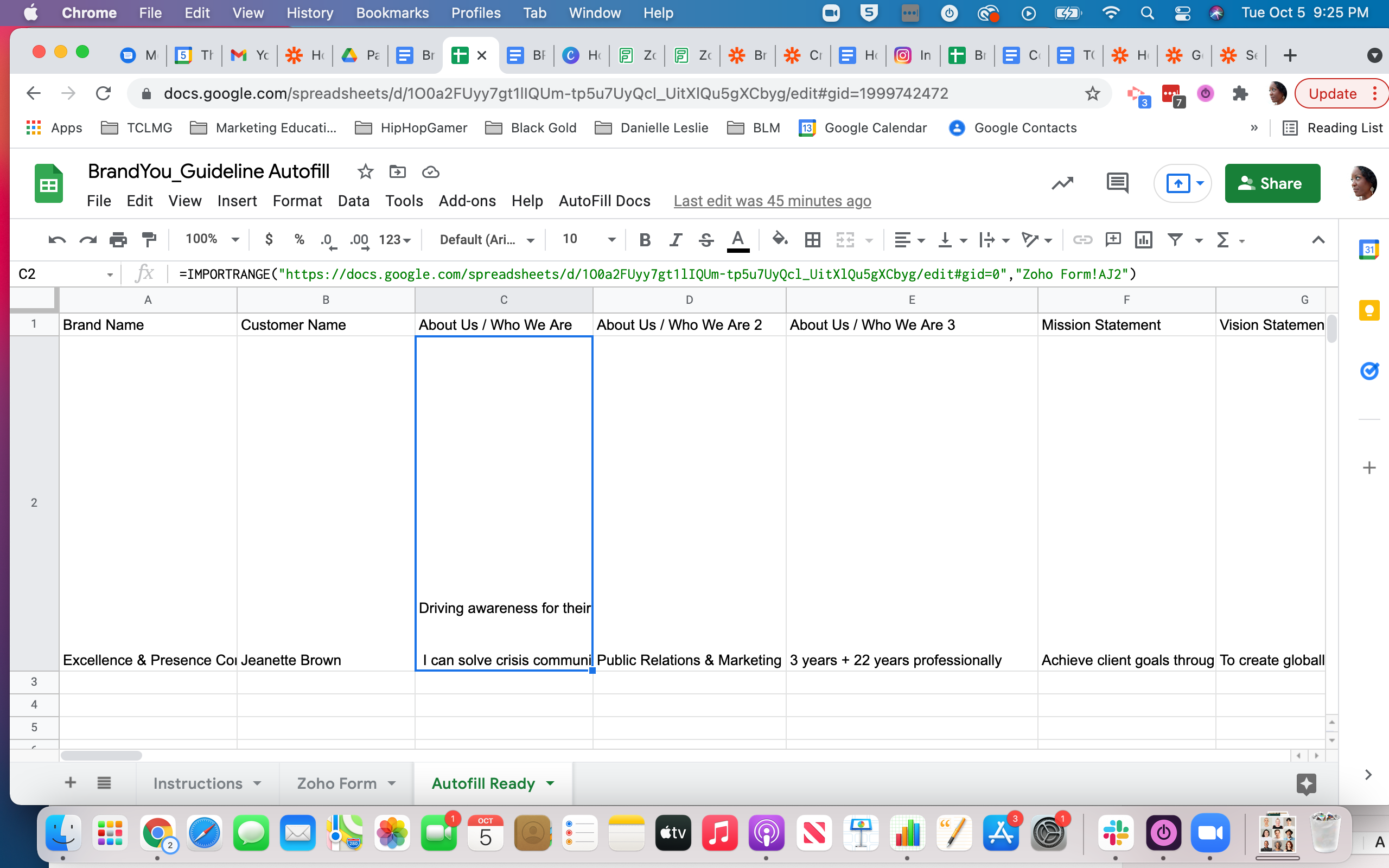
The Google Docs template is pulling from a worksheet page that uses an auto population formula to pull data from another worksheet in the same spreadsheet doc. I thought that might be the issue, but when I tried to pull it from the main source the problem remained.
I’m strapped for time to get this sorted. Any suggestions for troubleshooting?
Best answer by christina.d
Hi friends! I wanted to pop in and consolidate some of the responses here into in case it helps other users who stumbled on here:
@TheCollectiveLMG
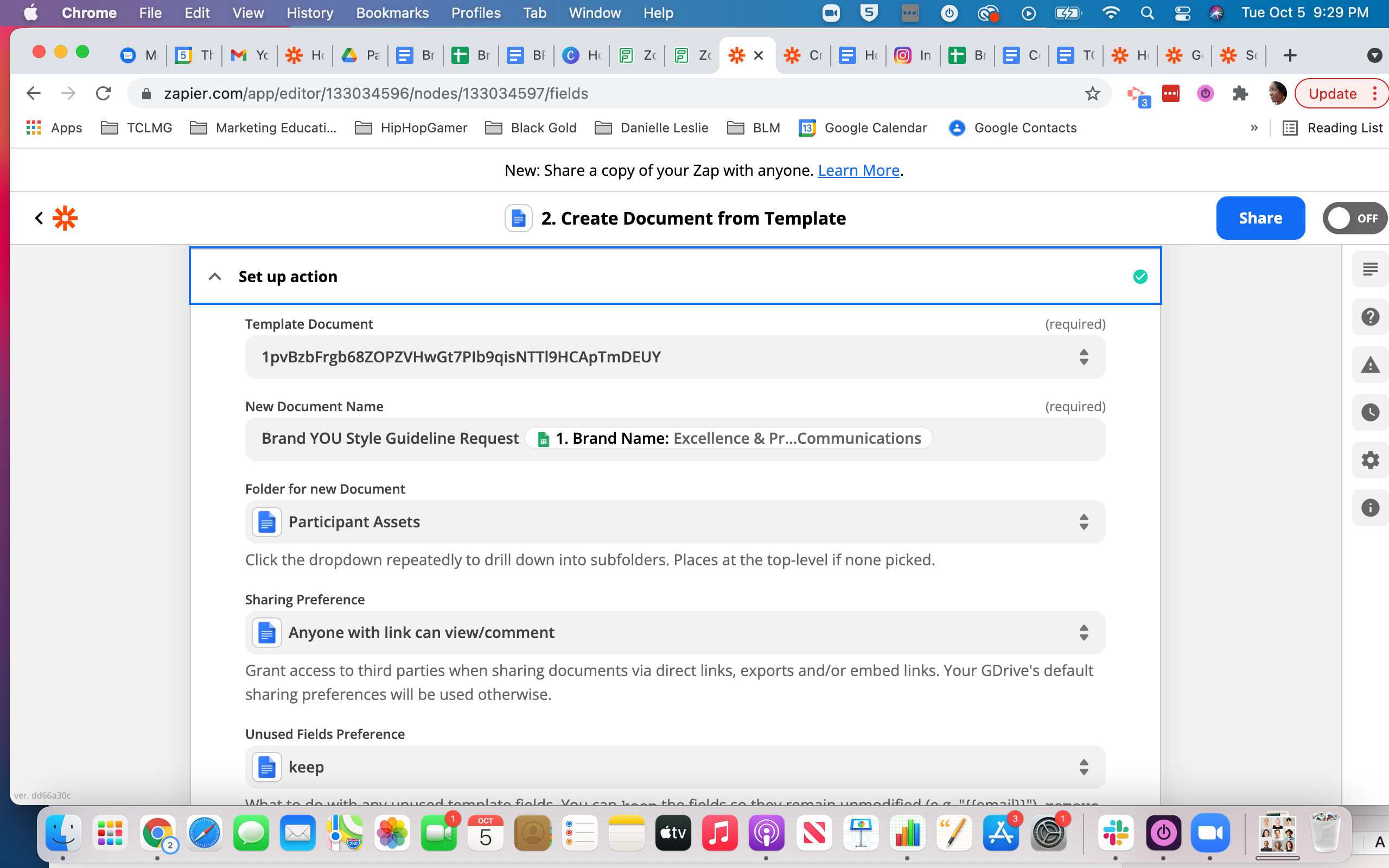
You need to map data points from the GSheet using the ‘Custom’ option OR insert static values to each of these GDoc Template fields in order for them to be populated.
Which can be achieved by:
@TheCollectiveLMG
The same way you mapped this field in the “New Document Name”.
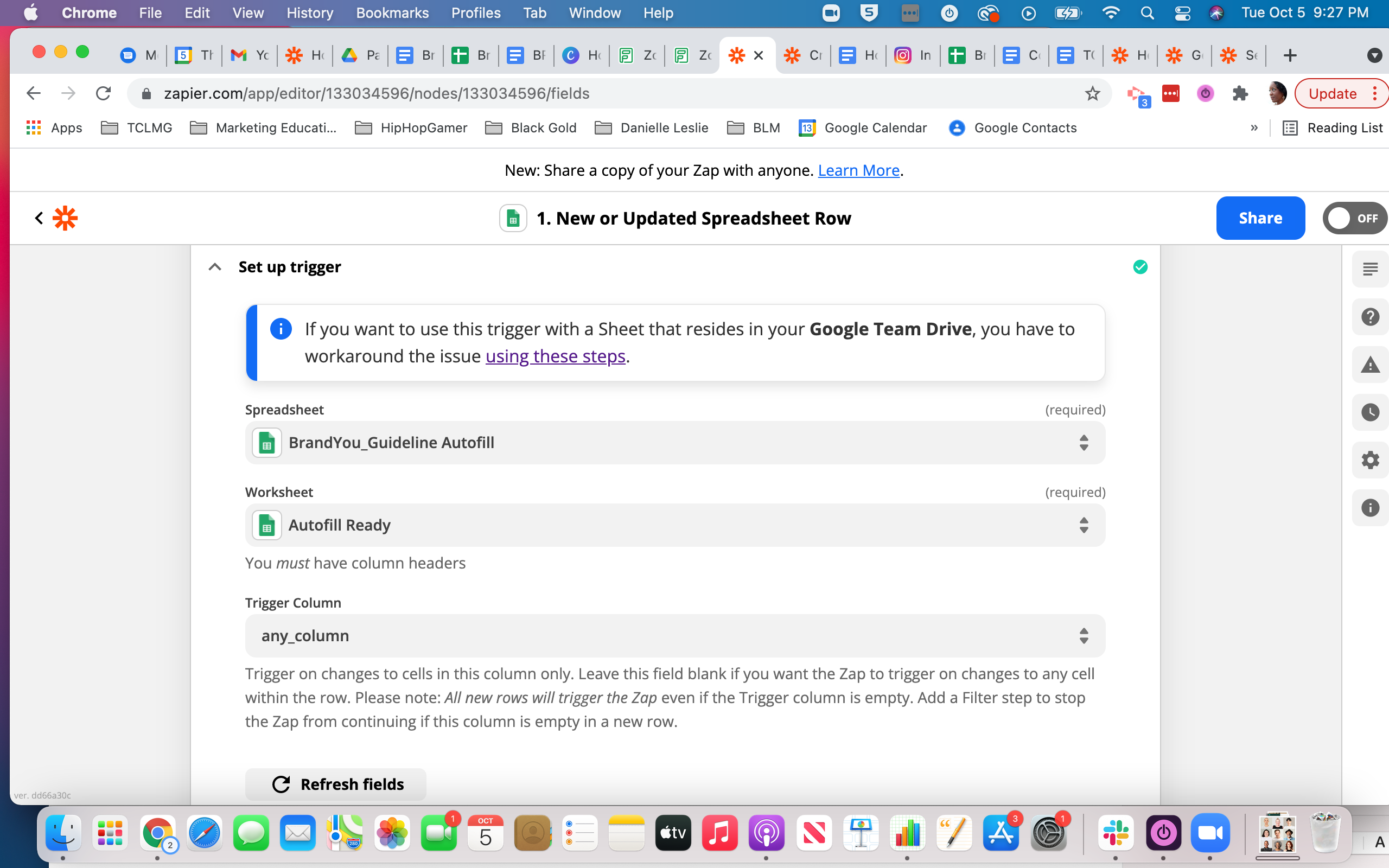
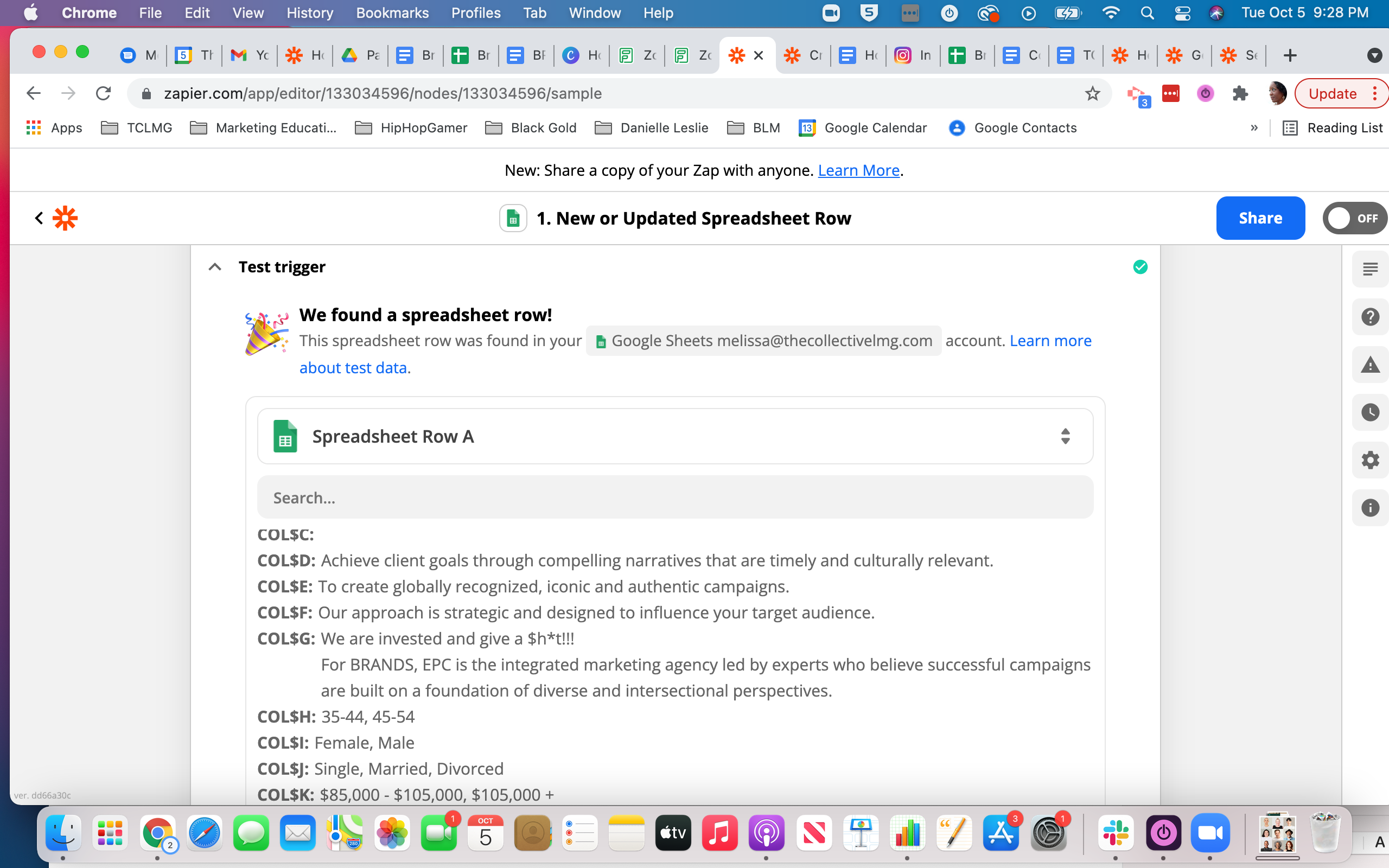
Action: Create Document from Template in Google DocsAction: Create Document from Template in Google DocsAction:New or Updated Spreadsheet Row in Google Sheets
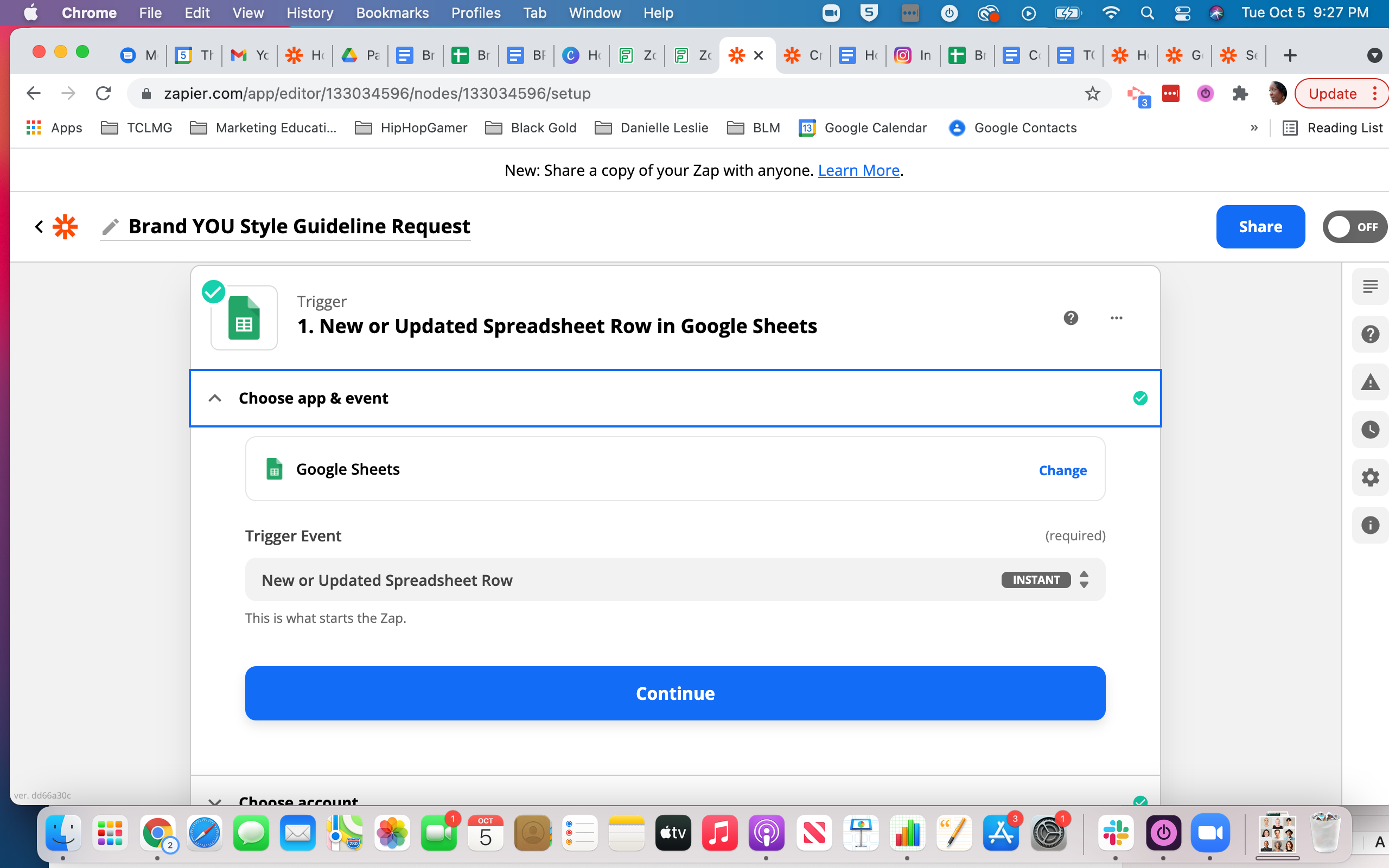
Action: New or Updated Spreadsheet Row in Google Sheets
Action: New or Updated Spreadsheet Row in Google Sheets
Here are screenshots of the Spreadsheet & Google template:
THE SPREADSHEET
THE TEMPLATE
Let me know any clarifications that are needed! Much appreciated.
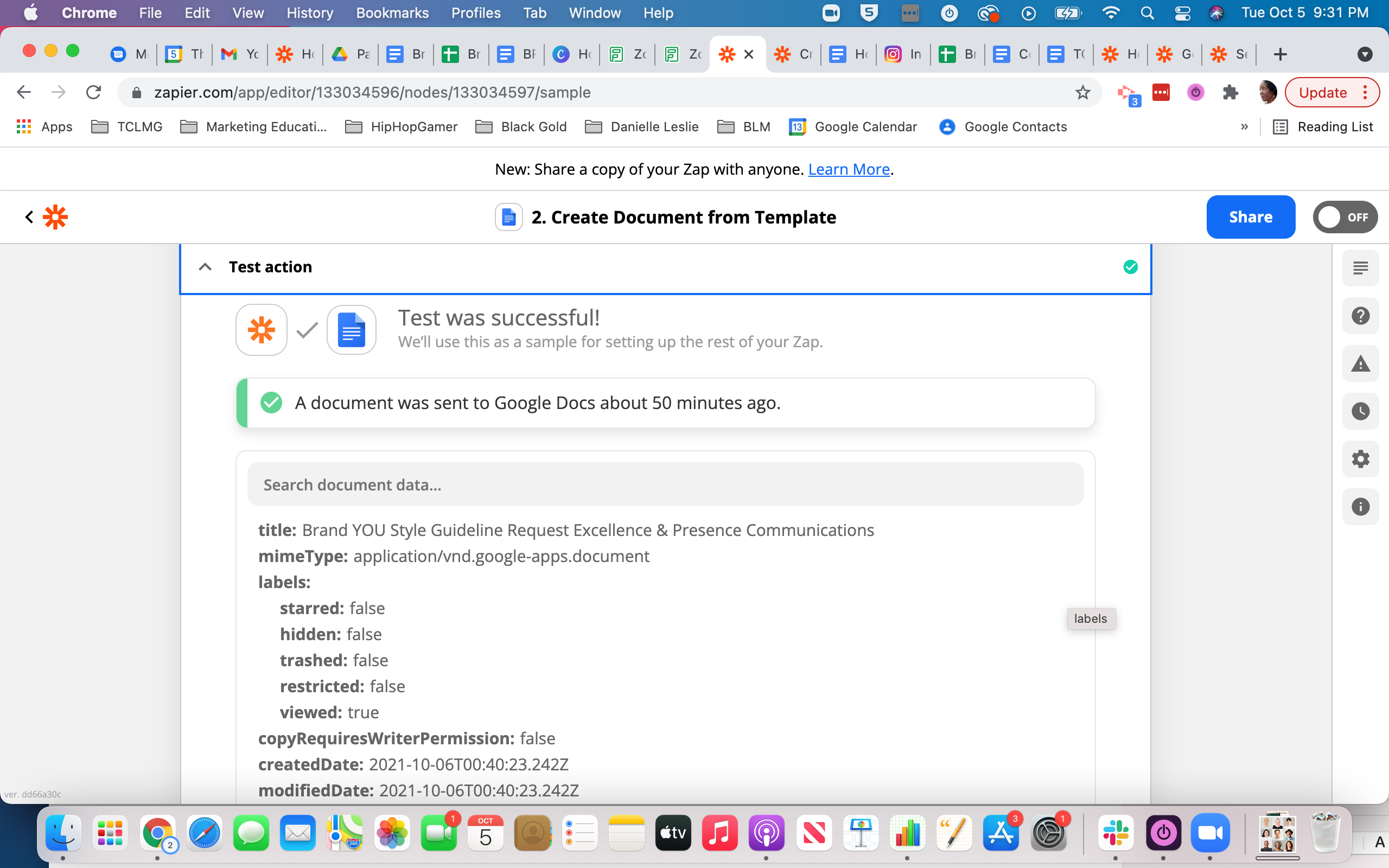
The provided screenshots don’t show how the data points are mapped from the GSheet trigger step to the fields in Step 2 where the GDoc Template is being created.
You need to map data points from the GSheet using the ‘Custom’ option OR insert static values to each of these GDoc Template fields in order for them to be populated.
Hi again, Hopefully this will be the final issue to address for me - I noticed that some of the mapping info (data to be inserted) was not matching what is in the spreadsheet. I corrected the issue in the live spreadsheet, but it is not refreshing in the “set up action” section. I tried refreshing the fields, refreshing the page (both for the live spreadsheet & Zapier page).
Hi friends! I wanted to pop in and consolidate some of the responses here into in case it helps other users who stumbled on here:
@TheCollectiveLMG
You need to map data points from the GSheet using the ‘Custom’ option OR insert static values to each of these GDoc Template fields in order for them to be populated.
Which can be achieved by:
@TheCollectiveLMG
The same way you mapped this field in the “New Document Name”.
Build and deploy automations from AI tools you already use. With Agentic Management, if anything breaks, the agent diagnoses the issue and proposes a fix.