


Question

How do I transfer exisitng data from Shopify?

  • May 20, 2024
  • 3 replies
  • 68 views

KhairyARH

Hi all, 


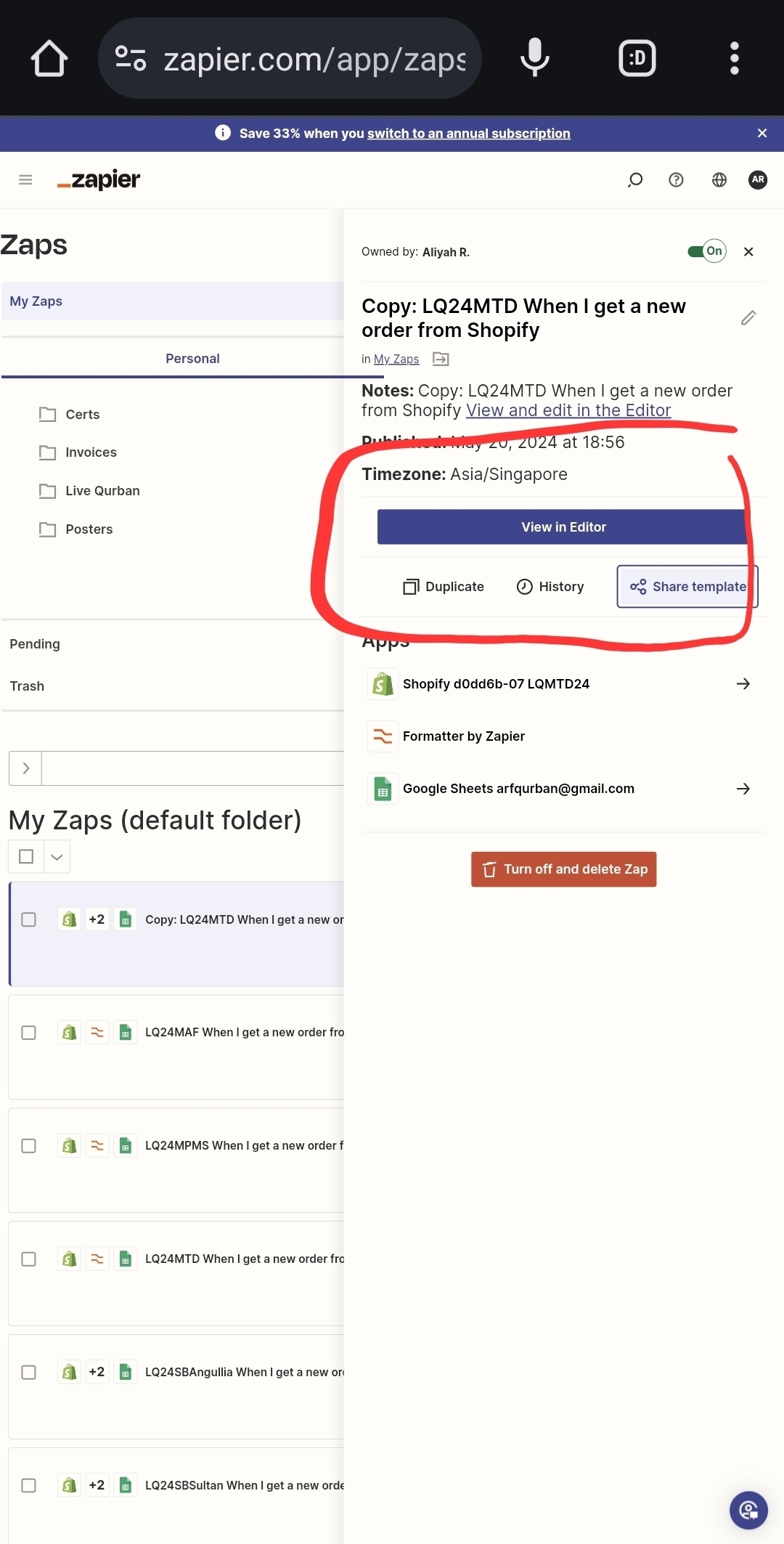
Image 1

Image 2

I seem to be having difficulties in transferring existing data from Shopify: the Transfer Data button is missing (Image 1).

I've searched enough to know that Shopify is a supported app and that the Trigger "New Order Created" is also a supported trigger. (Related links and images below)

But for some reason, the Transfer Data button does not appear for me, unlike the Zap I made for WooCommerce (Image 2).


I hope someone can help me out. 

https://zapier.com/blog/zapier-transfer-guide/#existing

https://help.zapier.com/hc/en-us/articles/8496274335885-Transfer-existing-data-using-a-Zap
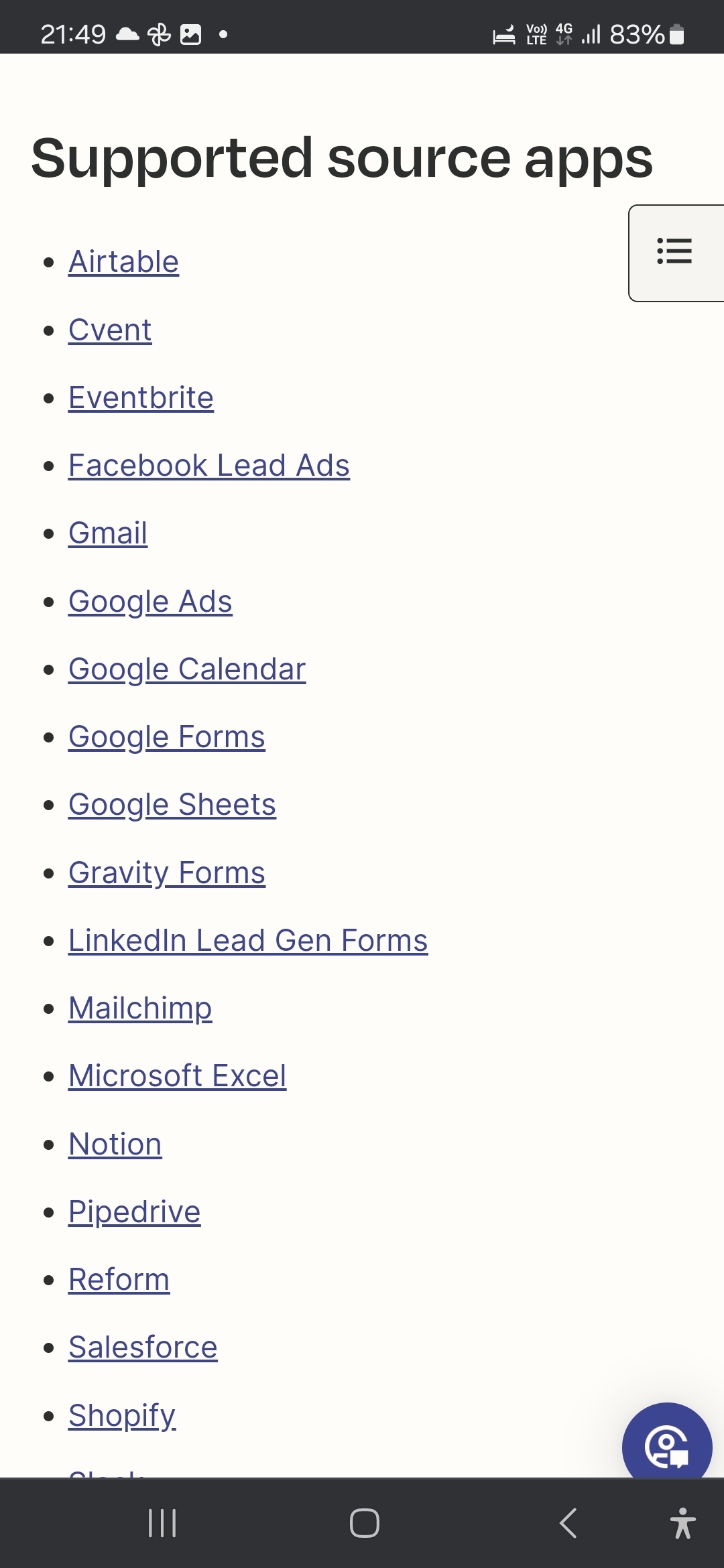
https://help.zapier.com/hc/en-us/articles/8496274335885-Transfer-existing-data-using-a-Zap#h_01HKN8PN12GTYR9SXDCSTXD7GW


This post has been closed for comments. Please create a new post if you need help or have a question about this topic.

3 replies

KhairyARH
  • Author
  • Beginner
  • May 20, 2024

I tried a sneaky way where I typed in the following in the address bar:

with the Zap ID at the end. 

Unfortunately, it was only able to produce 5 records, the 5 most recent orders. 


ken.a
Forum|alt.badge.img+6
  • Zapier Staff
  • May 21, 2024

Hi @KhairyARH,

This behavior seems strange. I don’t see anything similar reports regarding the issue you’re running into and it seems like Shopify is a supported Transfer app as well.

You’ve already performed the workaround that was available. With this, I’d recommend reaching out to our Support Team so that they can take a closer look at the issue you’re experiencing.

You can reach our Support Team here: https://zapier.com/app/get-help

I appreciate your patience and understanding.


KhairyARH
  • Author
  • Beginner
  • May 21, 2024

Thanks @ken.a . I’ve just sent in a ticket.



