Question

How do I set up a Zap to notify Slack when a date field in Salesforce contact is updated?

  • June 12, 2023
  • 3 replies
  • 78 views

paolah

I have a date stamp field in our salesforce’s contact object that is automated when a prospect is ready to have a discovery call with us. When this field is updated in salesforce, i want to create a trigger into a slack channel. 

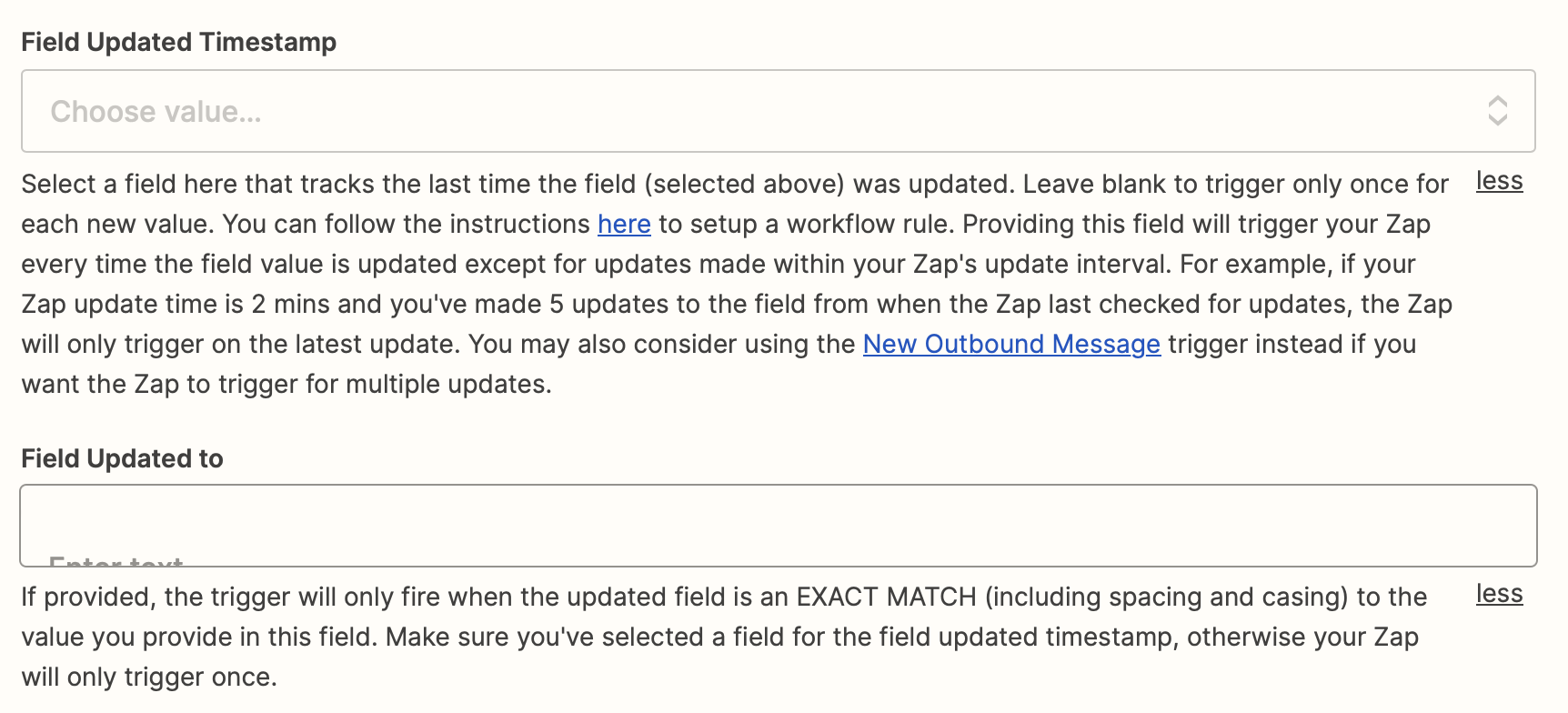
I am stuck on the trigger portion of creating my zap. I have selected the contact object → i have selected the field that is a date field and i am not sure what to select for Field Updated Timestamp and Field Updated to.

Have I started this zap correctly?

This post has been closed for comments. Please create a new post if you need help or have a question about this topic.

3 replies

Troy Tessalone
Zapier Orchestrator & Solution Partner
Forum|alt.badge.img+14
  • Zapier Orchestrator & Solution Partner
  • June 12, 2023

Hi @paolah 

Good question.

To give us more context, please post screenshots with how your Zap trigger step is configured.

Take note of the field descriptions.

FYI: These are optional fields.


paolah
  • Author
  • New
  • June 12, 2023

As of now, this is what I have. I did test as it is right now and it was successful - I just want to make sure any existing contact records that currently don’t have a time stamp but may get one through the automation at a future time will alert the team via a slack channel about this new contact record with a date stamp. 


Troy Tessalone
Zapier Orchestrator & Solution Partner
Forum|alt.badge.img+14
  • Zapier Orchestrator & Solution Partner
  • June 12, 2023

@paolah

When in doubt, test it out!


Take note of the field descriptions.

FYI: These are optional fields.