Question

How do I link Redtail contact to opportunity when created from an activity?

  • May 7, 2026
  • 3 replies
  • 16 views

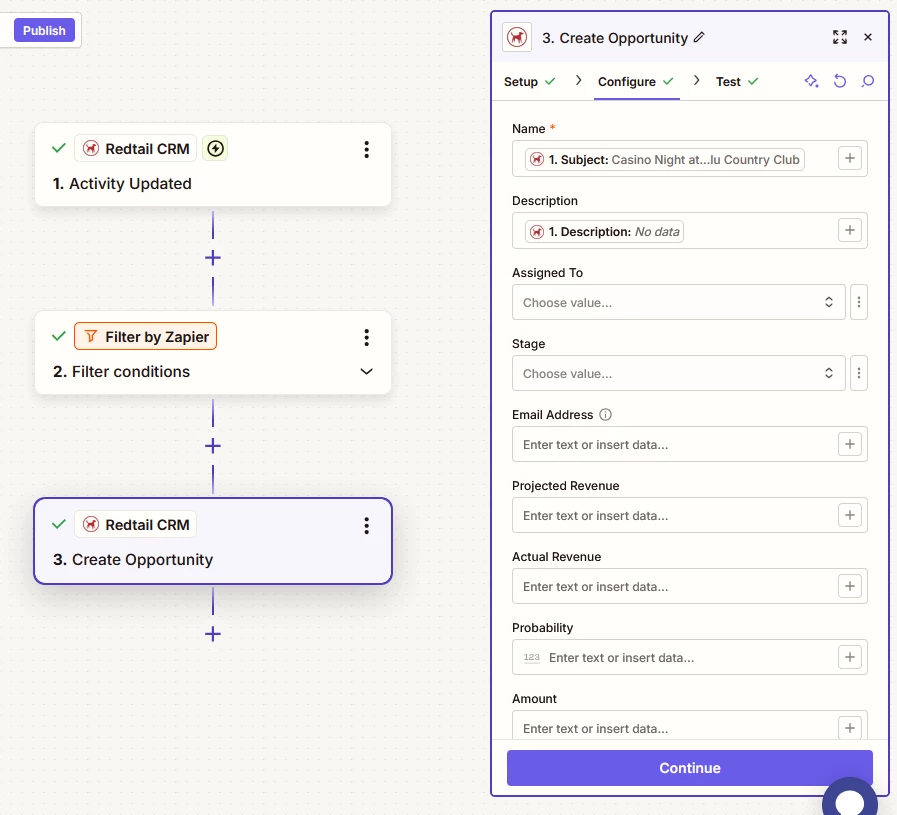
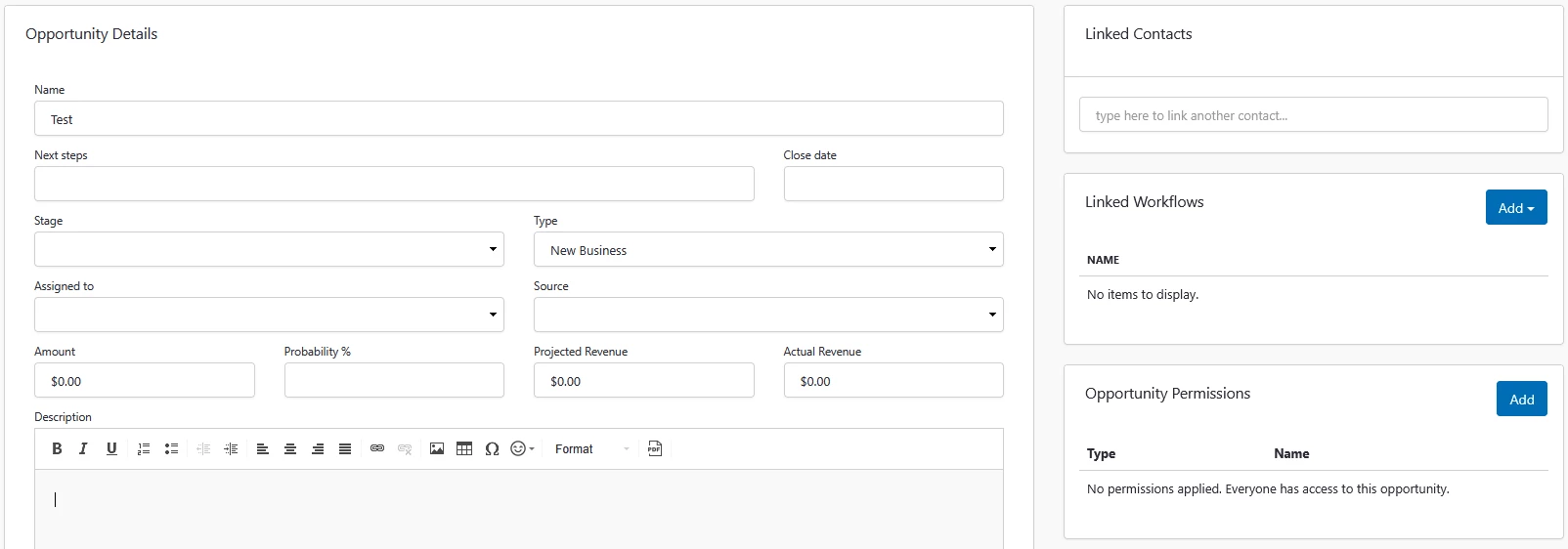
I created a Zap to automatically create an opportunity when a prospect is added to our calendar. I can’t figure out how to automatically link the same contact from the calendar to the newly created opportunity. When speaking to the Zap AI, they can only detect the fields in the Opportunity Details and they’re unable to detect the “Linked Contacts” field. Is there a way to link contacts?

 

3 replies

Troy Tessalone
Zapier Orchestrator & Solution Partner
Forum|alt.badge.img+14
  • Zapier Orchestrator & Solution Partner
  • May 7, 2026

Hi ​@Jeff A. 

Generally you need to map the internal record ID as that is what fields expect to link records.


For us to have more info about what you are referring to, post screenshots showing how your Zap steps are outlined and configured in the CONFIGURE table while in EDIT mode with the fields and field mappings visible.


  • Author
  • New
  • May 7, 2026


Troy Tessalone
Zapier Orchestrator & Solution Partner
Forum|alt.badge.img+14
  • Zapier Orchestrator & Solution Partner
  • May 8, 2026

Hi ​@Jeff A. 

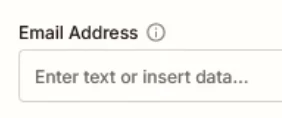
Try mapping an email address into the Email Address field of the Opportunity.

NOTE: Check the tooltip for more info about the field.

See screenshot below.