Question

How do I keep leading zeros when updating cell values with formatter output in Google Sheets?

  • July 31, 2023
  • 6 replies
  • 182 views

camiscn

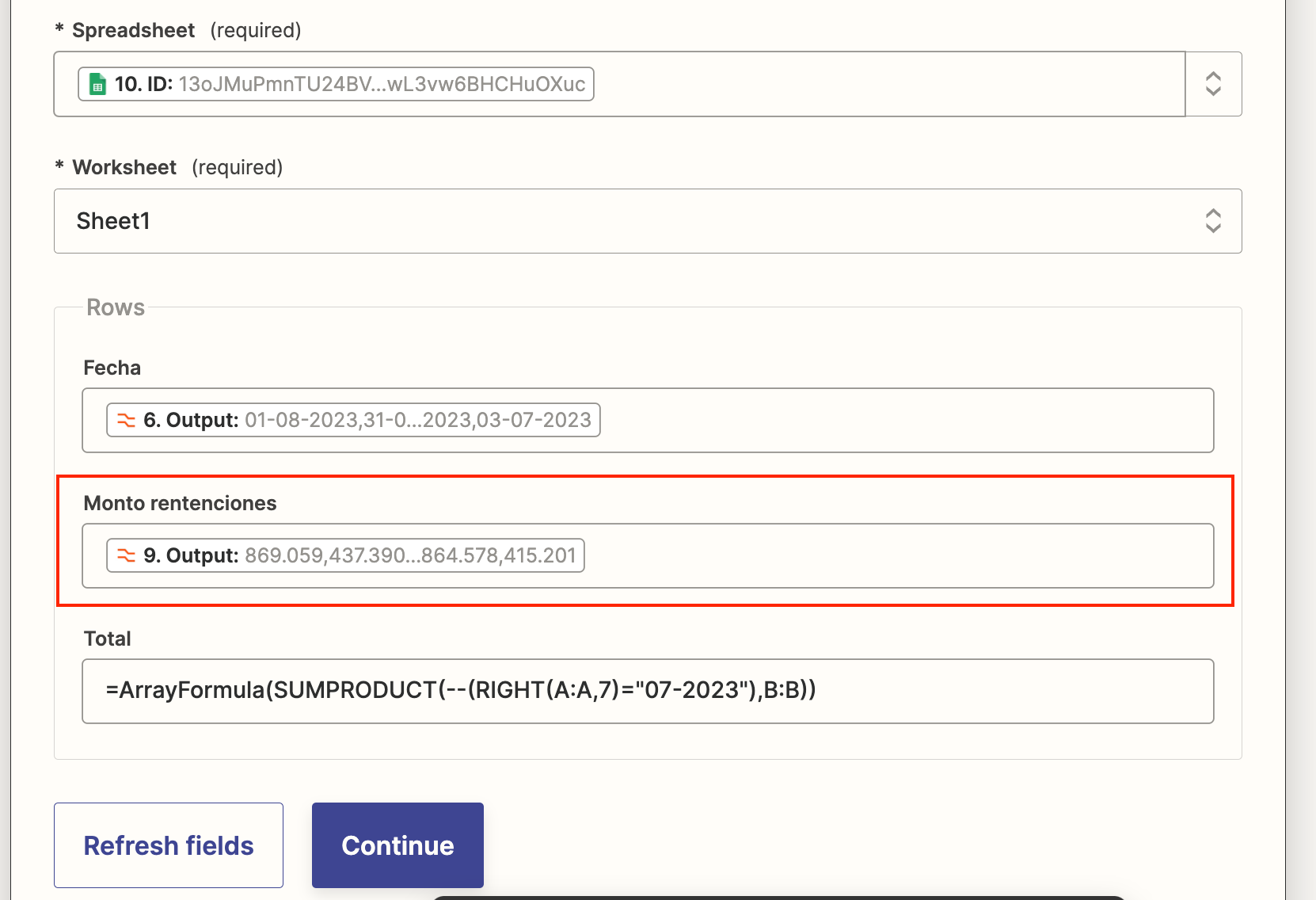
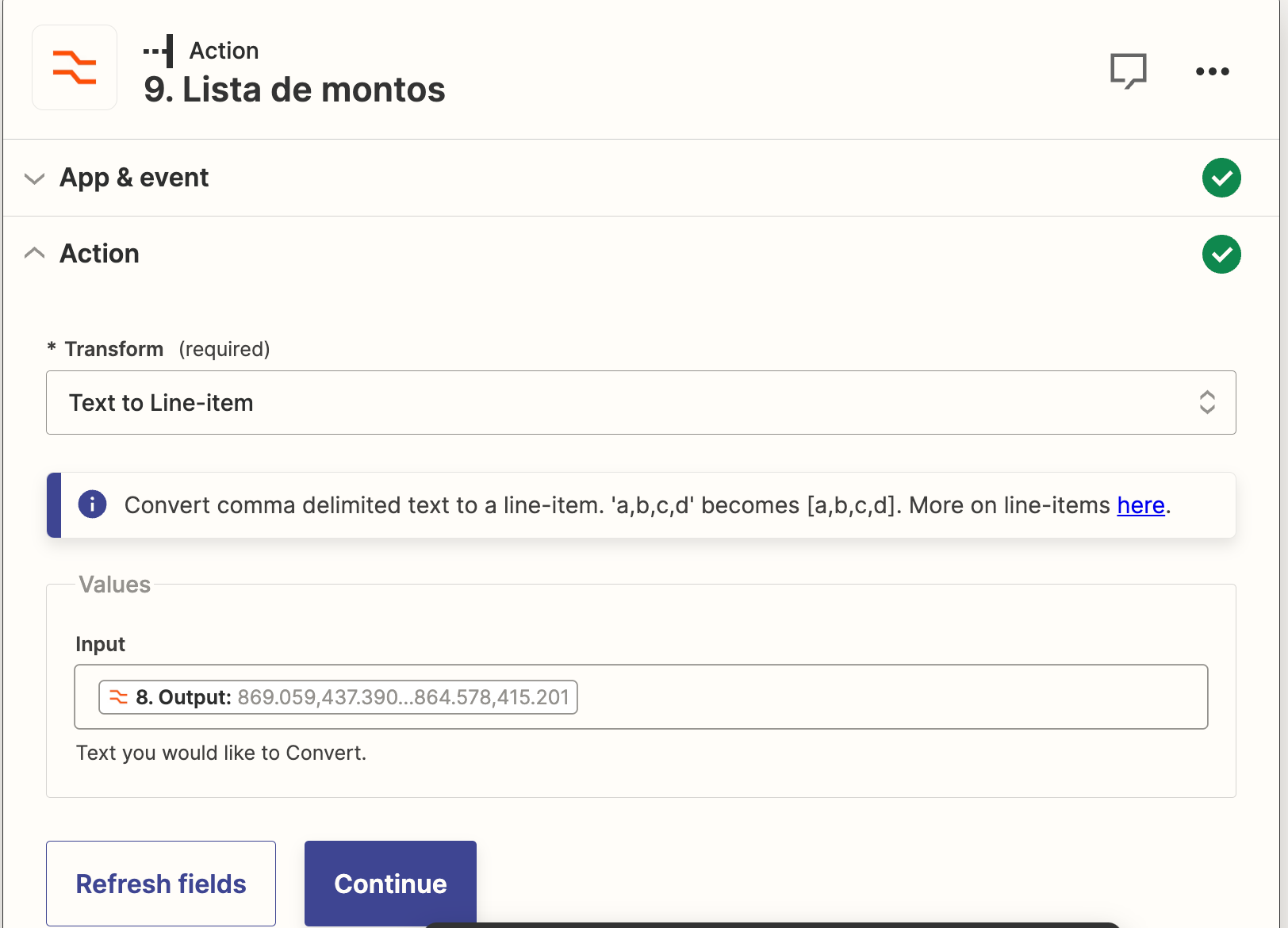
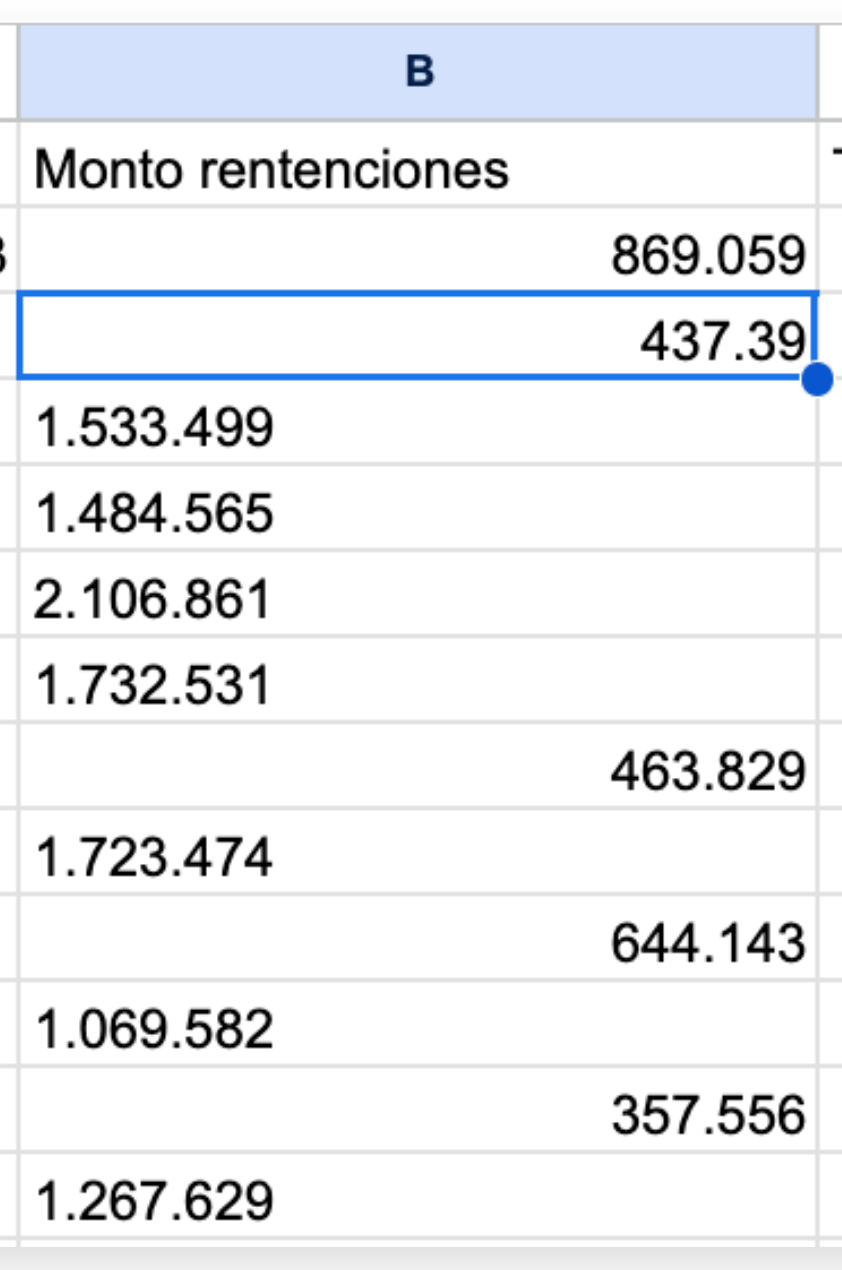
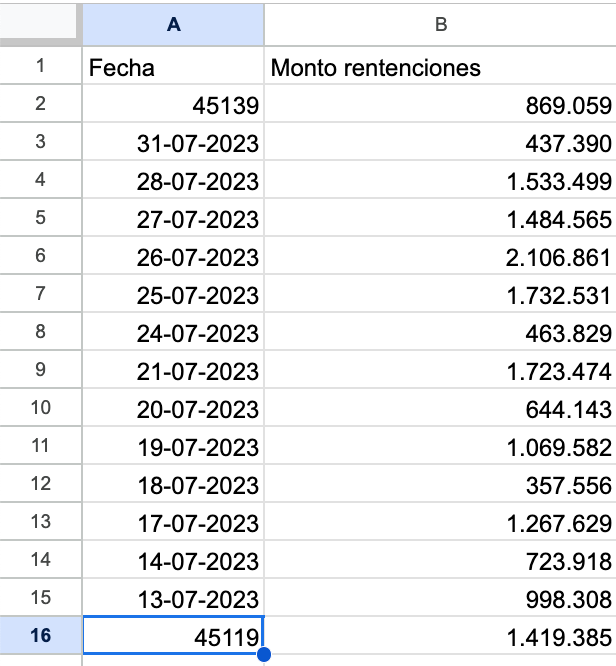
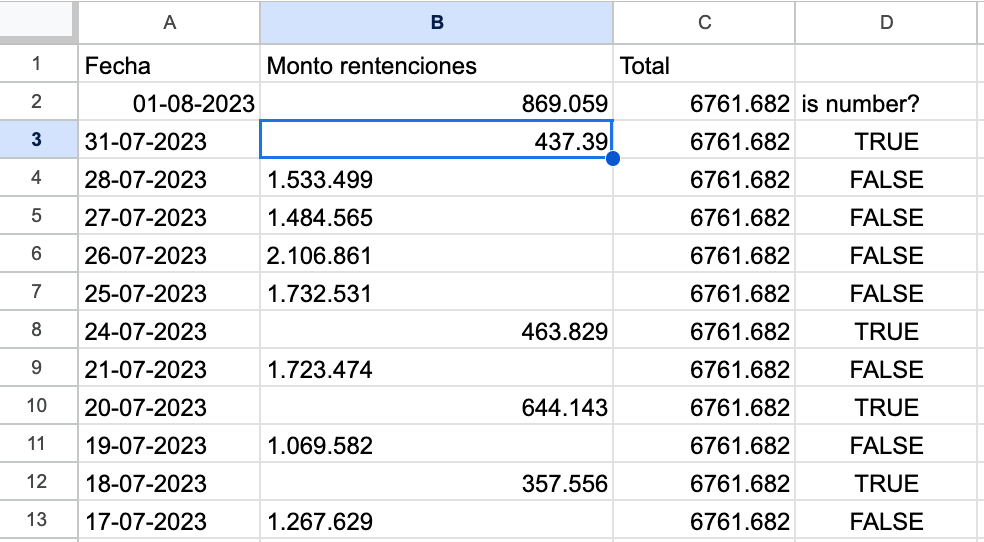
Why when I update a cell value with a formatter output some values ​​remain as text and others as number?


I need them all to remain as text so that the leading zeros are not removed.
 

This post has been closed for comments. Please create a new post if you need help or have a question about this topic.

6 replies

Troy Tessalone
Zapier Orchestrator & Solution Partner
Forum|alt.badge.img+14
  • Zapier Orchestrator & Solution Partner
  • July 31, 2023

Hi @camiscn 

Good question.

It’s likely due to the double periods.


camiscn
  • Author
  • Beginner
  • July 31, 2023

Hi @camiscn 

Good question.

It’s likely due to the double periods.


Sorry, what do you mean?


camiscn
  • Author
  • Beginner
  • July 31, 2023

@Troy Tessalone do you know how can I fix it? 😪


Troy Tessalone
Zapier Orchestrator & Solution Partner
Forum|alt.badge.img+14
  • Zapier Orchestrator & Solution Partner
  • July 31, 2023

@camiscn 

GSearch returned these results to try:

Number Formatting Error in Google Sheets [Comma – Dot Error]
  • Go To Google Sheets.
  • Click on File > Settings.
  • Select Locale.
  • Click save & reload.

camiscn
  • Author
  • Beginner
  • July 31, 2023

Thank you @Troy Tessalone! That works!!!

But now I have a similar problem with the dates: some appear as number and some as date. Could you help me please? How to fix filling to automatically work as date value


Troy Tessalone
Zapier Orchestrator & Solution Partner
Forum|alt.badge.img+14
  • Zapier Orchestrator & Solution Partner
  • July 31, 2023

@camiscn 

GSearch returned these results.

https://www.google.com/search?q=google+sheets+date+format

To apply a custom date or time format to your spreadsheet:
  1. On your computer, open a spreadsheet in Google Sheets.
  2. Highlight the data you want to format.
  3. Click Format. Number.
  4. Click Custom date and time.
  5. Search in the menu text box to select a format. ...
  6. Click Apply.