
Question

How do I import data to Google Sheets without clearing a specific column via Zapier?

  • May 2, 2024
  • 1 reply
  • 63 views

Hi,

I have a personal financial google spreadsheet that I’m working on and I am wondering if there’s a way to import a row of data from Zapier into Google Sheets without overriding the values in one of the existing columns. (For example, I need to ignore COL$E always). My current sheet uses a dropdown in dynamic dropdown in Column E that relies on the Column D selection and it is being overridden by empty data. So everytime I run the zap, there’s nothing appearing in the dropdown.

Images: 
How it should be:
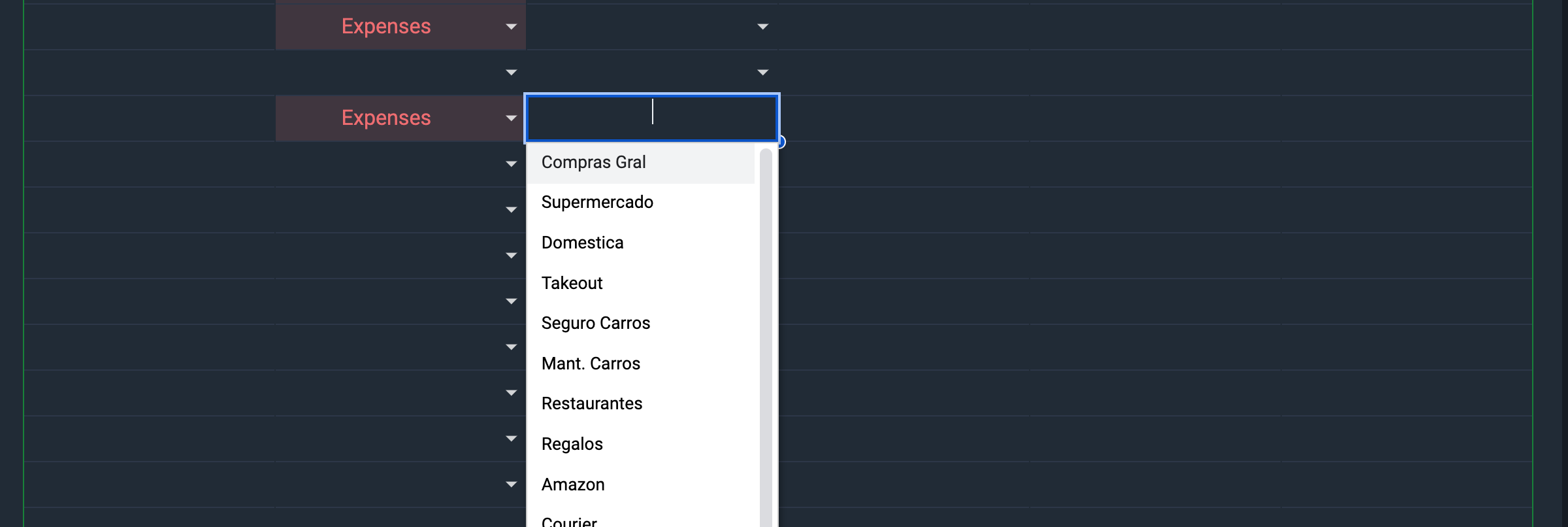

The issue: 

 

This post has been closed for comments. Please create a new post if you need help or have a question about this topic.

1 reply

Troy Tessalone
Zapier Orchestrator & Solution Partner
Forum|alt.badge.img+14
  • Zapier Orchestrator & Solution Partner
  • May 2, 2024

Hi @lamarcheeduardo 

For us to have more context, post screenshots with how your Zap steps are outlined and configured along with the top 3 rows of your GSheet.

The Zap action for GSheets - Add Row will add a new row to the bottom of the GSheet, it does not populate an existing empty row.




