Best answer

How do I extract the hyperlink in an Excel spreadsheet cell

  • March 4, 2024
  • 3 replies
  • 120 views

Hello and thanks for your help in advance.


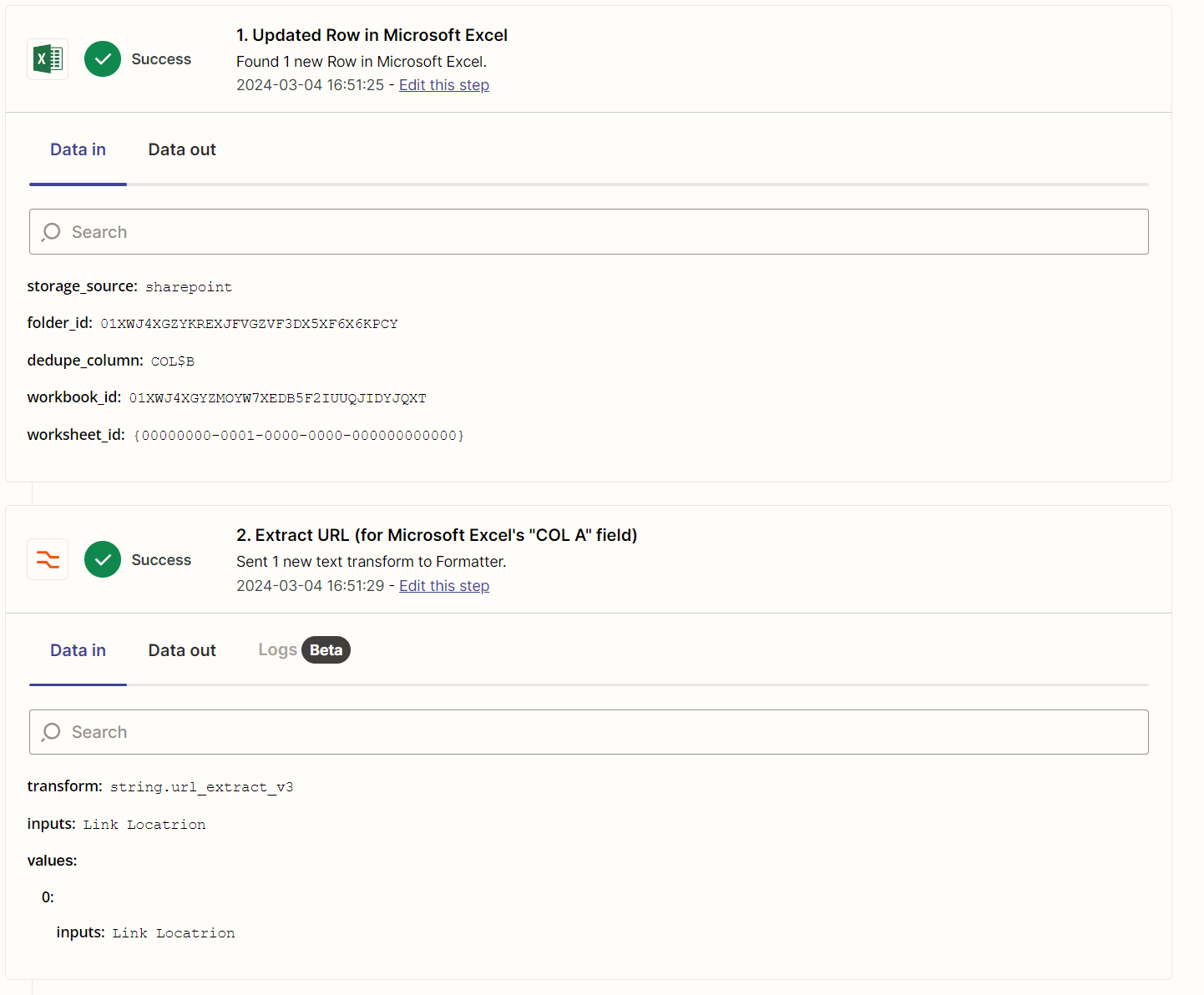
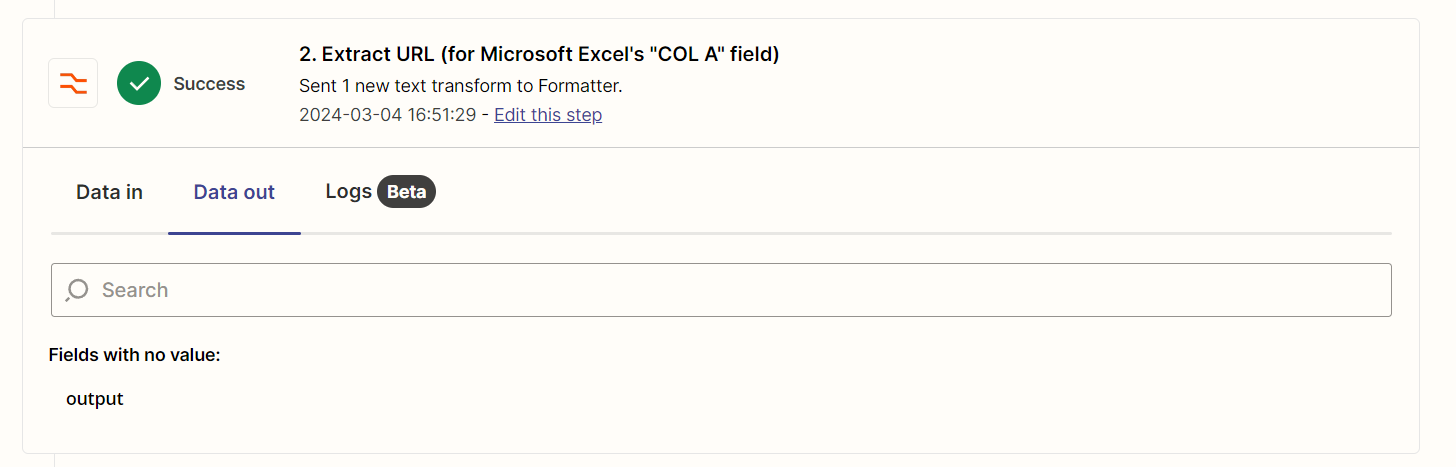
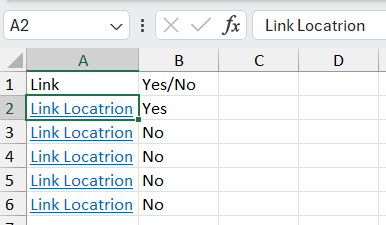
I was trying to use the action “Extract URL” in “Formatter by Zapier” to extract the hyperlink from a cell of an Excel spread sheet but it only retuened text “Locatrion Link”. I’m only interested in getting the link from this cell.


Was just wondering is there a way to extract the hyperlink from an excel spread sheet cell?


Thanks
 

Best answer by Troy Tessalone

@Rixin

In the Zap trigger DATA OUT, Excel is returning the “visible” value for the cell, not the formula value.

The URL would need to be in another cell to be used in Zap action steps.


This post has been closed for comments. Please create a new post if you need help or have a question about this topic.

3 replies

Troy Tessalone
Zapier Orchestrator & Solution Partner
Forum|alt.badge.img+14
  • Zapier Orchestrator & Solution Partner
  • March 4, 2024

Hi @Rixin 

For us to have context, post screenshots with how the data is returned from the Zap step.


  • Author
  • New
  • March 4, 2024

Hi @Troy Tessalone ,


Thank you for your respond.

Below are the screenshots. 


Thanks.


Troy Tessalone
Zapier Orchestrator & Solution Partner
Forum|alt.badge.img+14
  • Zapier Orchestrator & Solution Partner
  • Answer
  • March 4, 2024

@Rixin

In the Zap trigger DATA OUT, Excel is returning the “visible” value for the cell, not the formula value.

The URL would need to be in another cell to be used in Zap action steps.