Question

How do I extract inline images from Microsoft Outlook emails in Zapier?

  • May 7, 2024
  • 4 replies
  • 163 views

In Zapier I tested two workflows:

  1. Trigger on new email in Outlook > upload attached image to Google Drive
  2. Trigger on new attachment in Outlook > upload attached image to Google Drive

Both work, as long as the image is attached to the email instead of inline. When it’s inline, Zapier doesn’t recognize it as an attachment.


I tried everything, even running javascript, but I can’t find a way to extract the inline image from an email. Can you help me?


 

This post has been closed for comments. Please create a new post if you need help or have a question about this topic.

4 replies

Troy Tessalone
Zapier Orchestrator & Solution Partner
Forum|alt.badge.img+14
  • Zapier Orchestrator & Solution Partner
  • May 7, 2024

Hi @Bartcep 

Here are resources for email parsing:


  • Author
  • Beginner
  • May 7, 2024

Thank you @Troy Tessalone 


I (unfortunately) tried all the options already. I asked GPT4, Gemini and Claude, ran a javascript and set up email parsers but none of those could (help me) do the job. AI eventually said it’s not possible because the body doesn’t contain a file (like when an email has an actual attachment) nor a link to an online file (image). Only an attachment ID and scr


Strange right? Since there clearly is an image in the email


Troy Tessalone
Zapier Orchestrator & Solution Partner
Forum|alt.badge.img+14
  • Zapier Orchestrator & Solution Partner
  • May 7, 2024

@Bartcep 

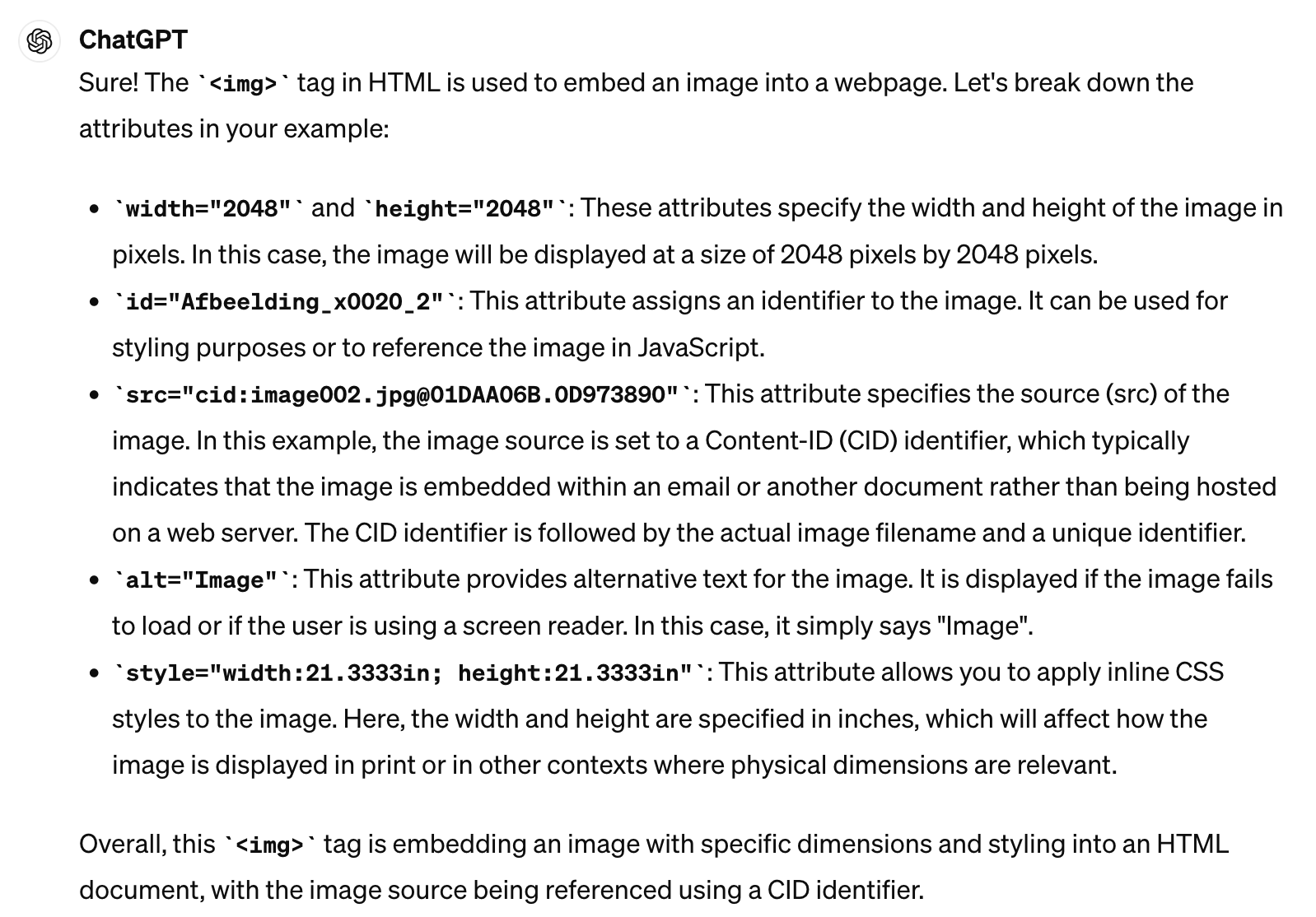
The source (src=) of the image is not a full URL, so you likely won’t be able to retrieve the image in the email body HTML.

<img width="2048" height="2048" id="Afbeelding_x0020_2" src="cid:image002.jpg@01DAA06B.0D973890"
alt="Image" style="width:21.3333in; height:21.3333in">


Feedback from ChatGPT.


  • Author
  • Beginner
  • May 7, 2024

Too bad… But thank you for taking a look at it @Troy Tessalone !