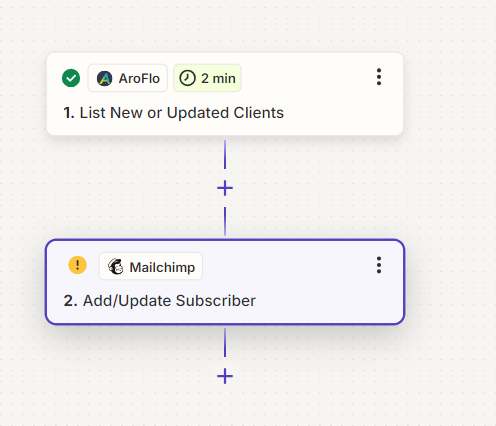
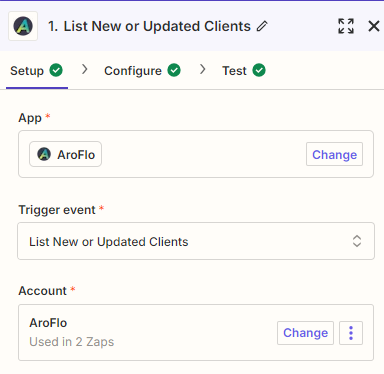
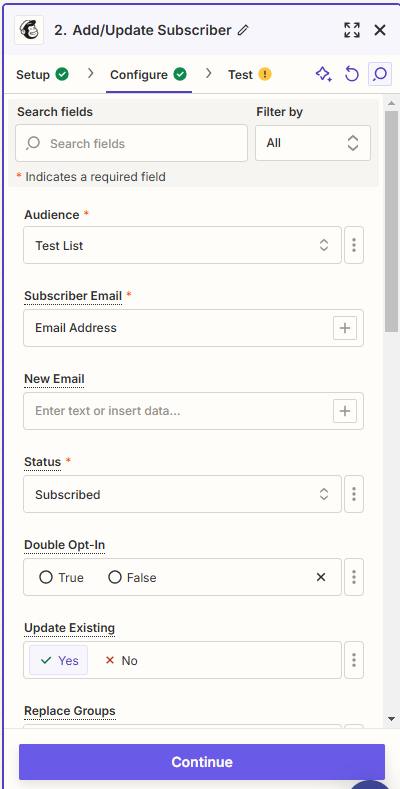
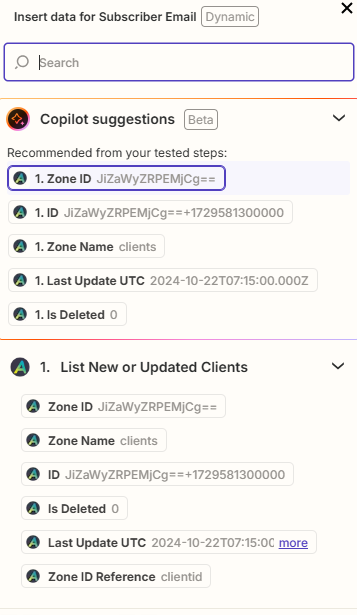
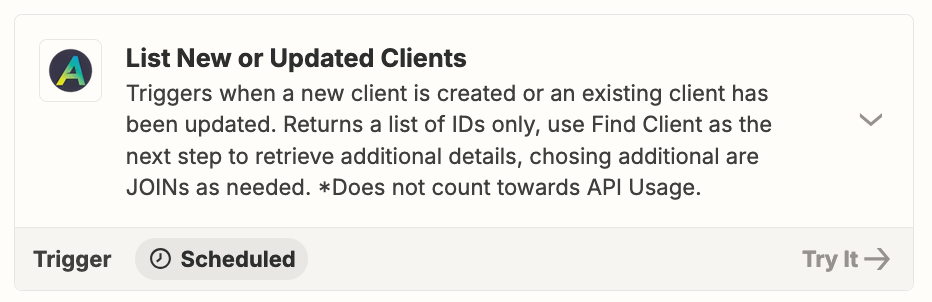
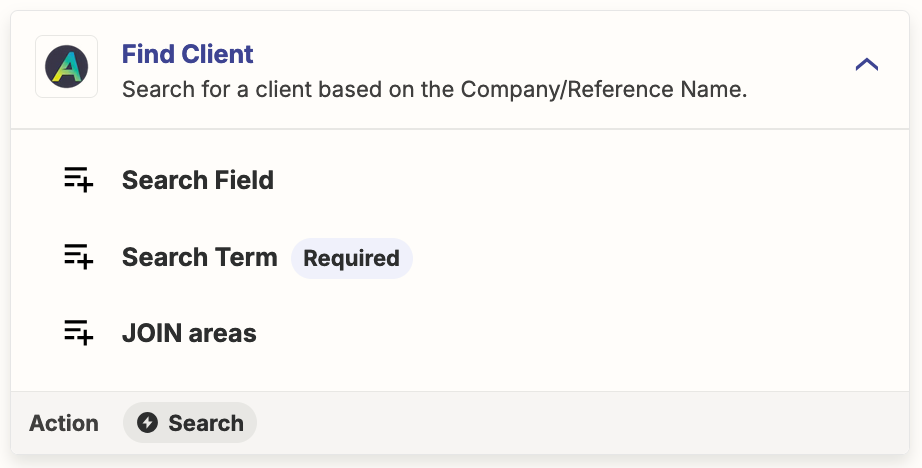
This was the suggested Zap. It identifies the clients correctly from aroflo however doesn’t bring in the details of the client to update mailchimp. Looking for suggestions how i can get the additional information from aroflo once the client has been identified.
This post has been closed for comments. Please create a new post if you need help or have a question about this topic.
We just wanted to see how everything is going with your Zap. Did Troy's recommendation get the job done? Feel free to reach out if you need further assistance with your Zap. We're glad to address any concerns and assist you.
We're looking forward to your response.
Early access
Next Gen Zaps
Build and deploy automations from AI tools you already use. With Agentic Management, if anything breaks, the agent diagnoses the issue and proposes a fix.