Question

How do I automatically share new Wix blogs to Instagram

  • October 14, 2024
  • 8 replies
  • 114 views

How do I automatically share new blog posts to my instagram business account?

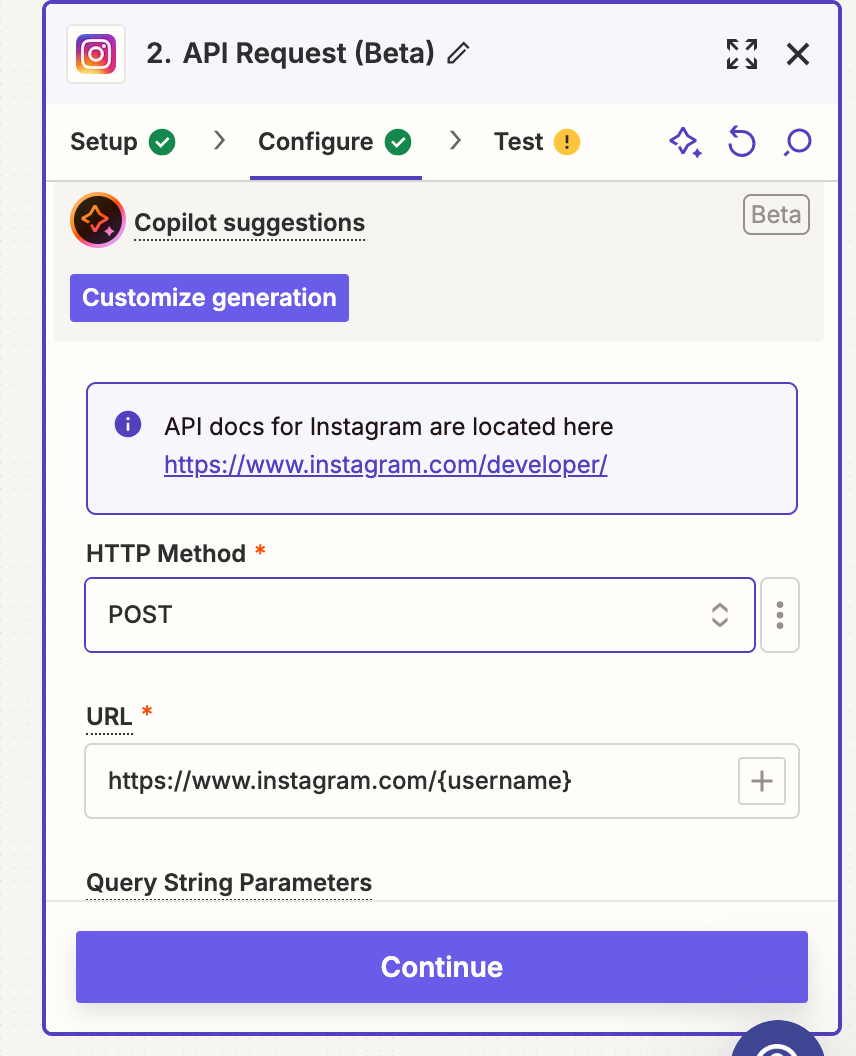
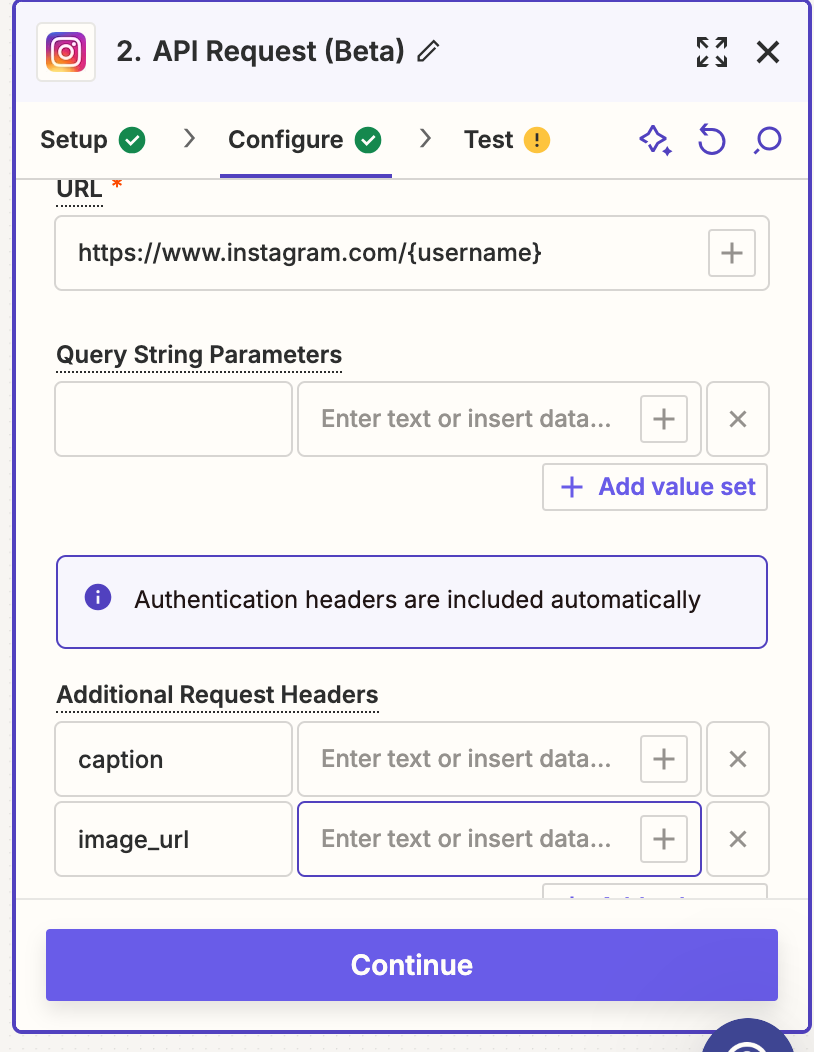
I have tried AI co pilot for assistance but I don’t know how to complete this step:
 

This post has been closed for comments. Please create a new post if you need help or have a question about this topic.

8 replies

ken.a
Forum|alt.badge.img+6
  • Zapier Staff
  • October 15, 2024

Hi there @annikah,

Welcome to the Community! 🎉

It looks like you’re using API Request (Beta) which is an advanced action that requires you to have a little bit of knowledge about APIs. With that said, have you tried using the “Publish Photo” action in Instagram for Business app? Like so:

58d360b9d8c9316c62a448644f172c98.png
(view larger)

Kindly give it a try and let me know how it goes? I'll keep an eye out for your response!


  • Author
  • New
  • October 15, 2024

Hi @ken.a 

Thanks so much for replying quickly. I don’t have this option as a Zap either….


ken.a
Forum|alt.badge.img+6
  • Zapier Staff
  • October 16, 2024

Hi @annikah,

The Instagram for Business app is the one that has the “Publish Photo” action. Could you please try setting up your Zap like this:

  1. Trigger: Wix - Blog
  2. Action: Instagram for Business - Publish Photo

Kindly give it a try and let me know how it goes? I'll keep an eye out for your response!


SamB
Community Manager
Forum|alt.badge.img+11
  • Community Manager
  • October 23, 2024

Hi @annikah! 👋

How did you get on with the setup suggested in Ken’s latest reply? 

Did that trigger and action do the trick? If so, we’d love to get it marked as the Best Answer to better surface that solution to others in the Community.

And if you’re still having any trouble, feel free to reach back out—we’re here to help! 🙂


  • Author
  • New
  • October 28, 2024

Hi @ken.a 

Gah another problem!

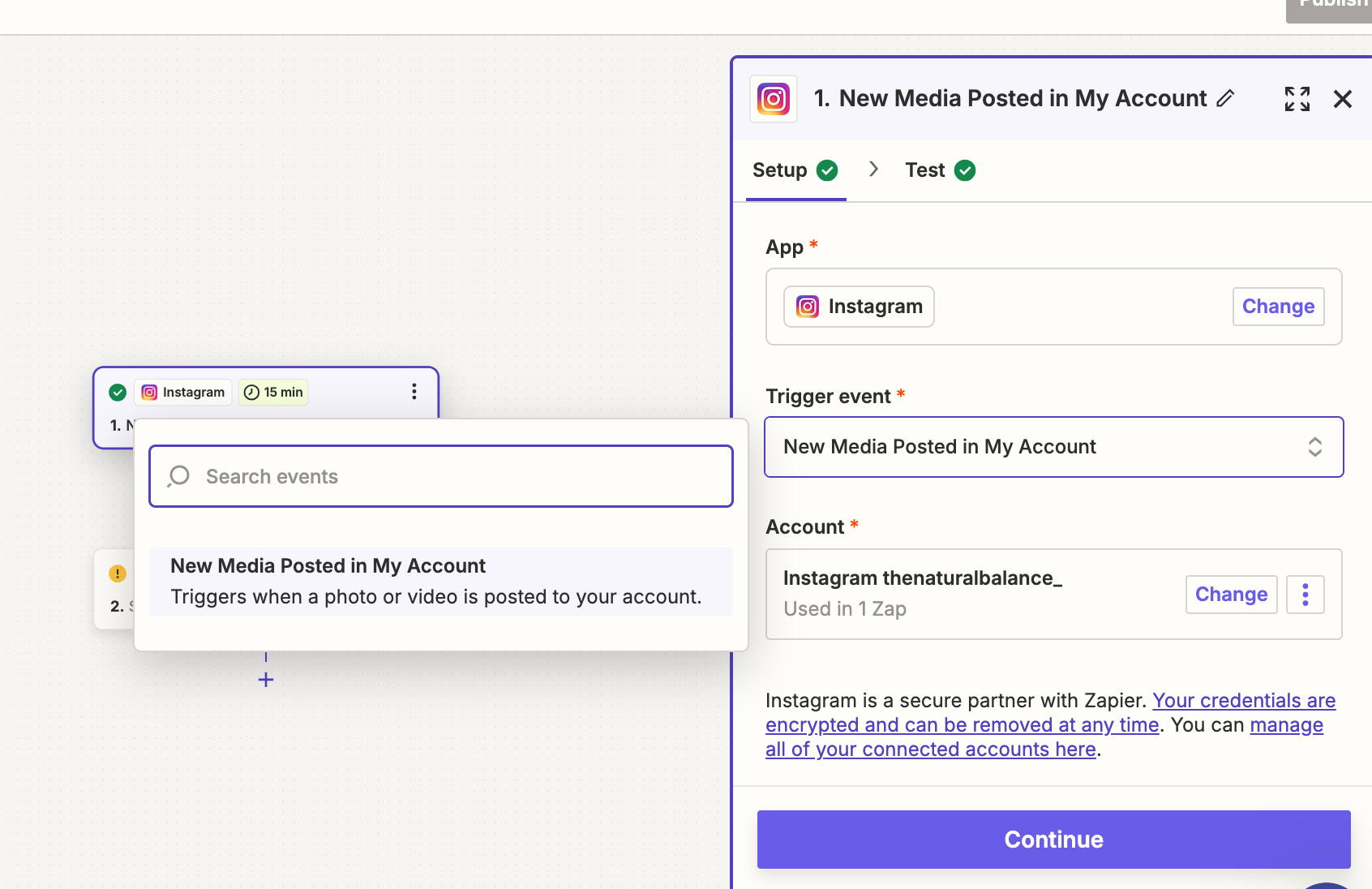
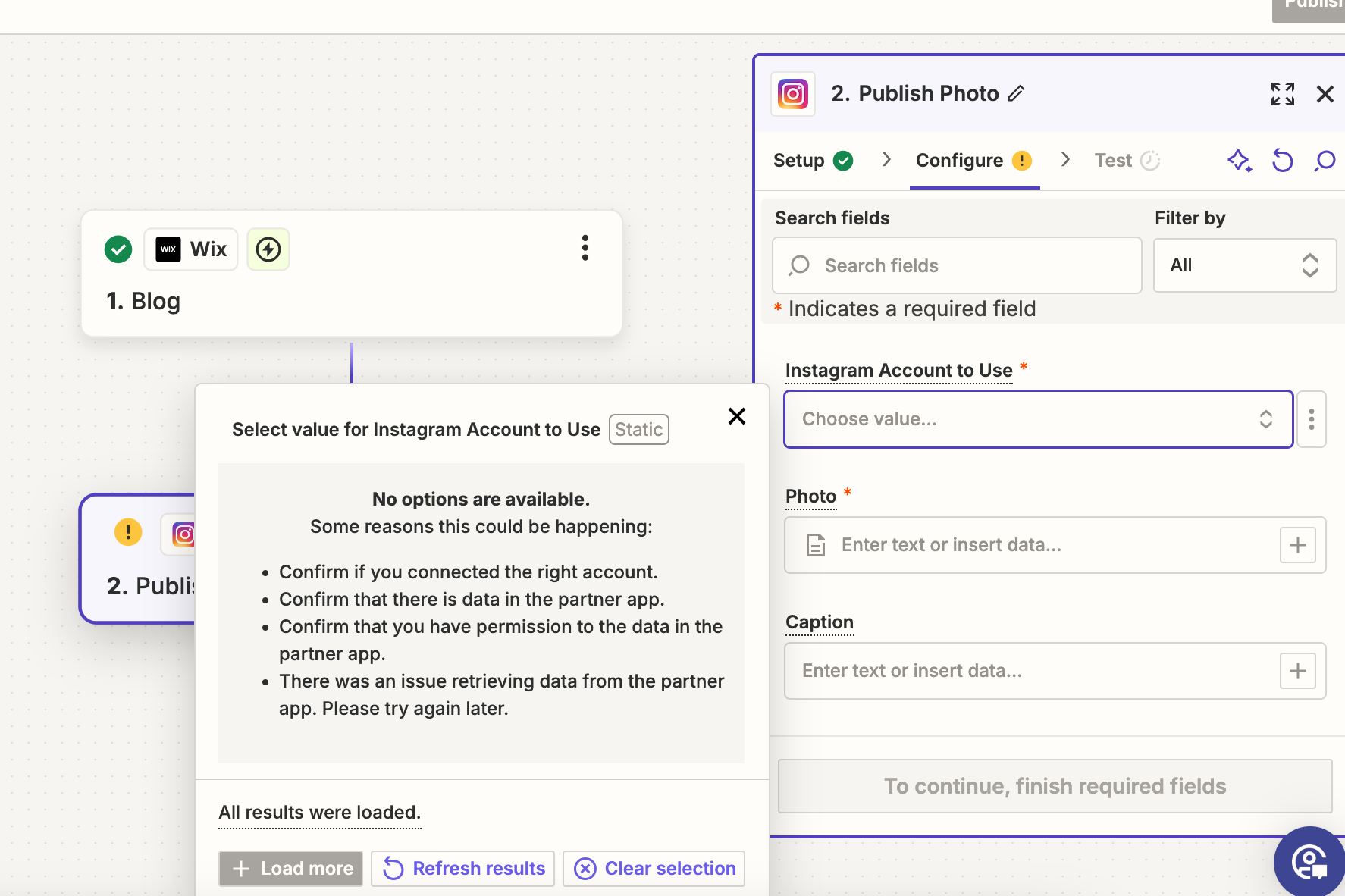
Instagram is now connected but at the next step there’s another problem. I believe I have followed all the advice laid out in the support docs in terms of permissions etc. Any help? Thanks again


ken.a
Forum|alt.badge.img+6
  • Zapier Staff
  • October 29, 2024

Hi @annikah,

Thanks for the update here.

You can use your Instagram account ID as a custom value (3 dots next to the field) in the “Instagram Account to Use” field. You can search in the web for “instagram account id finder” to help you find your Instagram account ID.

Kindly give it a try and let me know how it goes? I'll keep an eye out for your response!


  • Author
  • New
  • October 29, 2024

Sorry @ken.a  that hasn’t worked either!


ken.a
Forum|alt.badge.img+6
  • Zapier Staff
  • October 30, 2024

Hi @annikah,

Thanks for giving that a try.

Could you please let me know if you have the correct permissions? You can access the permissions here: https://www.facebook.com/settings?tab=business_tools&ref=settings

The permissions should look like this:

8858624c5e104ae6e296e6994ccaa896.png
(view larger)

After giving the correct permissions, you need to make a new connection to Instagram to see the pages in the Zap editor. Reconnecting an existing account might work as well.

I'll be keeping an eye out for your response!