Question

How do I automate SimplyBook bookings to Dynamics 365 when PowerApps columns missing in Zap?

  • July 3, 2023
  • 3 replies
  • 31 views

MarkWright

Hi all,


I am somewhat new to some of the things I’m talking about, so please bear with me.

Currently we use PowerApps, and I have built a fully bespoke CRM system. I am now wanting to automate the bookings we receive through SimplyBook using the Zap with SimplyBook and Microsoft Dynamics 365.


I have set up the SimplyBook part of the Zap to trigger when a new booking is made.

I have connected our CRM using the dynamics.com address and connection is made. However when I try to use the Create New Account, Client or Lead, not all of my table columns from PowerApps are showing.


Could anyone help wit this issue? And is it possible to use the API to create the bespoke columns from my CRM tables?


Any detailed advice would be greatly appreciated.


Many thanks


Mark

This post has been closed for comments. Please create a new post if you need help or have a question about this topic.

3 replies

Troy Tessalone
Zapier Orchestrator & Solution Partner
Forum|alt.badge.img+14
  • Zapier Orchestrator & Solution Partner
  • July 3, 2023

Hi @MarkWright 

Good question.

It may be that some column types aren’t supported in the Zap.

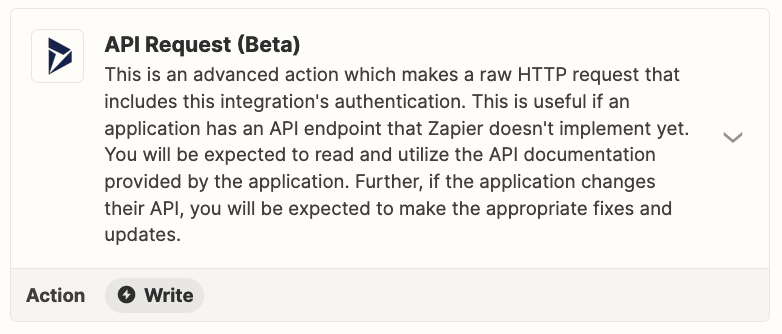
If you are trying to use an app API in Zaps, look for the API Request action.


MarkWright
  • Author
  • New
  • July 4, 2023

Hi Troy,


Thank you for this, and I have seen this option, however I am really unsure what I should be putting where re the API, it’s something I’ve never interacted with before, so if you could provide a little guidance it would be much appreciated!


Many thanks in advance


Mark


ken.a
Forum|alt.badge.img+6
  • Zapier Staff
  • July 5, 2023

Hi @MarkWright,

API Request action is an advanced feature. We do have a list of help articles that might help:

Also, we have a directory of certified Zapier Experts that can help you setup your API Request action. You may reach them here: https://zapier.com/experts

Hopefully, this helps! 😊