Question

How do I assign color labels to Trello cards based on "Priority" values from Google Sheets?

  • December 19, 2023
  • 1 reply
  • 269 views

Hi,

I’ve created a Zap that generates Trello cards when new lines are added to a google sheet.

One of the columns in the sheet is labelled “Priority”, and by necessity will have a numerical value between 1 and 5.

What I’d like to do is map these 5 values to corresponding colors, and have a label of that color be added to the Trello card (1, meaning high priority, will be assigned a RED label — 5, meaning low priority, will be assigned a GREEN label, with orange/yellow etc filling out the intermediate options).

I’ve tried to add this functionality, with little success so far.  If anybody knows how this could be achieved (if it’s even possible), I’d be extremely grateful.

TIA,
Paul

This post has been closed for comments. Please create a new post if you need help or have a question about this topic.

1 reply

Troy Tessalone
Zapier Orchestrator & Solution Partner
Forum|alt.badge.img+14
  • Zapier Orchestrator & Solution Partner
  • December 19, 2023

Hi @Paulo_dev 

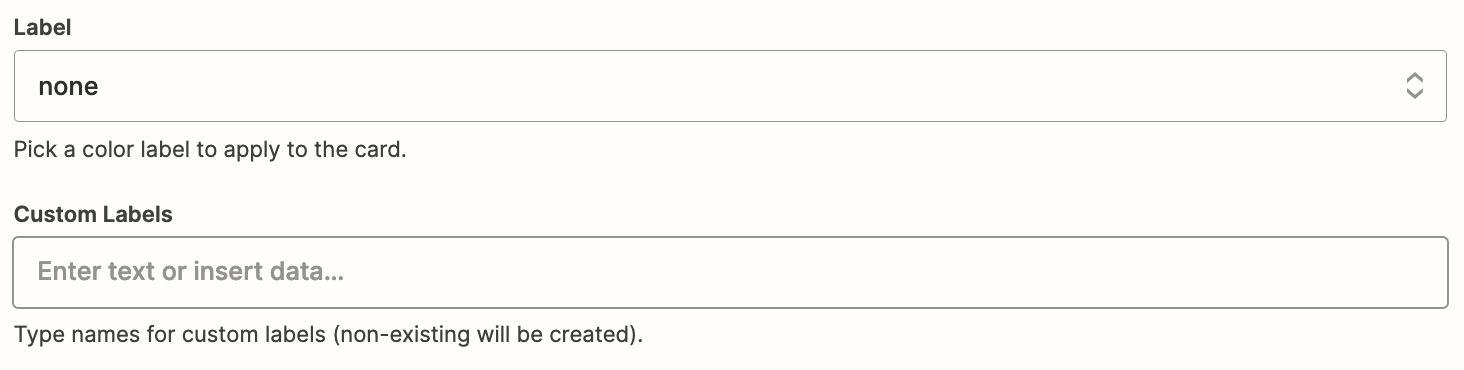
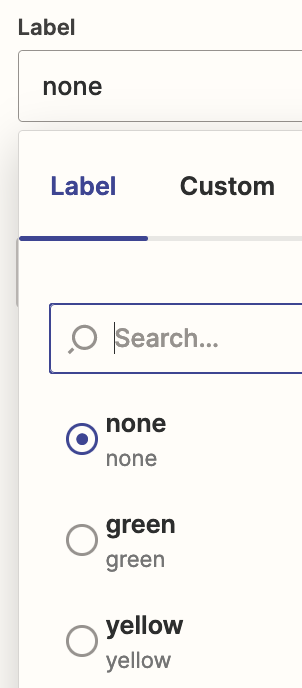
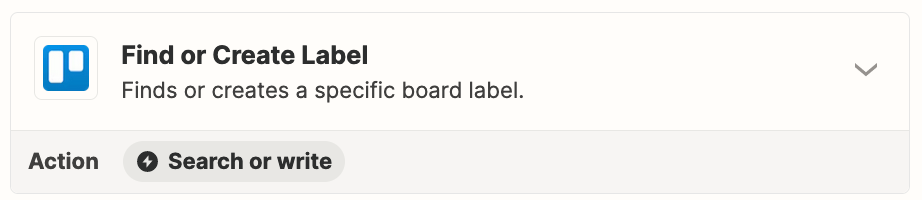
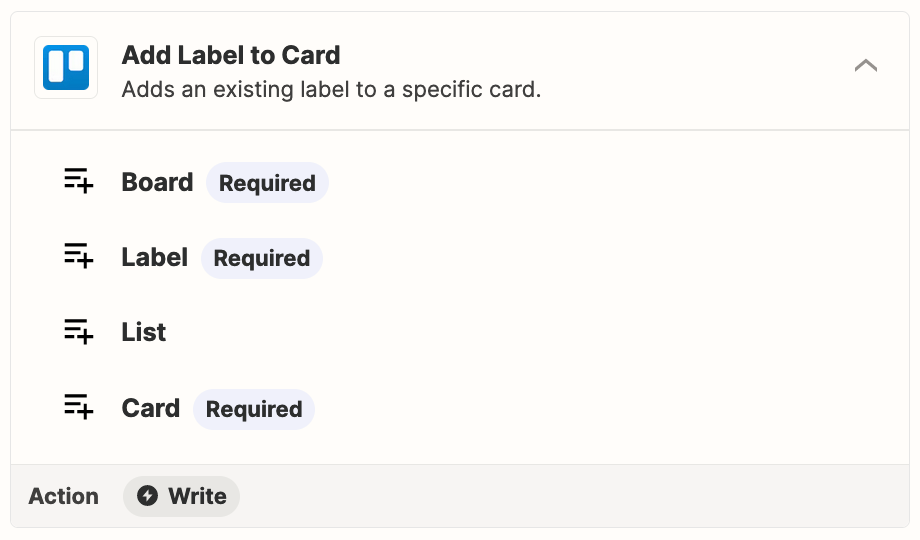
You may need to use a lookup table or you can try the Trello Label actions shown below.


For existing Labels, you would need to map the expected dropdown option value.

Help: https://help.zapier.com/hc/en-us/articles/8496241696141-Add-custom-values-to-dropdown-menu-fields-in-Zaps#01H7FR09FBEAKK4ZZP678QDE9T