


Question

How Do I add comments to my notion page in a dynamic way? Now only allows to add to static pages

  • February 15, 2025
  • 2 replies
  • 63 views

Forum|alt.badge.img
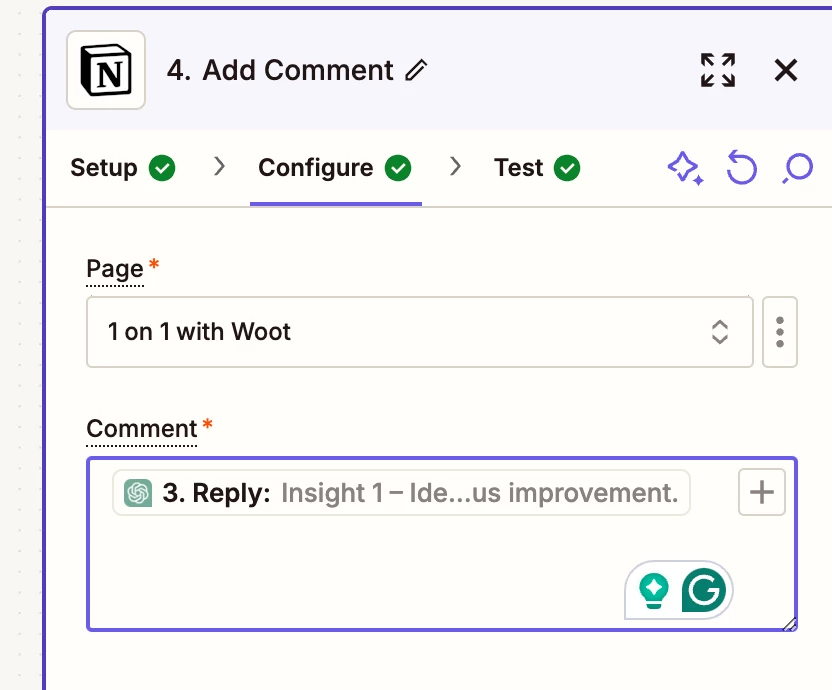
Screen shot of step where I want to add dynamic page 

See above currently “add comment” action doesnt’ allow me to ref a specific cell in my database where I want to add the comment. This means for every zap the comment goes to the same “page” or cell in my database. I need it to ref to the database item it created in the initial zap
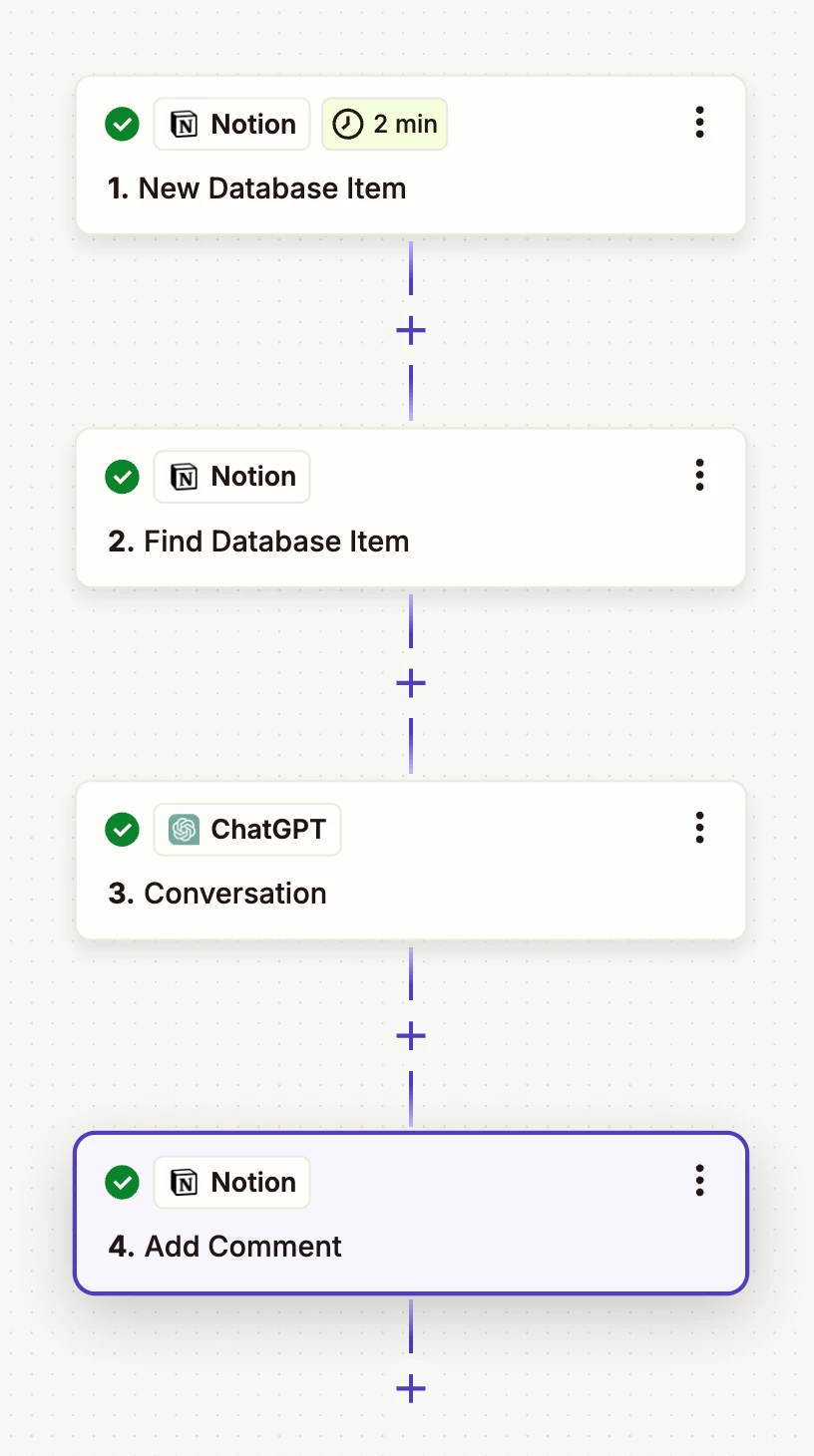
 

See Zap structure above for ref.

This post has been closed for comments. Please create a new post if you need help or have a question about this topic.

2 replies

escalateur.com

Hi! If you click on the 3 dots on the “Page” input field, you should be able to select “Custom”. Note that this will require you to input the page ID, not the name.


Usually in these cases it’s necessary to add a “Formatter > Utilities > Lookup Table” step just before, to change the page ID according to another dynamic value. Then just map this step’s output in the “Custom” page field :)


Edit: I just read that your page ID is already available from your trigger. This removes the need for a Formatter step. Just click the 3 dots > Custom > and map your page ID in there


SamB
Community Manager
Forum|alt.badge.img+11
  • Community Manager
  • February 21, 2025

Hi there, ​@robert1234 👋

How did you get on with ​​escalateur.com​’s suggestion here? Were you able to get it working by mapping the page ID into the Page field?

Want to make sure you’re all set here—let us know if you need any further help! 🙂

