Question

How can I send multiple attachments in one email using Zapier?

  • January 27, 2024
  • 5 replies
  • 509 views

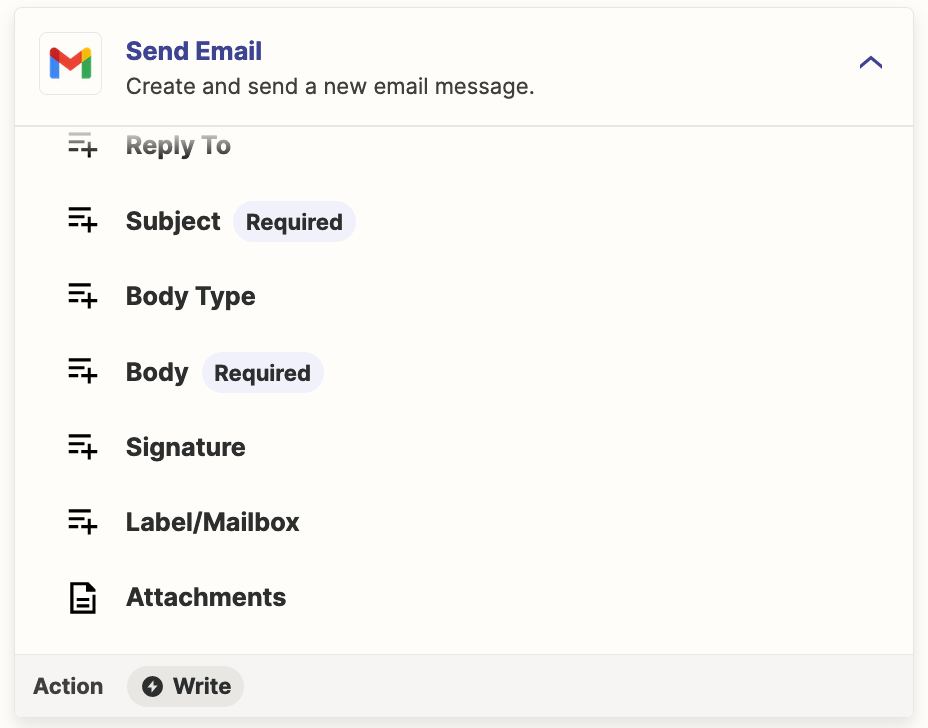
I wanted to automatize the send of an email with zapier with custom fields like:

  • To:
  • Subject:
  • Body:
  • Attachment1:
  • Attachment2:
  • Attachment3:

But it seems Zapier can't do that yet.


I managed to find a work around by using 2 artifices.

1) First trick:
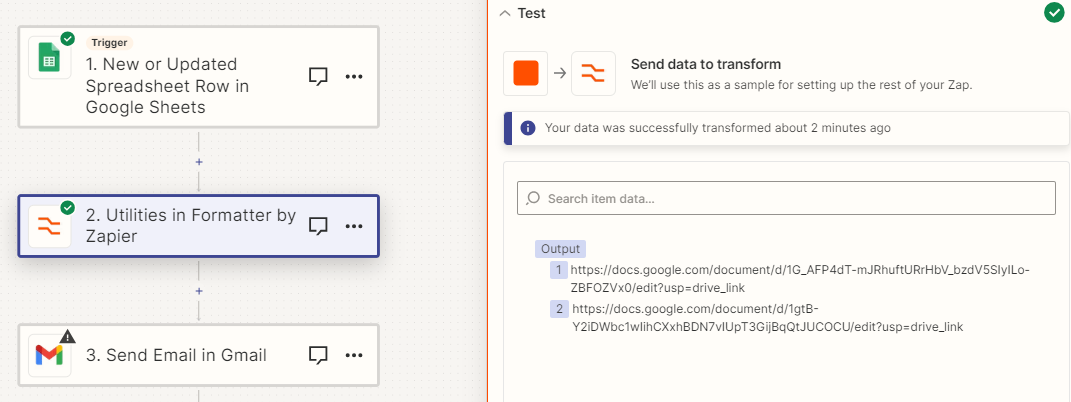
Use a spreadsheet and each column is a field that can be used

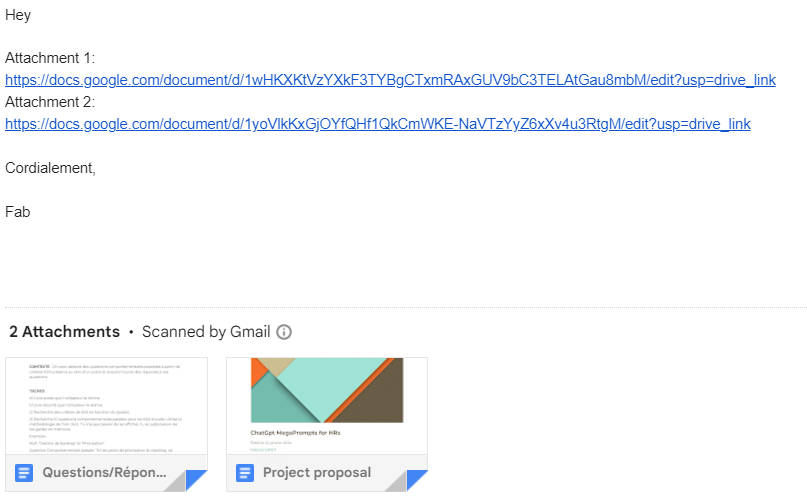
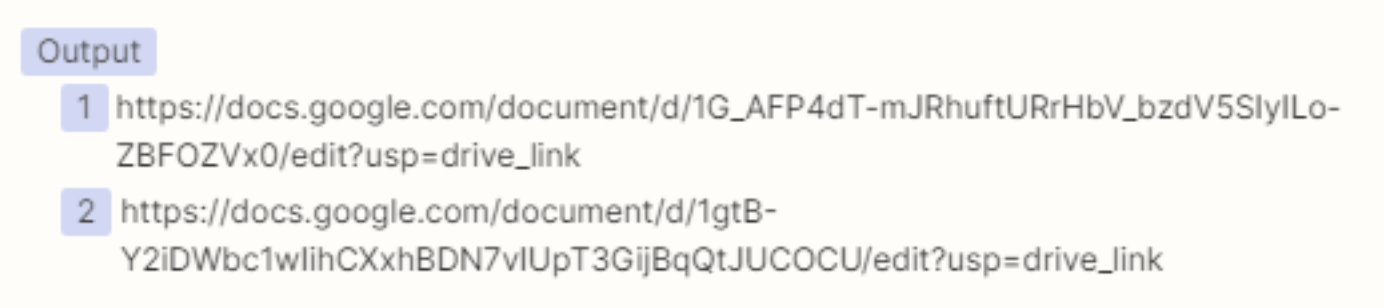
2) Instead of adding attachments, add Google Drive links in the body.
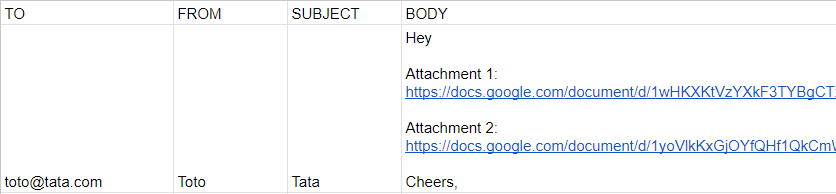
You can attach as many links as needed

The result does the desired goal:

QED

Cheerio,

This post has been closed for comments. Please create a new post if you need help or have a question about this topic.

5 replies

Troy Tessalone
Zapier Orchestrator & Solution Partner
Forum|alt.badge.img+14
  • Zapier Orchestrator & Solution Partner
  • January 27, 2024

Hi @Fab 

The Gmail Send Email Zap action steps supports multiple attachments.

Help article about how to send files in Zaps: https://zapier.com/help/create/basics/send-files-in-zaps


  • Author
  • New
  • January 27, 2024

Hey Troy,

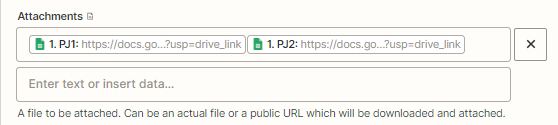
Yes it does. But as soon as I do it.

It renders an error.

So sth isn't working somewhere.

Cheers,


Troy Tessalone
Zapier Orchestrator & Solution Partner
Forum|alt.badge.img+14
  • Zapier Orchestrator & Solution Partner
  • January 27, 2024

@Fab 

Couple reasons why:

  1. The screenshots shows 2 variables mapped together which creates a concatenated value that is not a valid URL
    1. e.g. [URL1][URL2] = URL1URL2 instead of URL1,URL2
  2. The Attachments field handles arrays of items
    1. The data would need to be passed as an array with items
    2. Formatter > Utilities > Text to Line Items
    3. Help with line items: https://zapier.com/help/create/basics/use-line-items-in-zaps


  • Author
  • New
  • January 28, 2024

@Troy Tessalone Thx for the reply


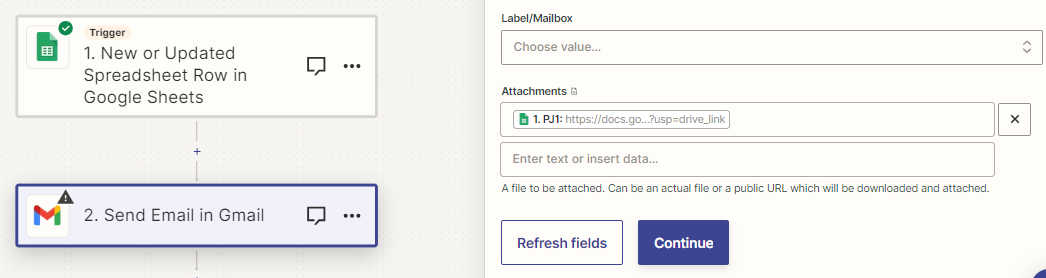
I tried different tweaks, but all of them to no avail. Even with only one attachment, it doesn't work:


With one attachment, or two. With attachments as an array or not, separated with a comma, or not. Even with Line Items:


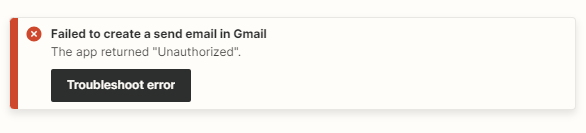
The troubleshoot error is always the same:

I reach a dead end here as "Unauthorized” isn't documented.

The only workaround that I found is to include the attachment links in the body of the email itself.

Have you tried that zap?

Cheerio, 


Troy Tessalone
Zapier Orchestrator & Solution Partner
Forum|alt.badge.img+14
  • Zapier Orchestrator & Solution Partner
  • January 28, 2024

@Fab 

The links to files need to be publicly accessible direct download links as indicated in the help article:

https://help.zapier.com/hc/en-us/articles/8496288813453

Try this tool to help you get the correct GDrive file link: https://sites.google.com/site/gdocs2direct/