Question

how can i schedule zaps on notion?

  • January 9, 2026
  • 3 replies
  • 20 views

I have a Zap that notifies my team by email based on records in Notion. How can I schedule this Zap to run automatically, for example twice per week?

 

3 replies

Sparsh from Automation Jinn
Forum|alt.badge.img+6

Hey ​@Learning together,

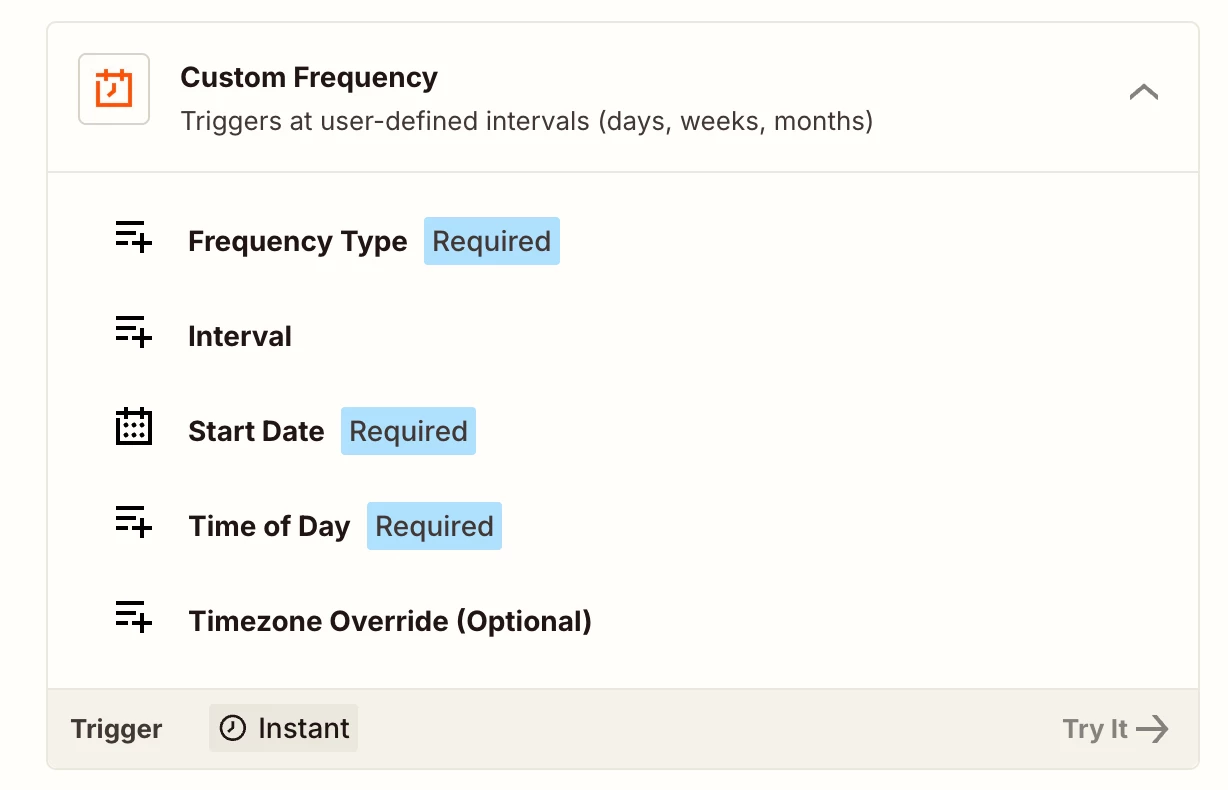
Try using Custom Frequency from Schedule by Zapier action. See more about it here- https://help.zapier.com/hc/en-us/articles/8496288648461-Schedule-Zaps-to-run-at-specific-intervals


Then you can choose it run every 2-3 days. Hope it helps!

PS: If you need more active help, I’m happy to connect through my Zapier Solution Partner page if you’d like to reach out here- https://zapier.com/partnerdirectory/automation-jinn


Troy Tessalone
Zapier Orchestrator & Solution Partner
Forum|alt.badge.img+14
  • Zapier Orchestrator & Solution Partner
  • January 9, 2026

Hi ​@Learning together 

Help links for using the Schedule app in Zaps: https://zapier.com/apps/schedule/integrations#help

Related resource that can help understand how to filter the Schedule Zap trigger data for your desired days/times: 


If you are looking to hire help, there is a directory of Zapier Partners: https://zapier.com/partnerdirectory


drtanvisachar
Forum|alt.badge.img+2

Hello ​@Learning together  You’ll need a time based trigger for this. Zaps only run automatically if the trigger supports scheduling.

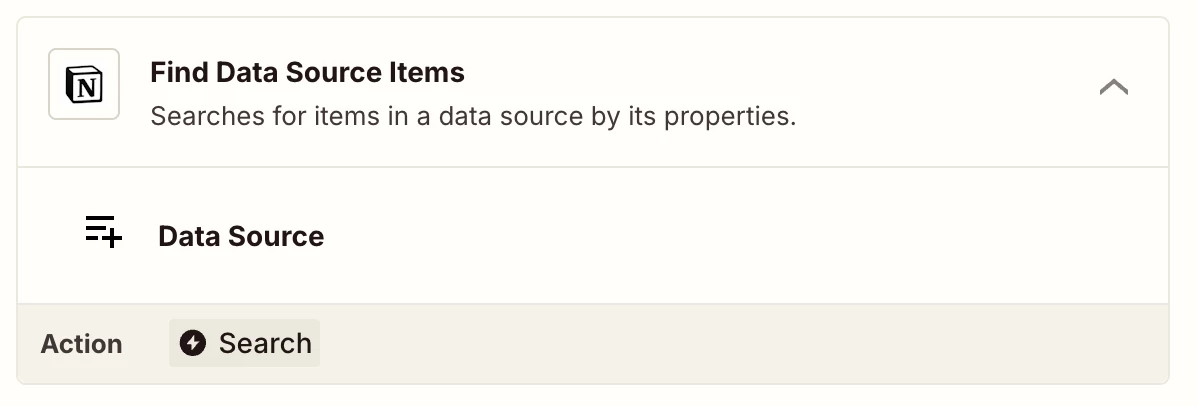
Use Schedule by Zapier as the trigger set to twice per week, then add a Notion Find Database Items step to pull the records and send the email.

If you only want new or changed records, add a date filter or use Storage by Zapier to track the last run.