Question

How can I extract and forward specific PDF attachments from Microsoft Outlook emails?

  • June 28, 2023
  • 3 replies
  • 1273 views

CamM
I'm looking to create a zap that does the following. 
 
Outlook email inbox receives email > grab email PDF attachment and forward to another email > upload that PDF to an FTP
 
As of right now the zap is uploading the PDF attachment in a zip and is forwarding that through to the email/FTP - Is there a way I'm able to specifically just grab the PDF attachment and use that going forward?
 
Really just needing to grab the attached PDF file and then proceed to forward that to another email and upload to an FTP.
 
However, it keeps giving me a ZIP file..

This post has been closed for comments. Please create a new post if you need help or have a question about this topic.

3 replies

Troy Tessalone
Zapier Orchestrator & Solution Partner
Forum|alt.badge.img+14
  • Zapier Orchestrator & Solution Partner
  • June 28, 2023

Hi @CamM 

Good question.

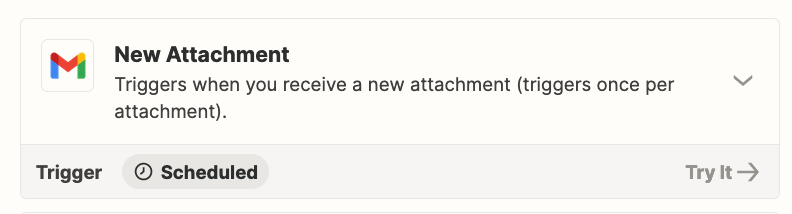
As a workaround, Gmail has this trigger: New Attachment


Troy Tessalone
Zapier Orchestrator & Solution Partner
Forum|alt.badge.img+14
  • Zapier Orchestrator & Solution Partner
  • June 28, 2023

@CamM 

Another possible workaround:

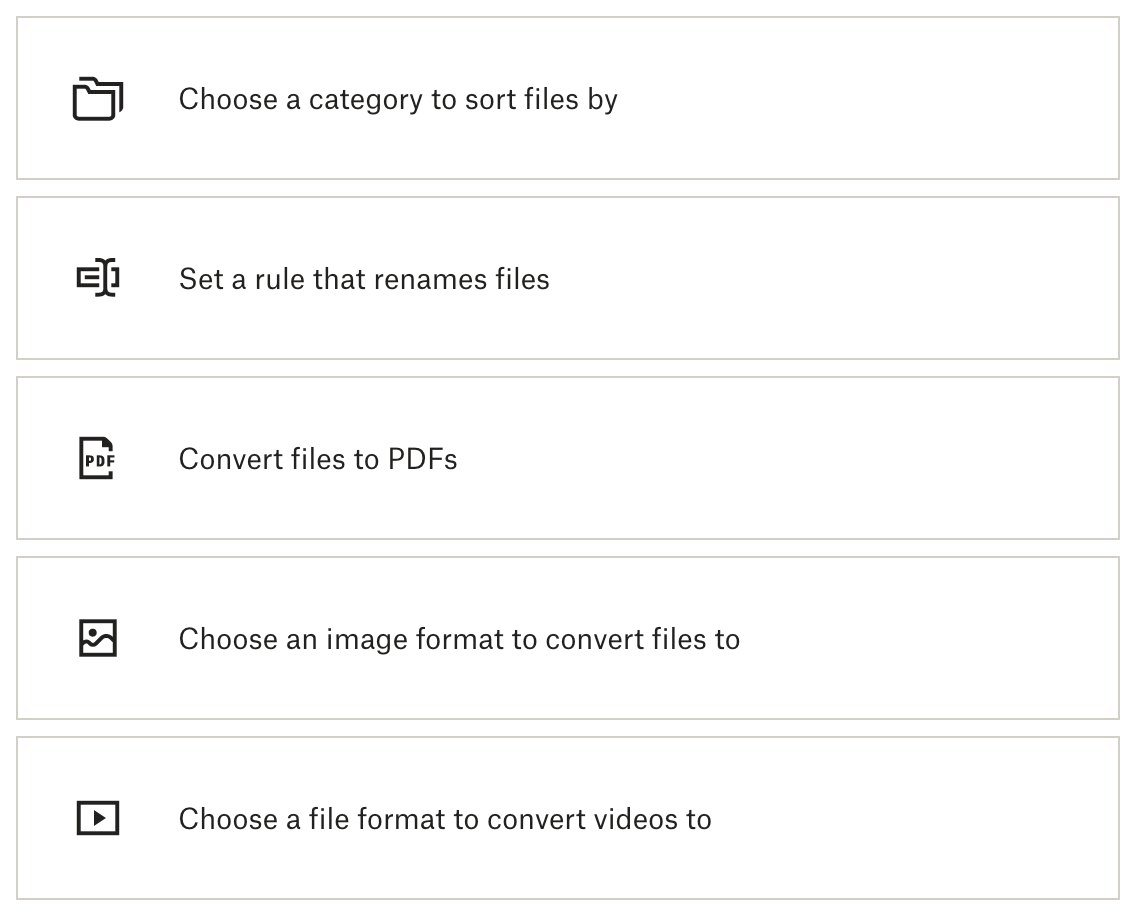
Use a Dropbox Automated Folder.

It can be configured to unzip files.


Troy Tessalone
Zapier Orchestrator & Solution Partner
Forum|alt.badge.img+14
  • Zapier Orchestrator & Solution Partner
  • June 28, 2023

@CamM 

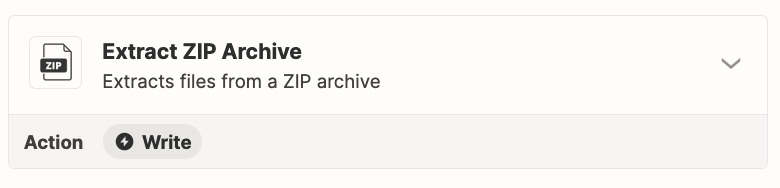
Otherwise, you’ll have to us another app to unzip files, such as Zip Archive API: https://zapier.com/apps/archive-api/integrations