Best answer

Help w/ Google Calendar SMS Reminder

  • May 24, 2025
  • 8 replies
  • 75 views

Hi, 

I would like to set up an SMS reminder to be sent by Twilio at the same time every day, based on when the Google Calendar appointment is.


We book our appointments through a Google Calendar Appointment Schedule, and the prospects fill in their phone number details upon booking.

I would like it to be such that, if someone books on Friday and it’s Wednesday, they receive an SMS reminder at 8pm on Thursday and 9am on Friday.


What would be the exact Google Calendar, Twilio and Zap flows for this?


Thank you!

Best answer by ken.a

Hi ​@ZapUser1234,

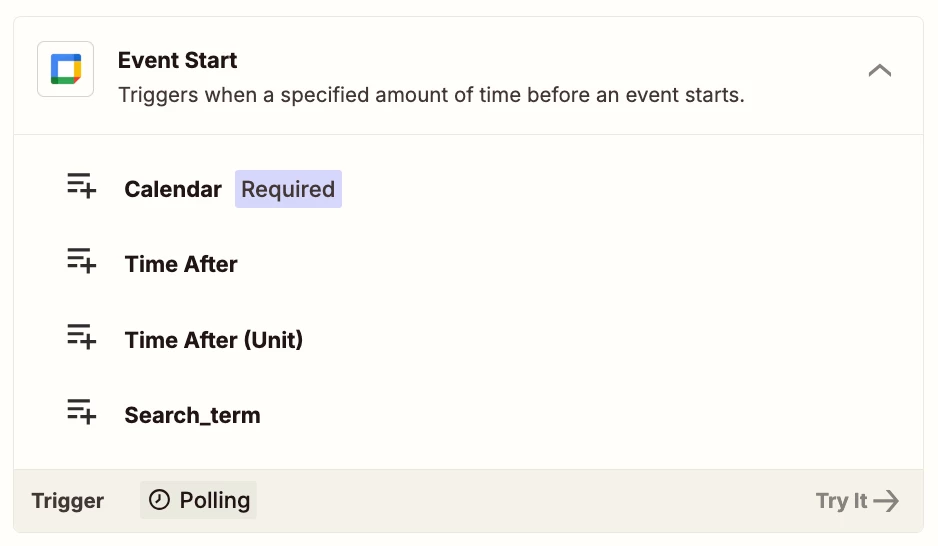
I believe the Event Start trigger has the ability to trigger on a set time for appointments. Have you tried publishing the Zap and tried testing the Zap while it’s published?

I'll be keeping an eye out for your response!

This post has been closed for comments. Please create a new post if you need help or have a question about this topic.

8 replies

Troy Tessalone
Zapier Orchestrator & Solution Partner
Forum|alt.badge.img+14
  • Zapier Orchestrator & Solution Partner
  • May 24, 2025

Hi ​@ZapUser1234 

Use this Zap trigger: GCal - Event Start

If you need to add a Delay (For / Delay Until)

Delay help: https://zapier.com/apps/delay/integrations#help


  • Author
  • Beginner
  • May 25, 2025

Hi ​@Troy Tessalone - I hope you are well!

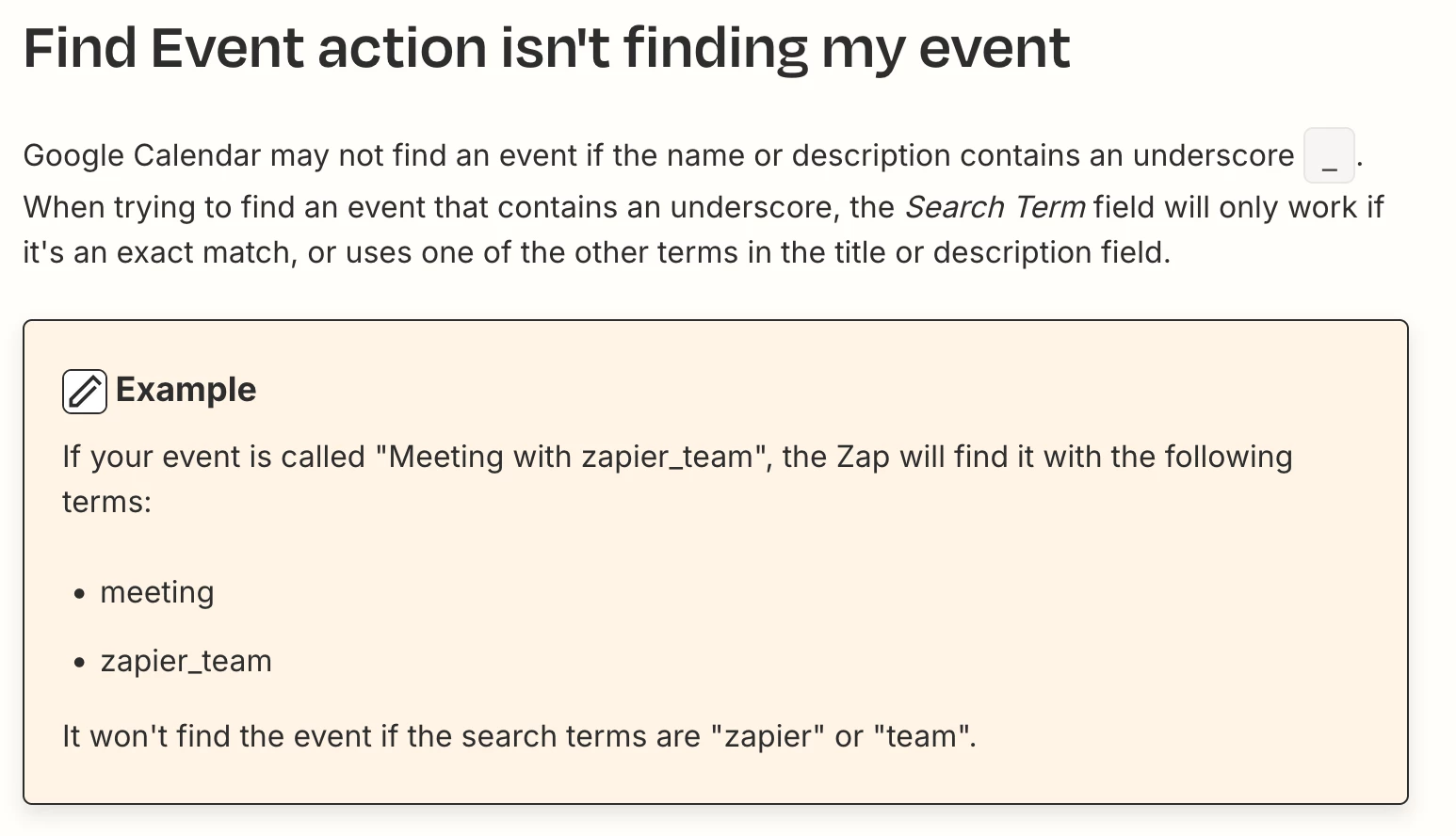
Thank you for getting back to me on this - it seems to be working, the only issue I’m facing is that the Zap test is not able to locate any events that are not all day events…


For example, in the attached Google Calendar screenshot, I want it to pick up the event called “Zapier Test” but it’s only picking up the all day event of “Director’s Conference”, is this simply just a bug with the test or when running will it pick up specified time events?

Thanks!


jhon_739
  • May 25, 2025

Hi Zapuser1234,

Yes, you can set up an automation to sync membership access between Skool and your external membership website, but it requires some integration work. Skool doesn’t have direct Zapier support yet, but it does offer webhooks (either in beta or by request). These webhooks can notify an external system when someone joins or leaves your Skool community, which can then trigger access changes on your membership site.

Zapier supports a wide range of membership platforms like MemberPress, Kajabi, Teachable, Thinkific, and more. To make this work, you’d typically use a middleware like Make (Integromat) or a custom webhook receiver to bridge Skool’s webhooks with Zapier. Once set up, you can automatically grant access when someone joins and revoke it when they leave.

Regards


Troy Tessalone
Zapier Orchestrator & Solution Partner
Forum|alt.badge.img+14
  • Zapier Orchestrator & Solution Partner
  • May 25, 2025

@ZapUser1234 

Help links for using GCal in Zaps: https://zapier.com/apps/google-calendar/integrations#help

You should still be able to configure your Zap action steps.

Then try turning the Zap ON and testing live.


  • Author
  • Beginner
  • May 25, 2025

@Troy Tessalone great - thank you!

And how would I go about making the Zap run at a set time every day for appointments on that day?

So at 9am daily for appointments booked on the same day for example?

Thanks


ken.a
Forum|alt.badge.img+6
  • Zapier Staff
  • Answer
  • May 26, 2025

Hi ​@ZapUser1234,

I believe the Event Start trigger has the ability to trigger on a set time for appointments. Have you tried publishing the Zap and tried testing the Zap while it’s published?

I'll be keeping an eye out for your response!


  • Author
  • Beginner
  • May 26, 2025

Hi ​@ken.a - got it to work now!

Thank you!


JammerS
Forum|alt.badge.img+6
  • Zapier Staff
  • May 27, 2025

Wow! Thank you for confirming that Ken’s recommendation got the Zap running. This will significantly help our Community members to have as a reference for the same issue.