Best answer

Help to create new line items from current one with multiplication factor

  • March 6, 2026
  • 3 replies
  • 13 views

Forum|alt.badge.img

Hi, 
I have a Shopify store, and when customers from other countries that not has EUR as currency makes a payment with card, Shopify uses the their native currency which in this case is NOK. So output line items is in NOK from shopify. This results in that I have to recalculate this manually for these orders, so I was thinking to automate this instead! It will not be 100% because that the currency exchange rate will differ from Shopify payments rate some, but I think I can live with a small manual adjustment.
 

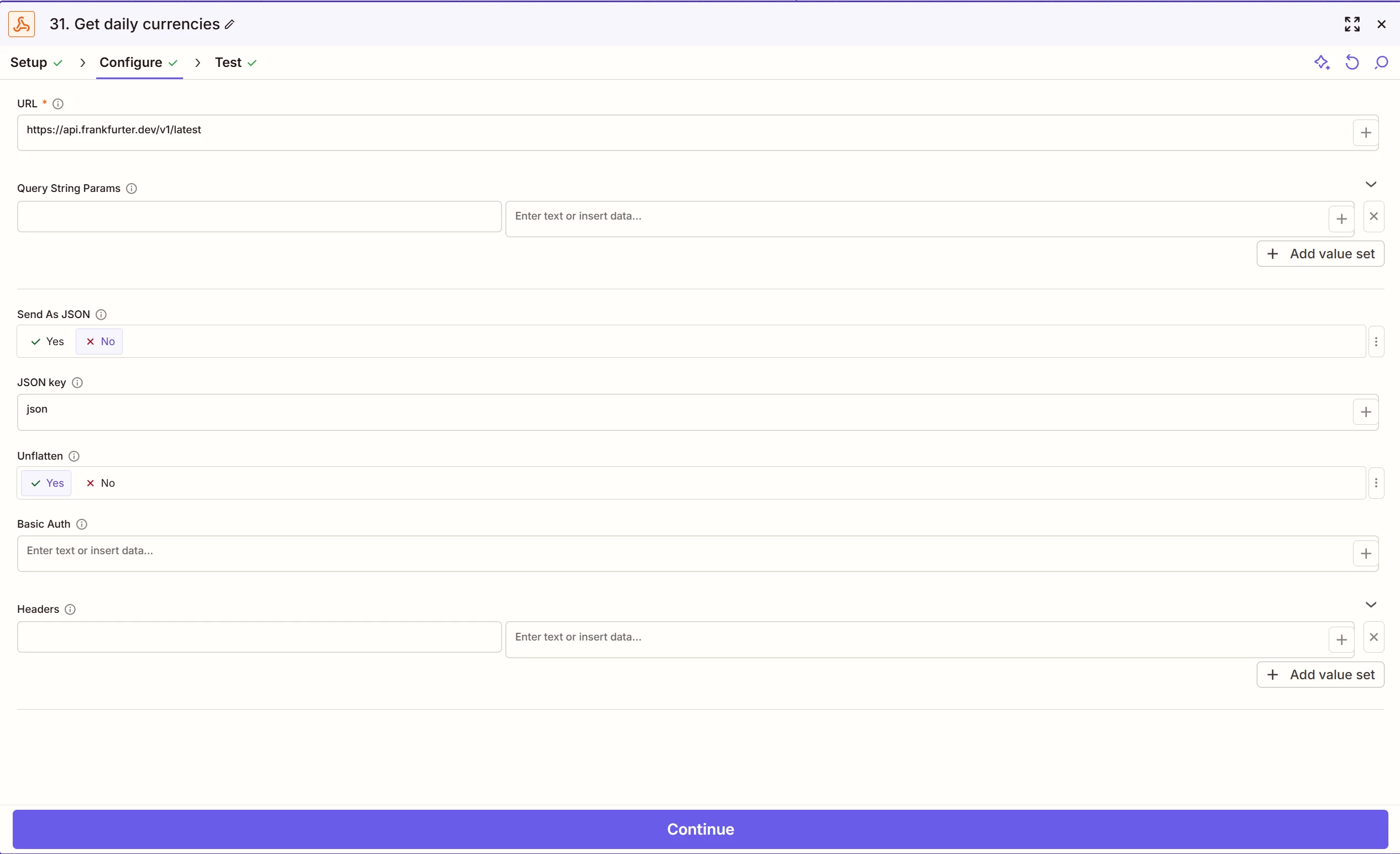
To achive this Im trying to recalculate the NOK to EUR with a Webhook that fetches todays EUR rate, sadly Shopify does not have data for the eachange rate to use.
I calculate a factor from the webhook, and I want to multiplicate the shopify line items in NOK to EUR with this factor.
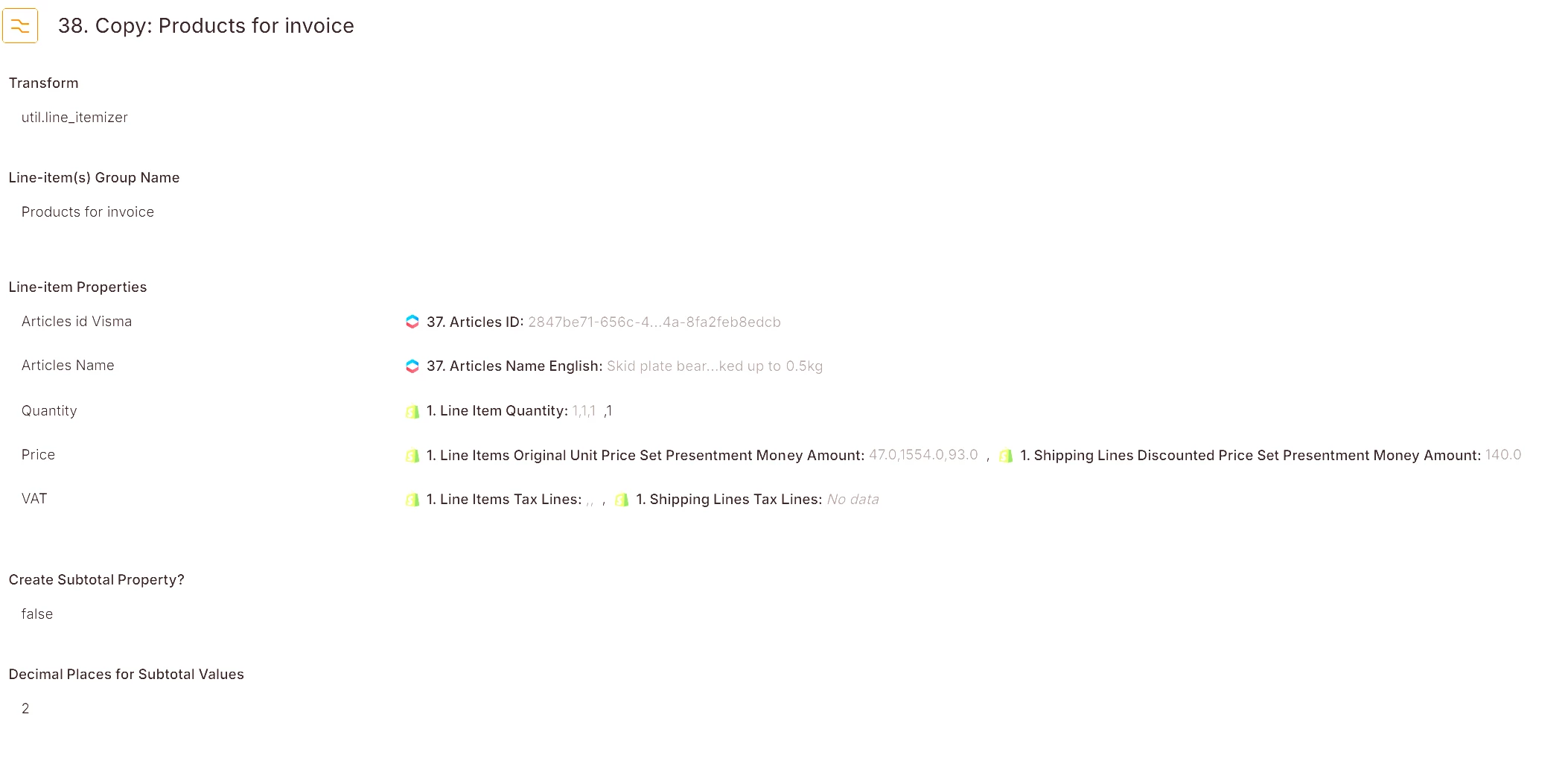
The factor is no problem with the webhook, but the hard part is how to get a new line item in EUR that I can use for the invoice.
But im not smart enough yet how to do this 😊so I need some help for someone with experiance. I think it should be rather simple, if you know how 😂

So the short question is: How do you multiply a line item with a factor to a new line item?
 

So some help would be appreciated!


Best regards Gordon



Best answer by Troy Tessalone

Hi ​@GordonE 

Give this a try…

(see screenshots below)

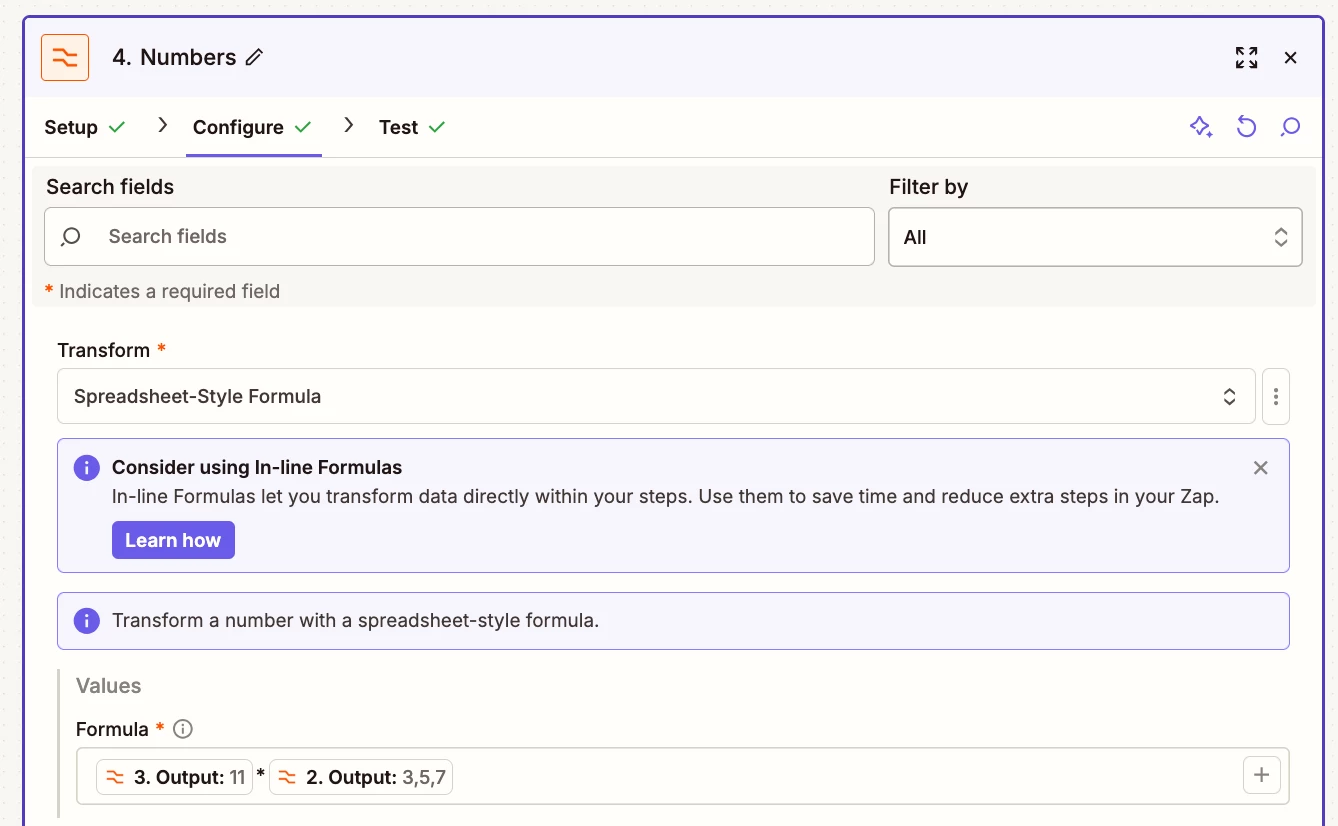
Action: Formatter > Numbers > Spreadsheet Style Formula

  • The mapped variable with value “11” would be the currency exchange multiplier from a previous step
  • The mapped variable with value “3,5,7” would be the Shopify rates


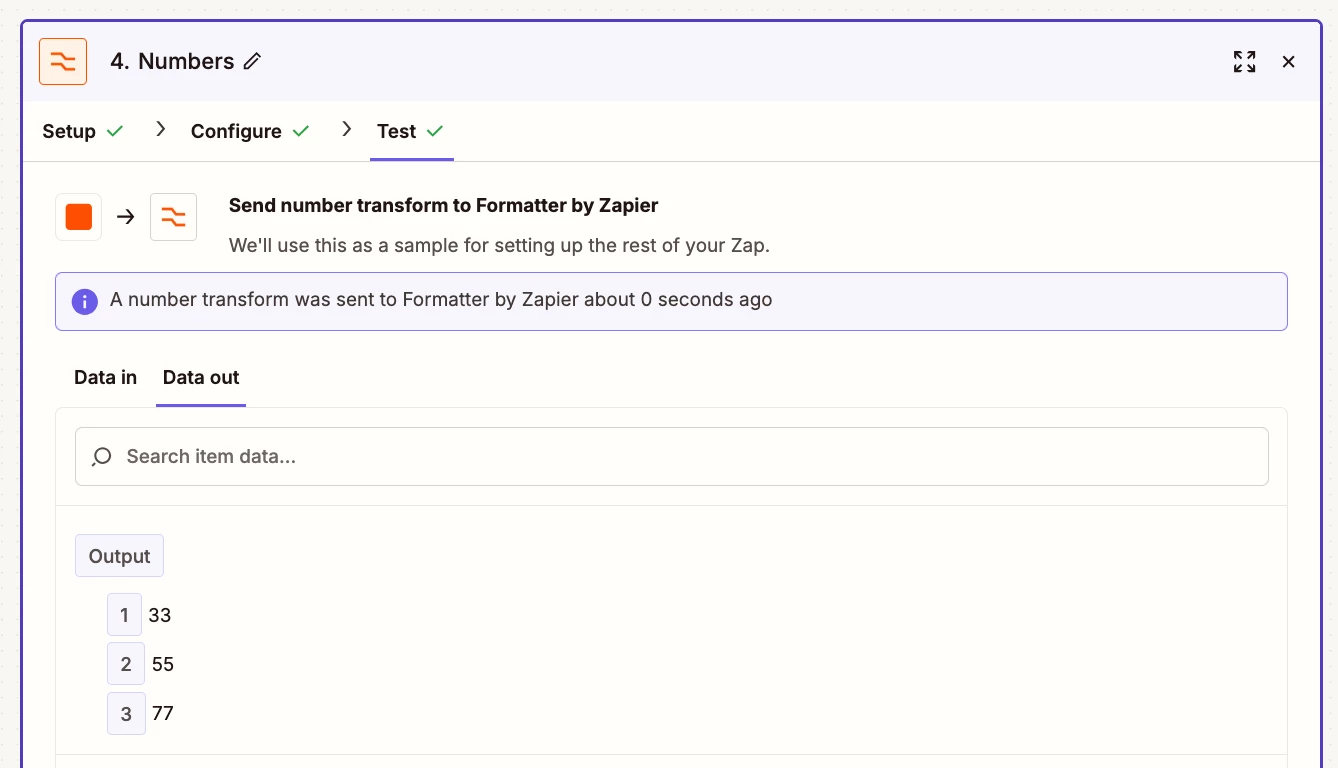
The “output” variable is an array with these values:

  • 33
  • 55
  • 77


You can map the Formatter step “output” variable to the desired Zap step.


3 replies

Troy Tessalone
Zapier Orchestrator & Solution Partner
Forum|alt.badge.img+14
  • Zapier Orchestrator & Solution Partner
  • Answer
  • March 6, 2026

Hi ​@GordonE 

Give this a try…

(see screenshots below)

Action: Formatter > Numbers > Spreadsheet Style Formula

  • The mapped variable with value “11” would be the currency exchange multiplier from a previous step
  • The mapped variable with value “3,5,7” would be the Shopify rates


The “output” variable is an array with these values:

  • 33
  • 55
  • 77


You can map the Formatter step “output” variable to the desired Zap step.


Forum|alt.badge.img
  • Author
  • Beginner
  • March 7, 2026

Thanks a lot Troy, 

It was as simple like that! Now I have improved my zap a whole lot :)
I had to round the calculated prices to two decimals so that Visma accepted it with ROUND(my lineitems),2) when I converted the amount!

Best Regards Gordon


SamB
Community Manager
Forum|alt.badge.img+11
  • Community Manager
  • March 10, 2026

Glad you got this sorted ​@GordonE! 🎉 Thanks so much for sharing that you needed to use ROUND(), super handy for anyone who runs into the same issue with Visma down the line. And a big thank you to ​@Troy Tessalone for jumping in with that Formatter solution. 🙌