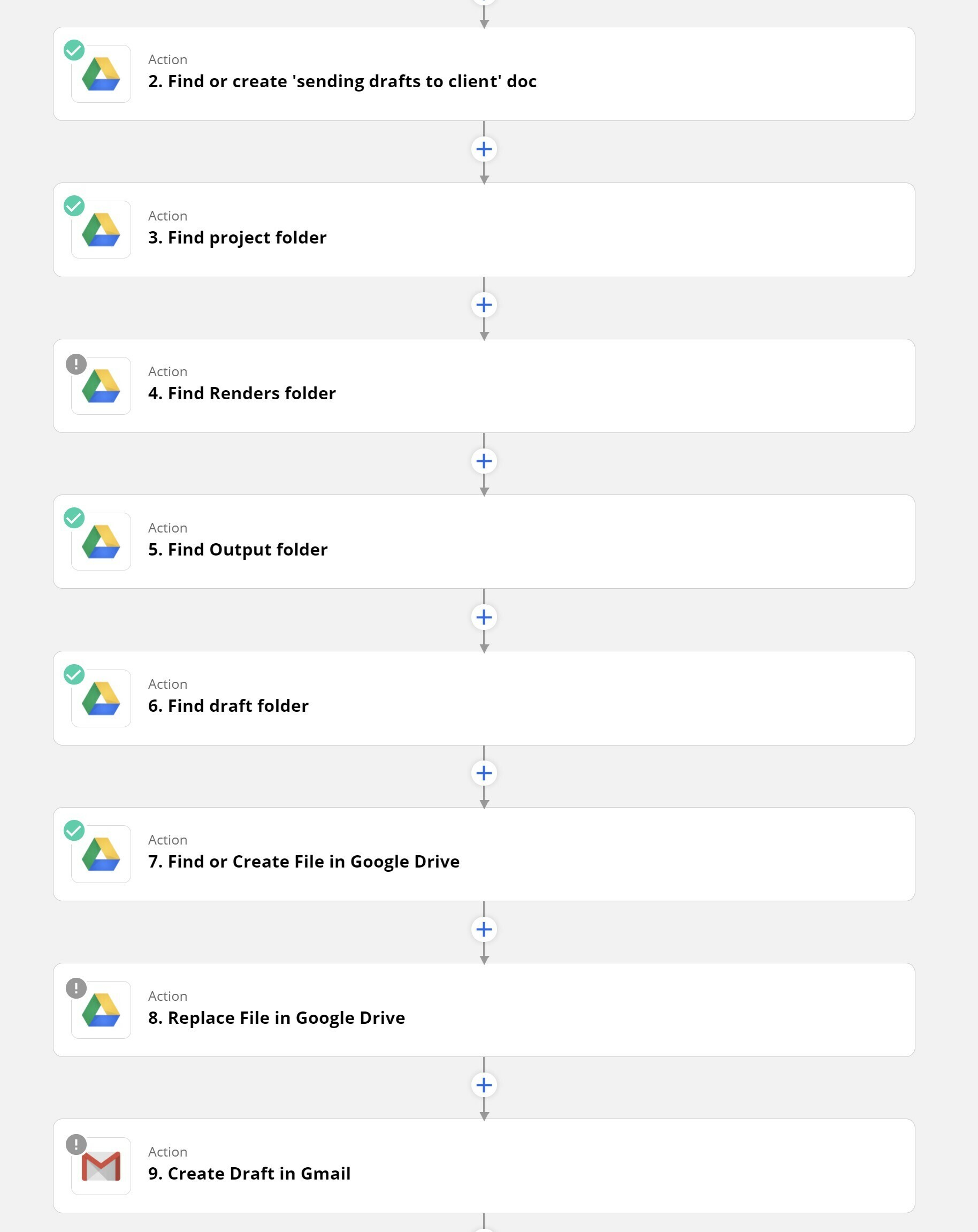
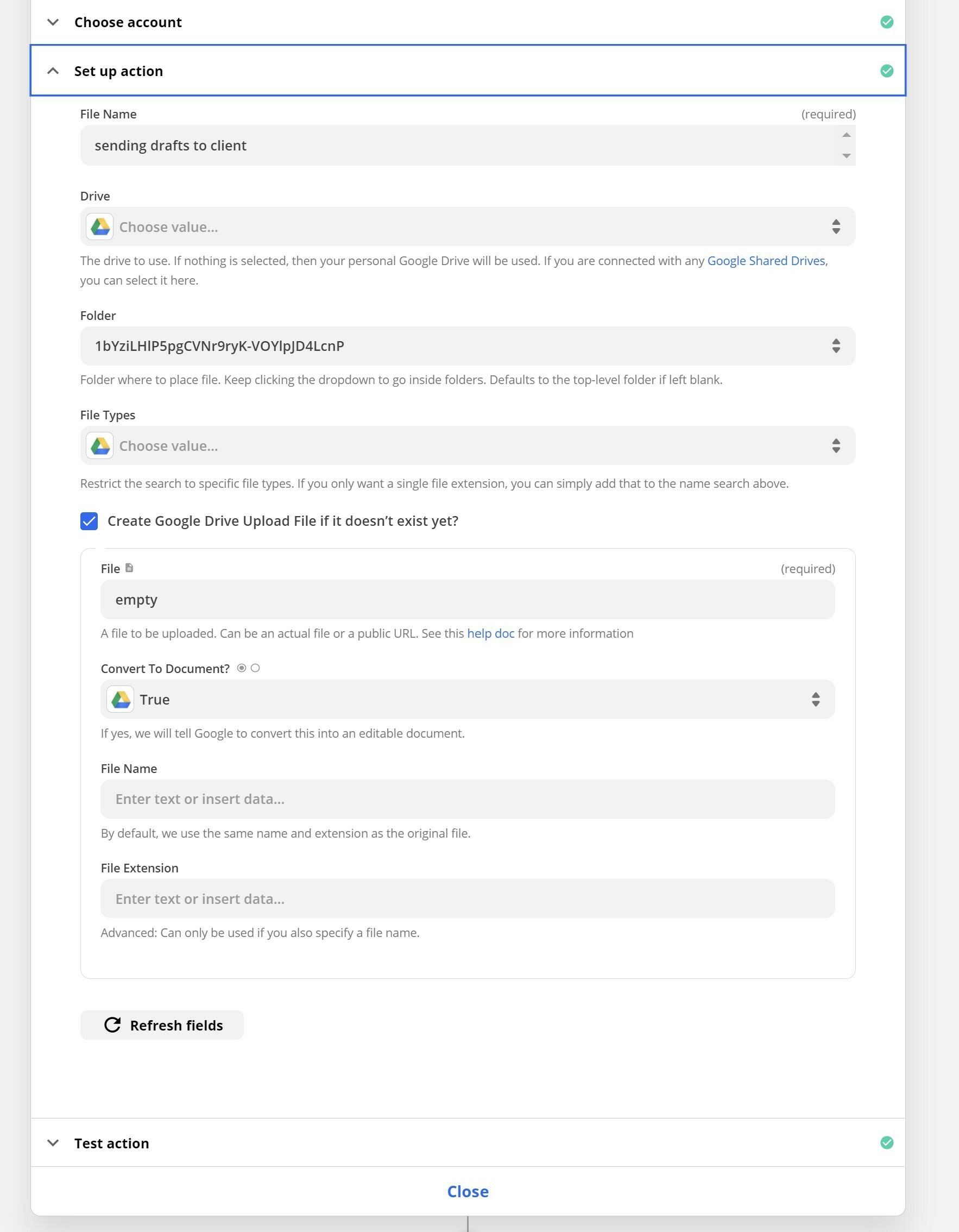
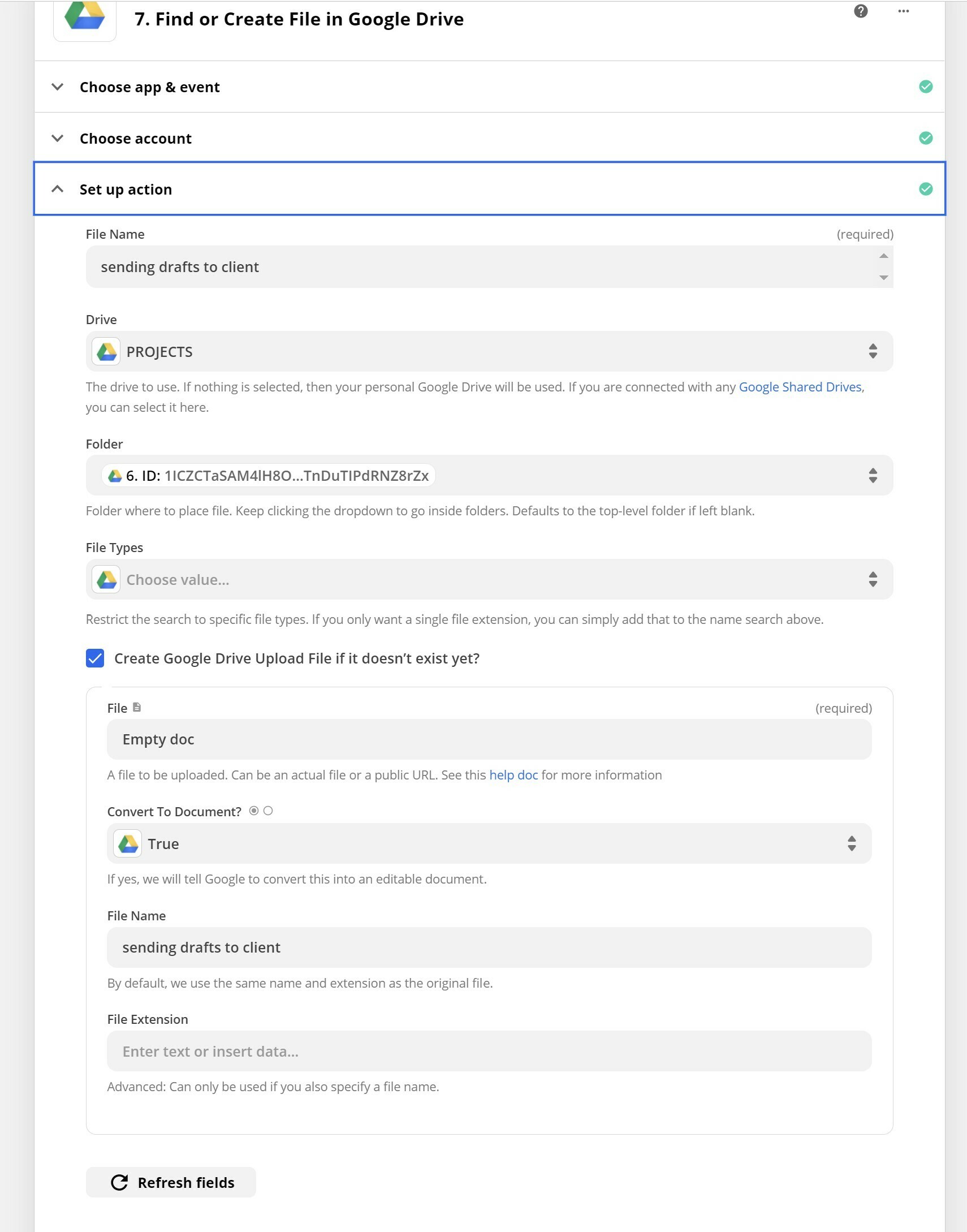
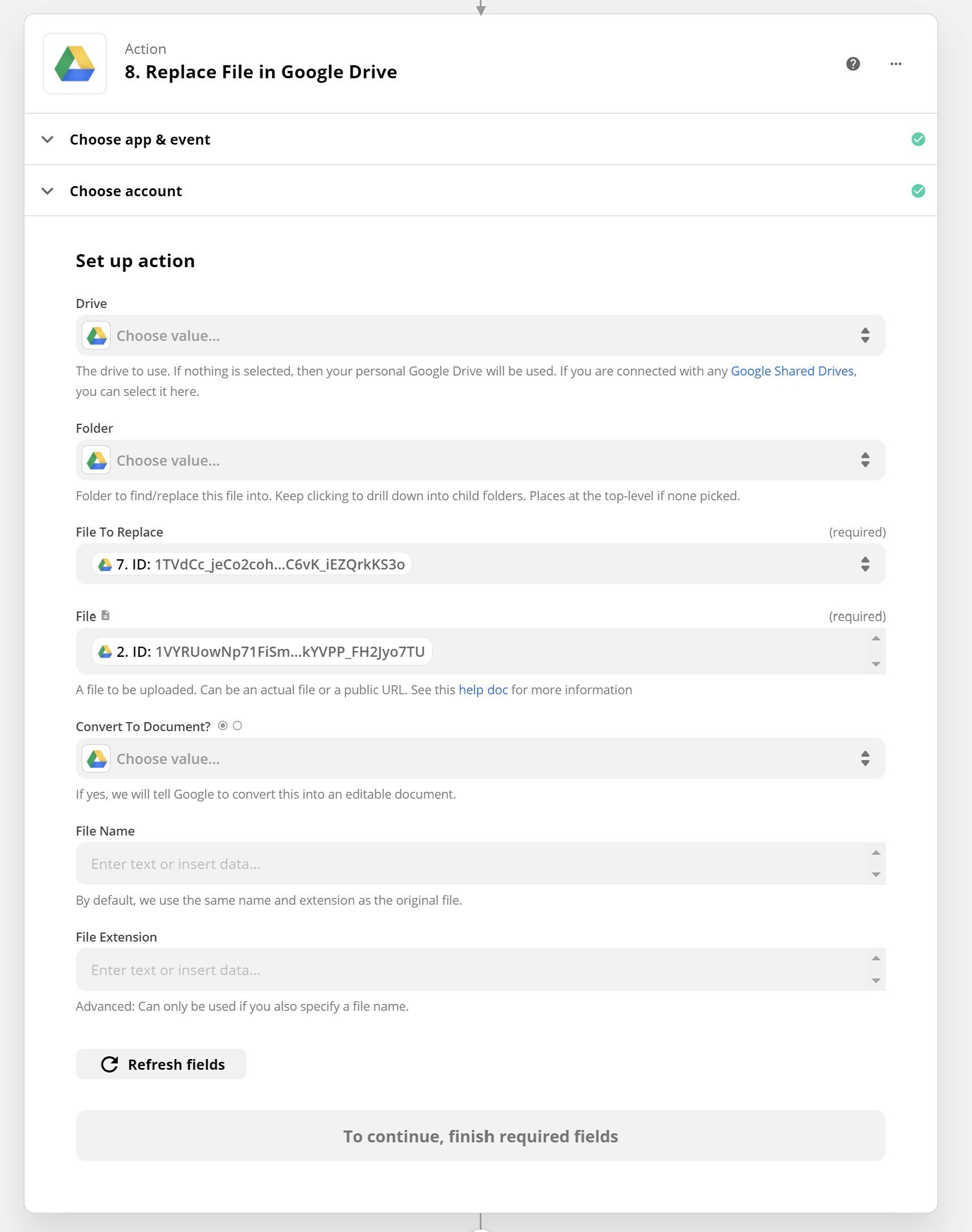
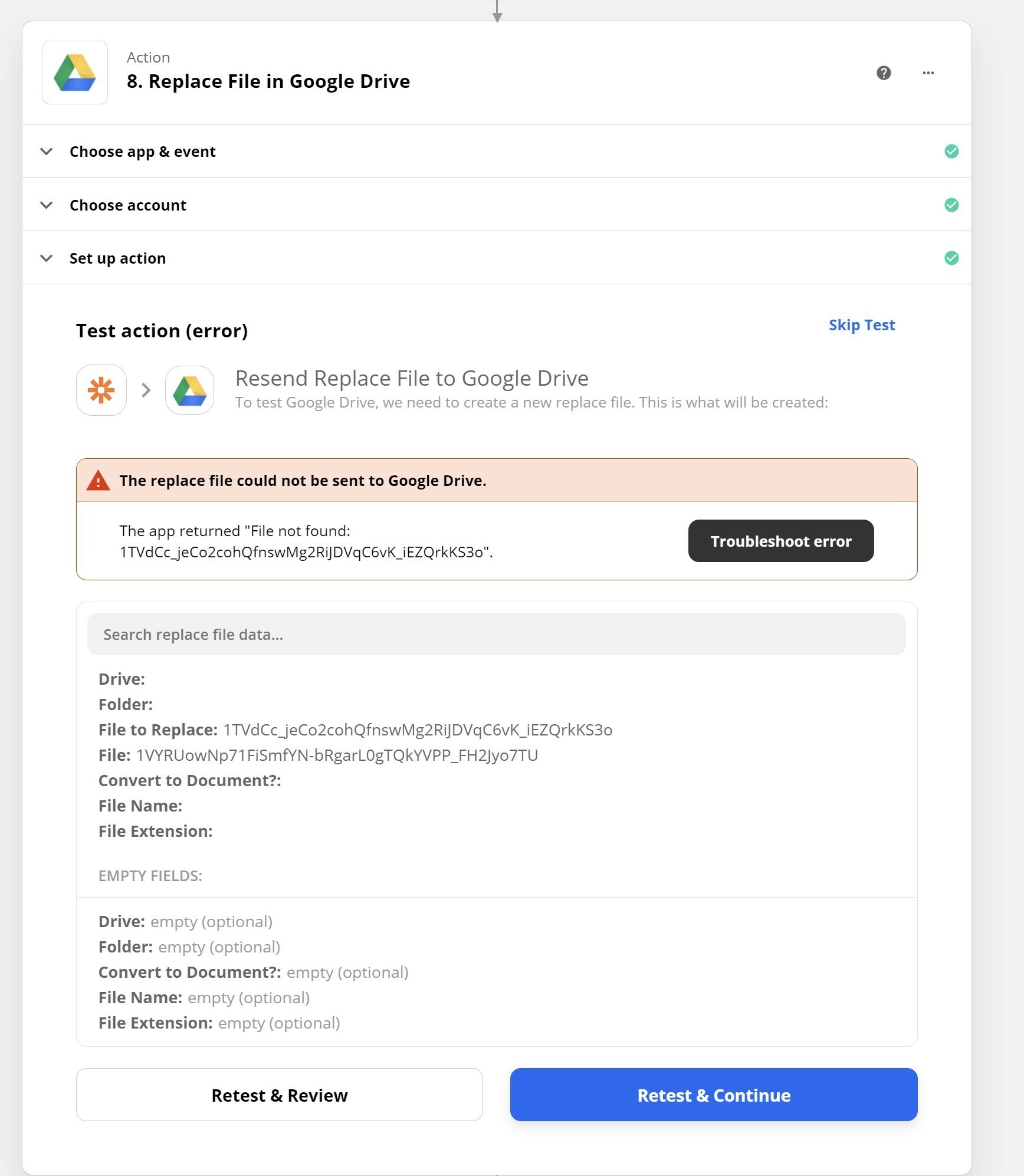
I am trying to replace one google doc with another.
• Find or create file in google drive
...finds the file successfully
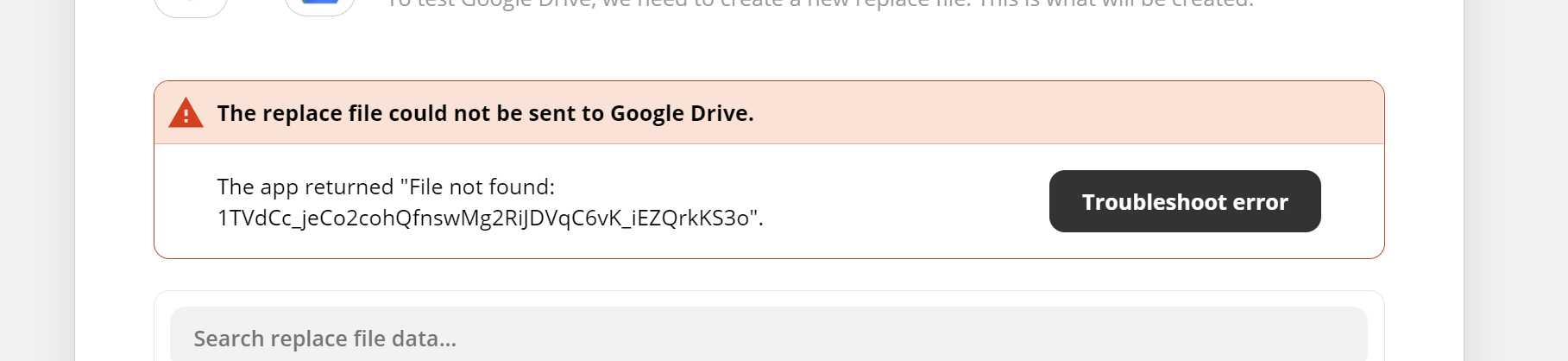
• Replace file in google drive using the file’s ID then returns the error ‘The app returned "File not found”
Can anyone shed any light?! I’m totally mystified
Best answer by SamB
Hey folks,
Thanks so much for your patience on this. I’m happy to share that the feature request has finally been implemented! 🎉
In case you missed the email notification that went out, a Drive field that allows access shared drives has been added to all actions, searches, and triggers—except for the New File trigger, which runs from any new file in your personal drive.
If that IS the issue, it’s worth saying, the only reason the files are on different drives in the first place is because I can’t get the google docs zap to see any of my shared drives, so it’s my attempted work around.
OK thanks Troy. One more question then (if that’s ok!)
The only reason the files (google docs) are on separate drives is because, when creating the replacement doc using the action ‘send text to google docs’, I can’t see any of my shared drives. Any ideas why that might be?
Some snippets from help articles related to GDrive...
Admin/owner permissions: The connected account must be the owner of the files and folder that the Zaps work with
Also, you can't trigger or act upon a folder shared with you, so files added to folders you don't own will not trigger the Zap. The connected account must be the owner.
I am trying to replace one google doc with another.
• Find or create file in google drive
...finds the file successfully
• Replace file in google drive using the file’s ID then returns the error ‘The app returned "File not found”
Can anyone shed any light?! I’m totally mystified
Would like to see your zap, if you would like to connect , ping me in skype: [removed by moderator]
Personal information removed by moderator. Please remember that it is against the Community Code of Conduct to include any private or personal information in your posts.
Just circling back here as I noticed you contacted our Support team and they added your vote to a feature request for shared drives to supported on the Google Docs integration. We don’t have an ETA on when that would be added but you will be contacted via email with any updates! :)
Thanks so much for your patience on this. I’m happy to share that the feature request has finally been implemented! 🎉
In case you missed the email notification that went out, a Drive field that allows access shared drives has been added to all actions, searches, and triggers—except for the New File trigger, which runs from any new file in your personal drive.
Build and deploy automations from AI tools you already use. With Agentic Management, if anything breaks, the agent diagnoses the issue and proposes a fix.