Hi @deeppurplepodcast 👋
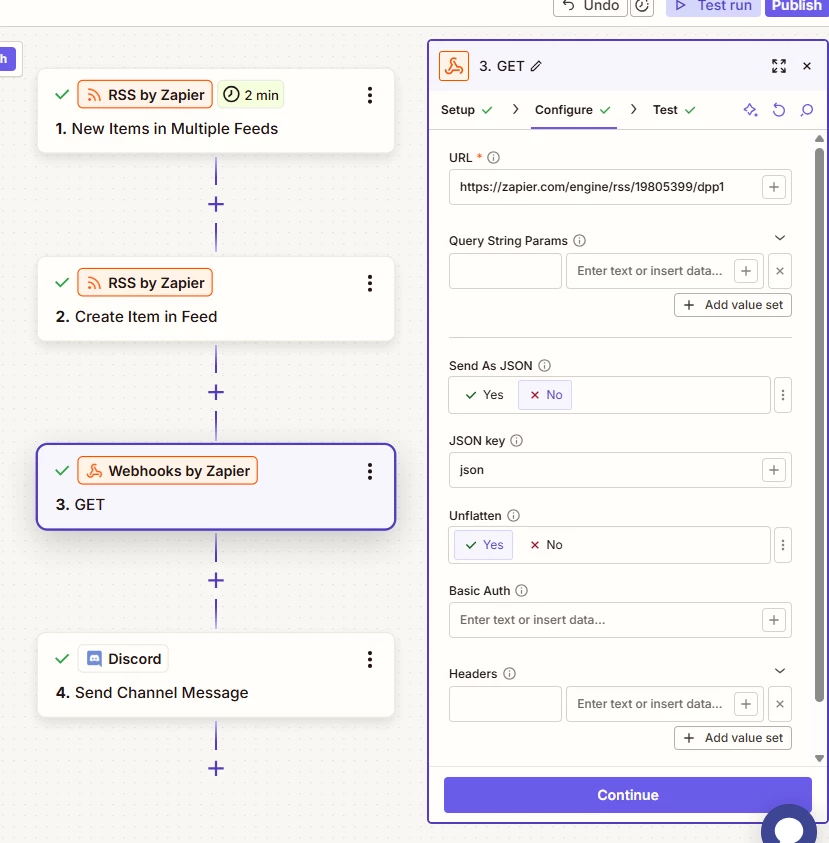
I did some testing and I couldn’t see any “location” field output by the GET request as a separate field either. With that approach you’d still need another action to extract that information from the Text field that the Webhooks action outputs.
I had a closer look at the URLs Google supplies with their alert feeds and it looks like the redirect URL isn’t the only value that appears after “https://www.google.com/url?rct=j&sa=t&url=”, there’s some more values after the url that get added as well. So the URL is actually within two values “https://www.google.com/url?rct=j&sa=t&url=” and “=ga...”. So instead of the Split Text action I suggested previously, I think you’d be better off with an Extract Pattern action.
To extract a value between two values you can use a pattern like (?<=x)(.*?)(?=y) - you’d need to swap the x and y to be the values that come before and after the value you’re wanting to extract.
For example, if you set up the Formatter action using the pattern (?<=t&url=)(.*?)(?=&ct=ga) like so:
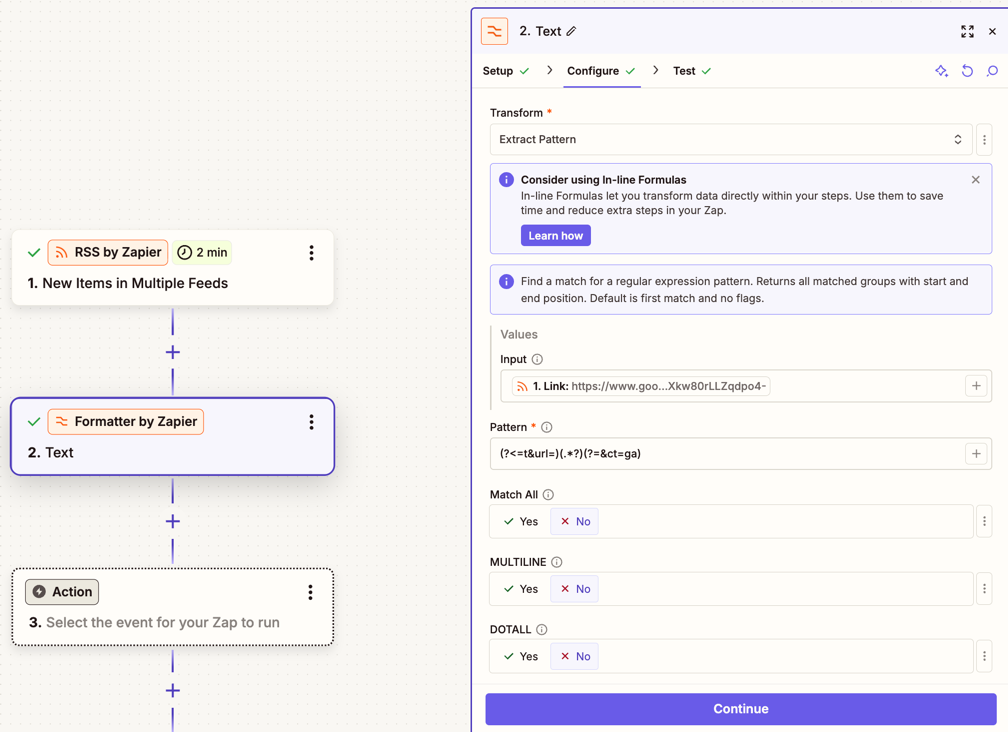
That would extract the destination URL from the URL in the Link field, which should get you the link to the original source of the feed item:
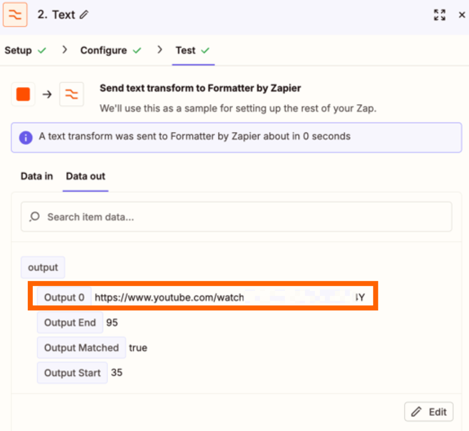
In my case the RSS feed item I tested with was an alert for a YouTube video but if your alerts are limited to articles it would be extracting the article link rather than a video link.
Hope that helps. If you get stuck at all on that just let me know!