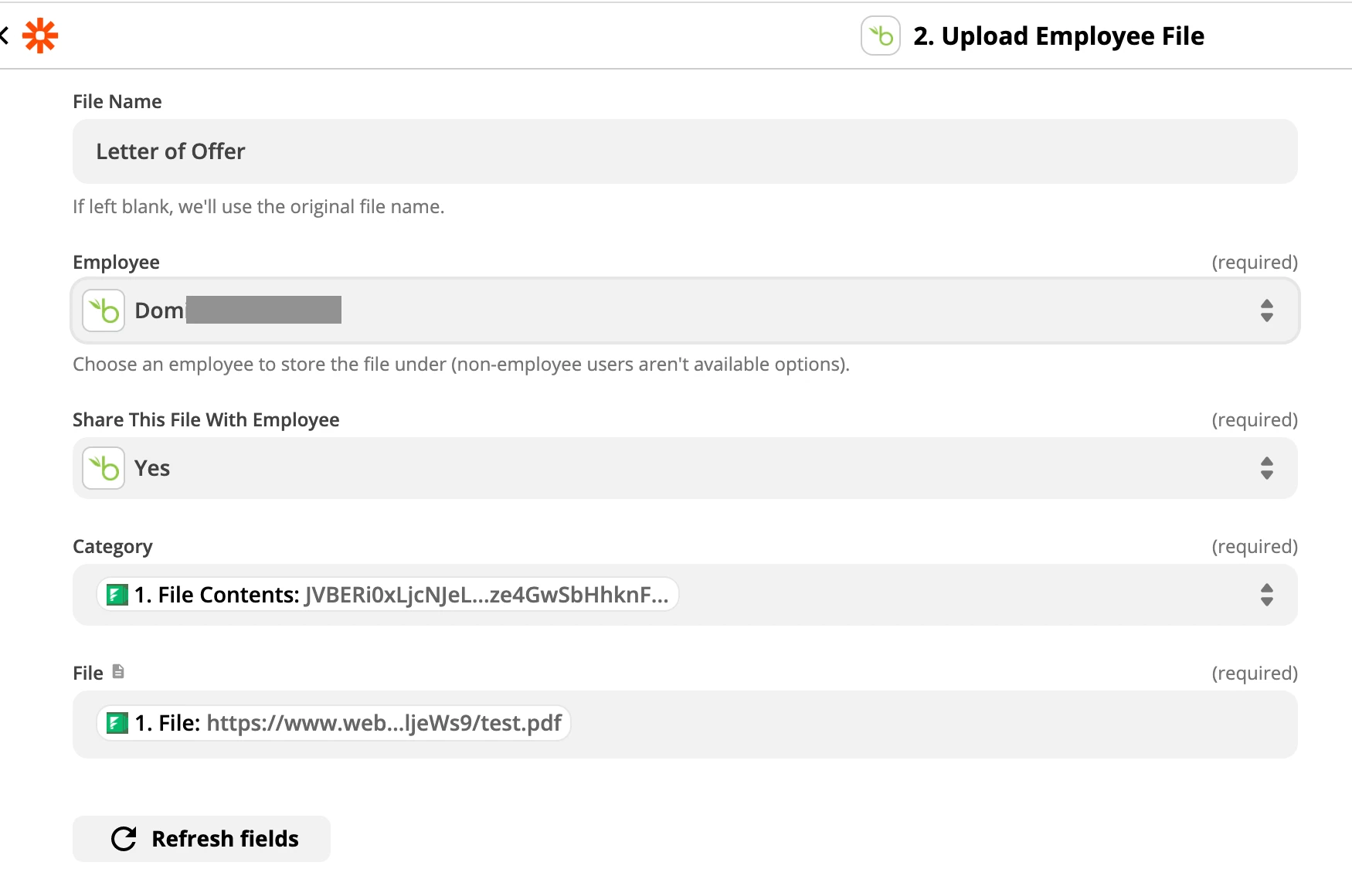
I am wanting to have a merged document from Formstack Documents (webmerge) to be uploaded to BambooHR as a file under the employee’s profile in documents.
The issue is when I go to create the zap and select upload file and pick an employee, I have to select a category and there is no option to pick a category.
I select the custom option and choose something from the document but it still fails for me.
Best answer by Troy Tessalone
Hi @Workco Stef
Try clicking the Refresh Fields button after selecting an Employee.
Some actions require a certain level of permissions to use them. For example, the "Respond to Time Off Request" action can only be used by users who are able to approve time off requests. Here are some helpful articles from BambooHR that describe how to configure permissions:
Some actions require a certain level of permissions to use them. For example, the "Respond to Time Off Request" action can only be used by users who are able to approve time off requests. Here are some helpful articles from BambooHR that describe how to configure permissions:
Hey @Workco Stef, I hope you’re doing well, I just wanted to check in here!
Were you able to get things working with the info from Troy, or can we still help out here?
Early access
Next Gen Zaps
Build and deploy automations from AI tools you already use. With Agentic Management, if anything breaks, the agent diagnoses the issue and proposes a fix.
Join us September 23rd, 2026 for a free, one-day virtual event with 30+ sessions on AI automation. Get live build-alongs, playbooks, and strategies to lead AI transformation at your organization.