


Best answer

Filter for Google form to Mailerlite

  • January 20, 2025
  • 3 replies
  • 27 views

Forum|alt.badge.img

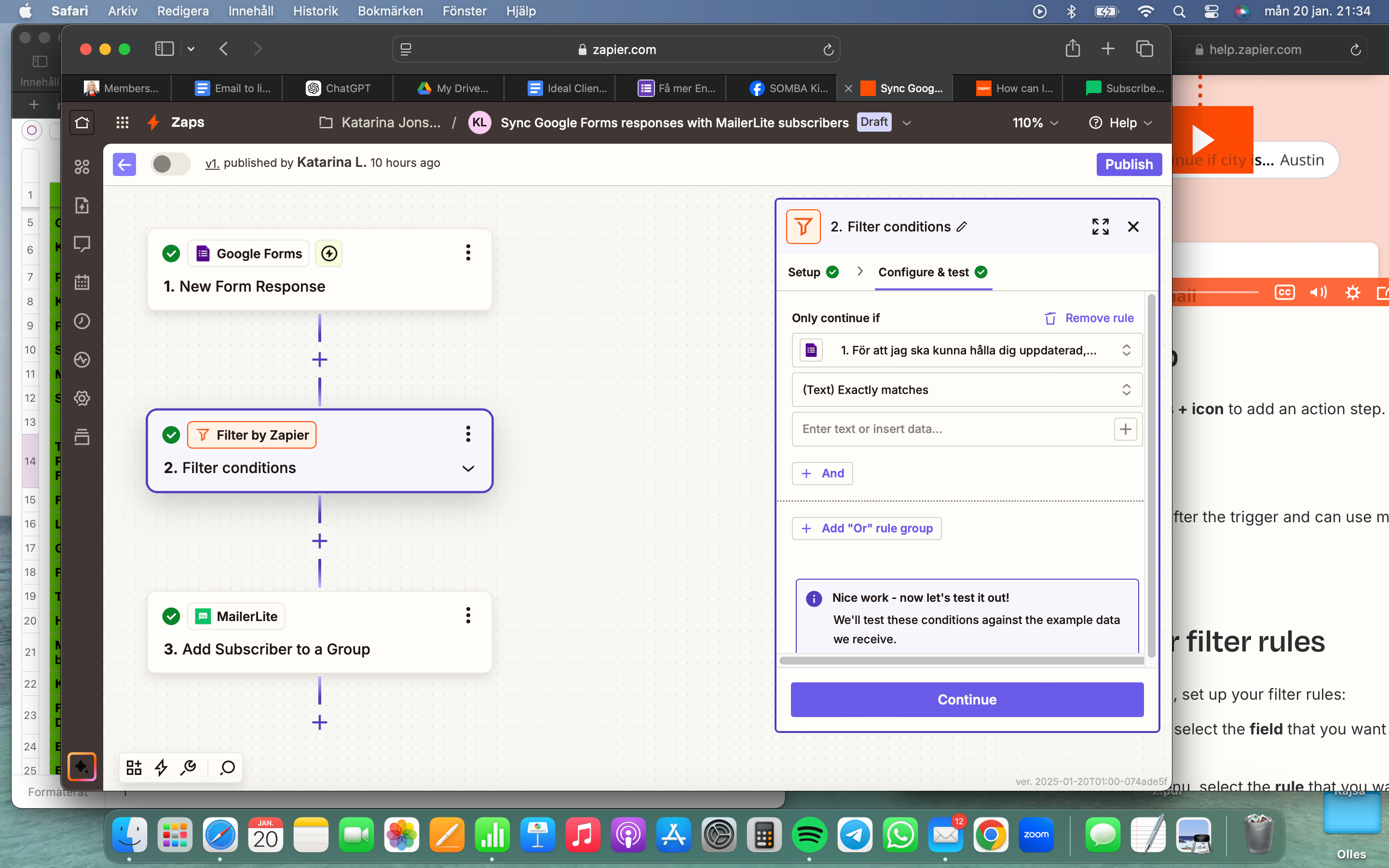
I have a google form with a multiple choice question where people have to agree or not to me using their emails in my email list in Mailerlite. The thing I haven’t been able to do is create a filter for this question allowing only the emails from people that have agreed to it to be added to my subscribers in Mailerlite. I would love help with this. Thank you!
 

Best answer by Kattis

I solved it! I had to create a spreadsheet from the Google form first and from there extract the needed info. Hope this is useful for someone else.

This post has been closed for comments. Please create a new post if you need help or have a question about this topic.

3 replies

Forum|alt.badge.img
  • Author
  • Beginner
  • January 21, 2025

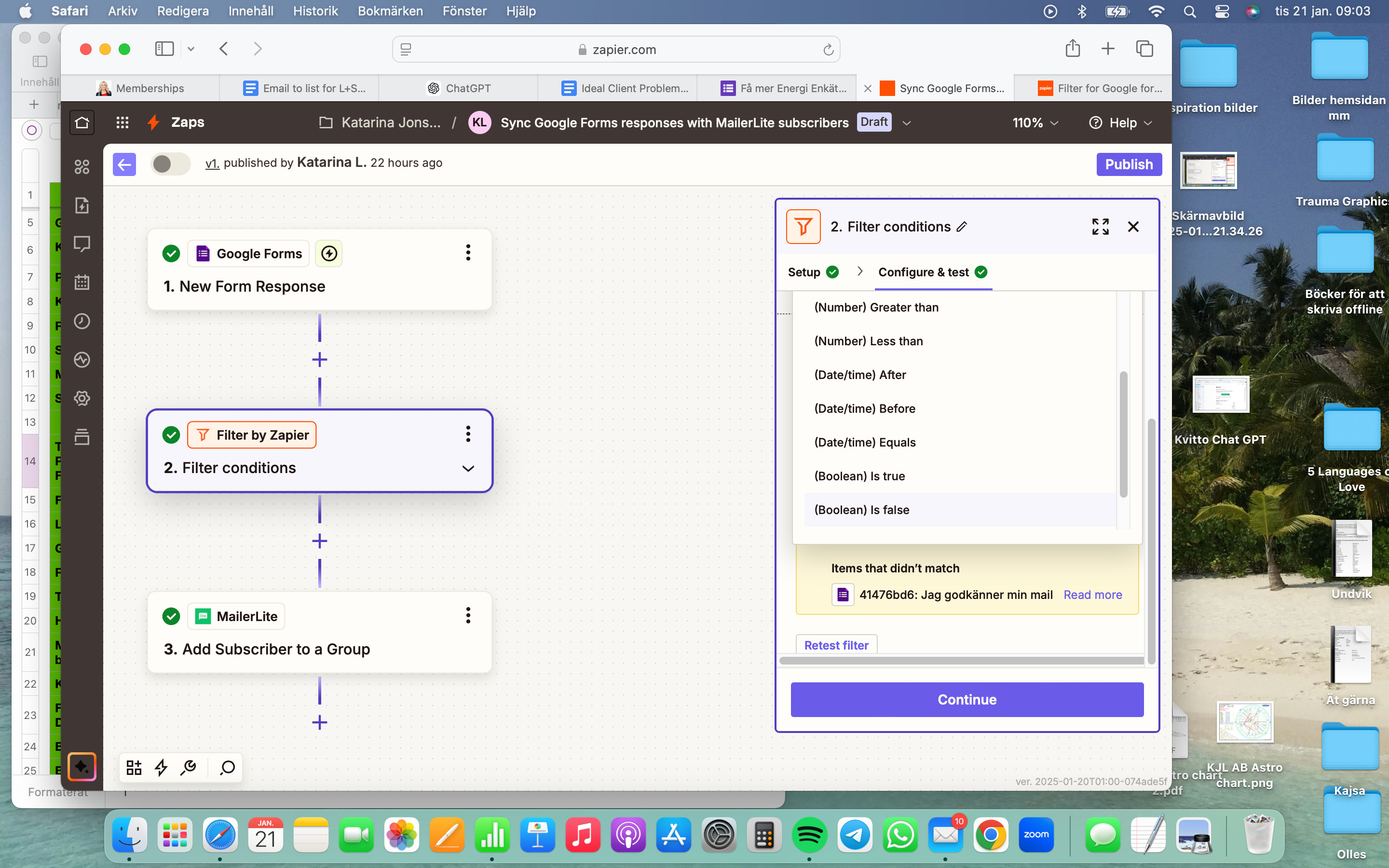
From everything I’ve read and watched there’s supposed to be a Value choice in the second dropdown menu in the Filter stage but there is no Value option...


Forum|alt.badge.img
  • Author
  • Beginner
  • Answer
  • January 21, 2025

I solved it! I had to create a spreadsheet from the Google form first and from there extract the needed info. Hope this is useful for someone else.


JammerS
Forum|alt.badge.img+6
  • Zapier Staff
  • January 23, 2025

Wow! Thank you for confirming that your resolution got the Zap running. This will significantly help our Community members to have as a reference for the same issue.

