Question

Count # of events found in outlook calender

  • January 10, 2025
  • 6 replies
  • 47 views

Forum|alt.badge.img

I’ve created a zap that triggers 1 day prior to a calendar event.  I want to make sure there are not duplicate events. 1 day prior, I created a zap to find all events in a calendar that have the same Subject and Start Date/Time.  I want to count the # of events that were found so I can delete any duplicates if the qty is more than 1.  How can I do that?

This post has been closed for comments. Please create a new post if you need help or have a question about this topic.

6 replies

Troy Tessalone
Zapier Orchestrator & Solution Partner
Forum|alt.badge.img+14
  • Zapier Orchestrator & Solution Partner
  • January 10, 2025

Hi ​@Kim_M 

Depends how the data is returned from Outlook that you are trying to use.

Can you post screenshot examples to give us more context?


It may involve using a few Formatter steps.


Here’s a Code approach:


Forum|alt.badge.img
  • Author
  • Beginner
  • January 10, 2025

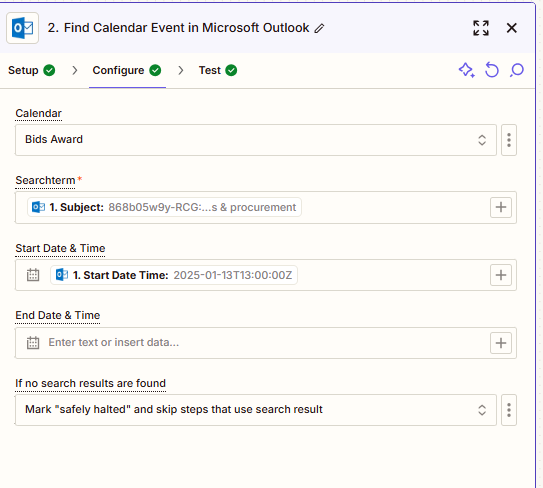
Here’s the configuration.


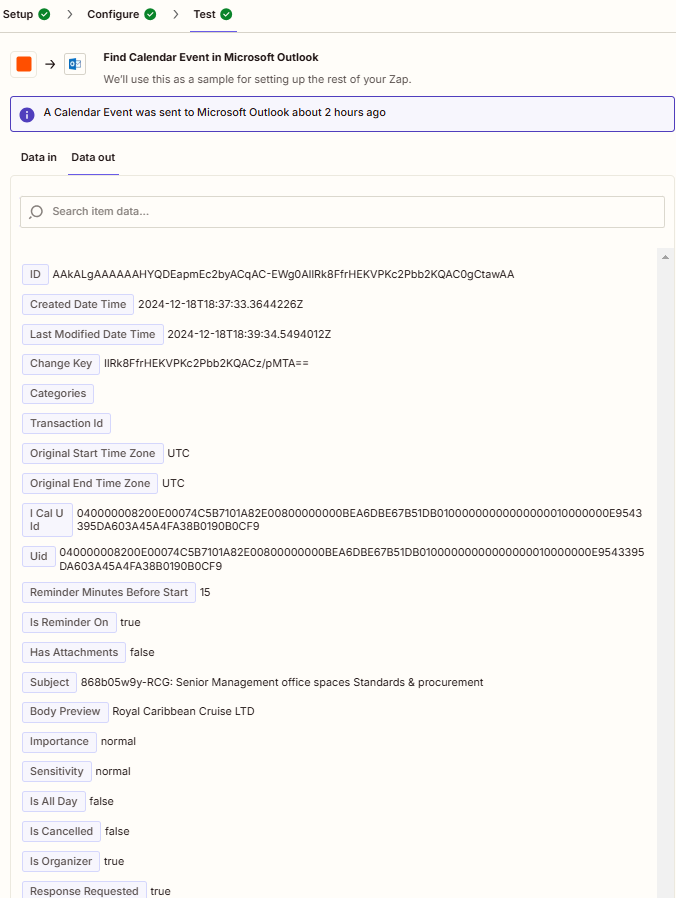
When I test it, this is the output:


Troy Tessalone
Zapier Orchestrator & Solution Partner
Forum|alt.badge.img+14
  • Zapier Orchestrator & Solution Partner
  • January 10, 2025

Hi ​@Kim_M 

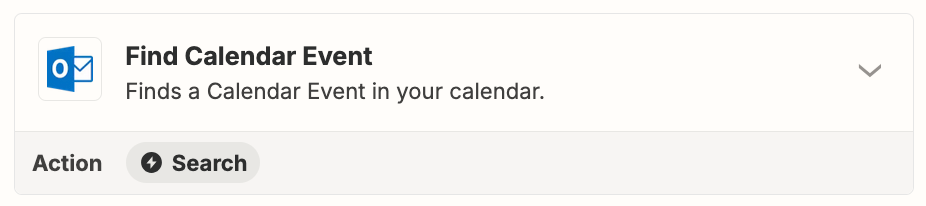
Zap action: Outlook - Find Event

This step will only ever find 1 Outlook Calendar Event.


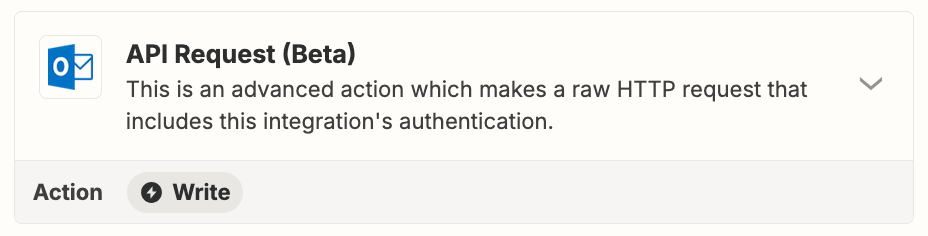
If you are trying to find multiple calendar events, then you will need to explore using the Outlook API.

Link to resources for using app APIs in Zaps:


JammerS
Forum|alt.badge.img+6
  • Zapier Staff
  • January 13, 2025

Hi ​@Kim_M,
 
We just wanted to see how everything is going with your Zap. Did Troy's recommendation get the job done? Feel free to reach out if you need further assistance with your Zap. We're glad to address any concerns and assist you.
 
We're looking forward to your response.


Forum|alt.badge.img
  • Author
  • Beginner
  • January 13, 2025

Yes.  I’ll have to get with our team to see if we can do this but yes, it was helpful.


SamB
Community Manager
Forum|alt.badge.img+11
  • Community Manager
  • January 14, 2025

Glad to hear it was helpful, ​@Kim_M! Please do keep us updated on how you get on—we’re happy to lend a hand if you or your team run into any issues while setting things up!