Hi there
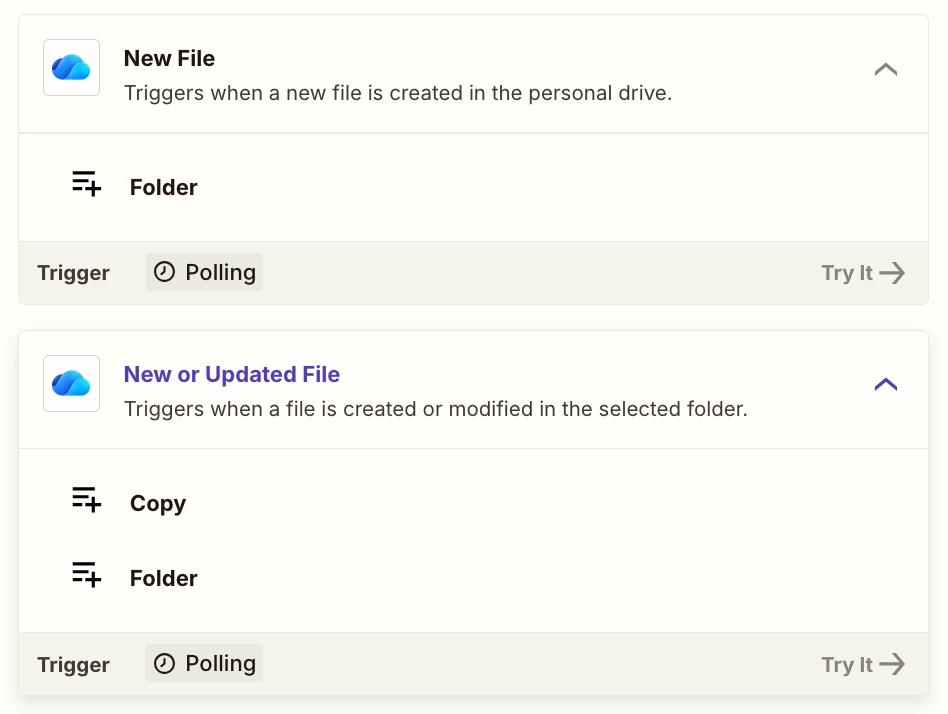
I am really hoping someone can help me, I have a folder called Current Practice Clients and within this folder we have sub-folders with our individual clients, each individual client folder will have multiple sub-folders and possible another level of subfolders where we eventually save documents, we need the whole folder ‘Current Practice Clients’ monitored every fifteen minutes so that if any documents are added in any of the sub-folders those new or modified documents have a copy made and sent to another folder on the same OneDrive and pasted, just the documents, we don’t need any folders or sub-folders setup on the destination folder.
Can anyone help!