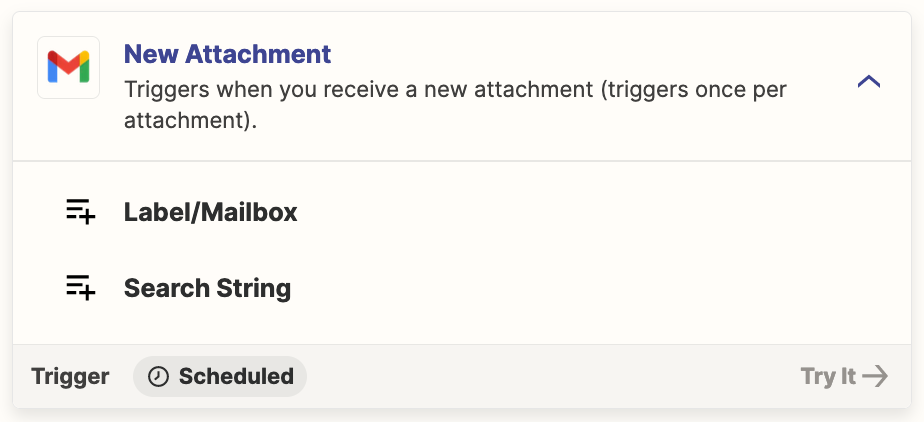
First, thank you for any assistance, I am VERY new to this stuff.
We have clients that can send us multiple emails with attachments for one situation and I need to consolidate all attachments into one automatically created folder in Google Drive. The purpose of wanting to do this is so client can tell us what rooms they are going to be fixing/painting etc.
Example:
Email 1 has an address in the email header - 123 main street and it has an attachment. In the body of the email they mention the room name - Bedroom and the attachment is labeled Bedroom
Email 2 has the same address in the email header - 123 main street and it has an attachment. In the body of the email they mention the room name - Kitchen and the attachment is labeled Kitchen
What I want to be able to to do is have Zapier automatically create a folder in Google Drive with the label of “123 main street” and then copy all attachments from all emails containing 123 main street in the email header into the folder “123 main street” that it created.
The end result would be a folder labeled “123 main street” and within that folder would be all the attachments from the email pertaining to the bedroom as well as all the attachments from the email pertaining to the kitchen etc etc.
The functionality should only apply to emails that have the same address in the email header. IE: if we receive two requests, each for different addresses then only the applicable attachments should be added to the correct address. Example. only emails containing 123 Main St should be grouped together and then for the second address, 246 main St should be grouped together. etc etc.