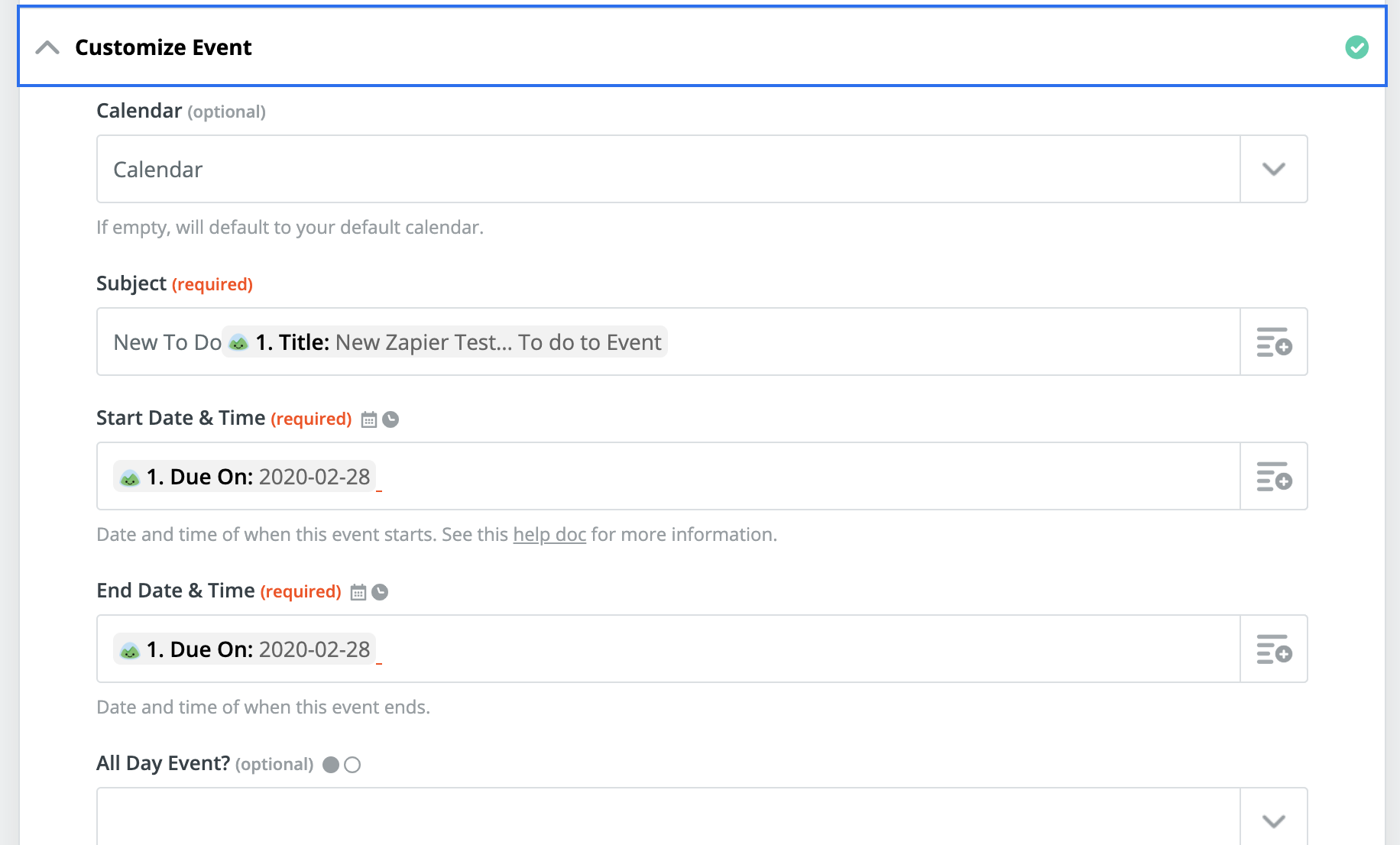
I was wanting to setup up a zap when a new To Do is created it creates an Outlook Task for the assignee of the to do. I realize that the only option is to create an Outlook Event. But without hard coding a time stamp, the zap doesn't create an event. Is there a way to use the data natively available in Basecamp to successfully create an Event aka don't need to hard code in a time but simply use the Basecamp Due Date? Also, if I have multiple team members, is there a way to only send it to the member who is assigned the to do?

Best answer
Basecamp To Do to Outlook
Best answer by AndrewJDavison
You've mapped that right so far, you just need to add a space after the date mapping and then hardcode a time.
As it's just to create a todo, the time doesn't matter, right?
In that case start could be 06:00 and end could be 07:00
This post has been closed for comments. Please create a new post if you need help or have a question about this topic.



Enter your E-mail address. We'll send you an e-mail with instructions to reset your password.