Question

Automatically Sync Invision Community Primary User Group with Discord Roles

  • October 24, 2024
  • 4 replies
  • 41 views

Is there a Zapp that will automatically sync Invision Community Primary Usergroup with a Discord User Role?

Example: When an Invision Community Primary Usergroup is changed from User to VIP. Automatically update the Discord User Role with specific role specified for the Invision Community Usergroup.

Change from User to VIP member - Discord Update from Member to VIP User Role.  

This post has been closed for comments. Please create a new post if you need help or have a question about this topic.


4 replies

Troy Tessalone
Zapier Orchestrator & Solution Partner
Forum|alt.badge.img+14
  • Zapier Orchestrator & Solution Partner
  • October 24, 2024

Hi @Dazz 

Review the available triggers/actions for each Zap app:


  • Author
  • New
  • October 24, 2024

Hi @Dazz 

Review the available triggers/actions for each Zap app:

Thanks for the quick reply.  I have checked those out, but didn’t see anything in regards to Primary Usergroup being a trigger.


Troy Tessalone
Zapier Orchestrator & Solution Partner
Forum|alt.badge.img+14
  • Zapier Orchestrator & Solution Partner
  • October 24, 2024

@Dazz 

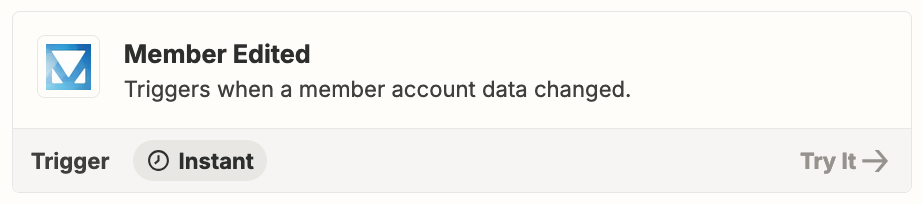
Perhaps try this Zap trigger: Invision Community - Member Edited

Followed by a Filter step: https://zapier.com/apps/filter/help


Otherwise, you may have to try working with Invision Community Support for help with their Zap app integration and possible guidance.

Ask about their ability to support a webhook for the desired app event.

If so, then use this Zap trigger: Webhook - Catch Hook


SamB
Community Manager
Forum|alt.badge.img+11
  • Community Manager
  • November 14, 2024

Hi there, ​@Dazz! 👋

Just came across this and wanted to check how things are prgressing? Did Troy’s suggestion of using the Member Edited trigger followed by a filter do the trick? Or were you able to get a Webhook trigger set up with some help from the Invision Community? 

Keen to ensure you’re all set here so please let us know whether or not you’re in need of any further assistance at all! 🙂