I want to know if it is possible to assign a prefilled Jotform to multiple email addresses?

Best answer
Assigning prefilled Jotform to multiple email addresses
Best answer by SamB
Hi
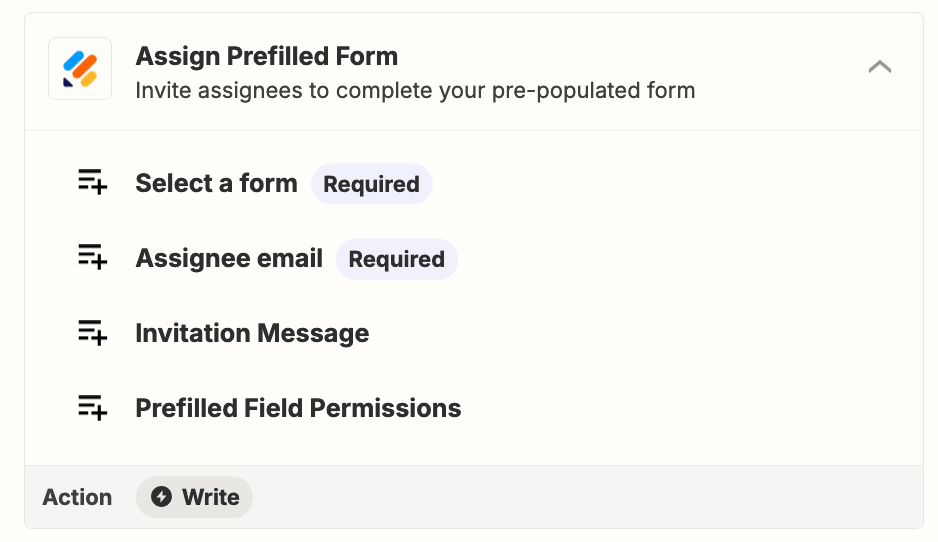
I did some checking and found an existing feature request for the ability to select multiple emails in that Assignee email field. So I’ve gone ahead and added your vote for that. While I can’t make any promises around when/if it will become possible to select more than one email, we’ll send you an email notification when it does!
For now, yo’d need to put that Assign Prefilled Form action inside a loop. Looping by Zapier can be used to run actions multiple times, so you can use it to run the action once for each email address. If you’ve not worked with loops before you can learn more about how to set them up here: Loop your Zap actions
If you run into any trouble setting up that loop or if there’s anything else we can assist with in the meantime just let us know! 🙂
This post has been closed for comments. Please create a new post if you need help or have a question about this topic.








ZapConnect 2026 is coming
Join us September 23rd, 2026 for a free, one-day virtual event with 30+ sessions on AI automation. Get live build-alongs, playbooks, and strategies to lead AI transformation at your organization.
Log in to the Community
No account yet? Create an account
Use your Zapier credentials
Log in with ZapierEnter your E-mail address. We'll send you an e-mail with instructions to reset your password.