
Question

Pricelabs webhook "Bad request listings key is missing" error

  • May 15, 2025 9:34 AM UTC
  • 7 replies
  • 100 views

I tried to do API using zaper webhooks for Pricelabs but I am getting an error. I attached the screenshots
 

This post has been edited by a moderator to remove personally identifiable information (PII) and Zap link. Please remember that this is a public forum and avoid sharing sensitive details.

This post has been closed for comments. Please create a new post if you need help or have a question about this topic.

7 replies

Troy Tessalone
Zapier Orchestrator & Solution Partner
Forum|alt.badge.img+14
  • Zapier Orchestrator & Solution Partner
  • May 15, 2025 4:32 PM UTC

Hi ​@njj1986 

For us to have more info, provide these:

  • screenshots from the CONFIGURE tab showing how your API request is configured in EDIT mode
  • link to the app API endpoint documentation you used to configure the API request


  • Author
  • Beginner
  • May 16, 2025 12:10 PM UTC

Please check the screenshots


Troy Tessalone
Zapier Orchestrator & Solution Partner
Forum|alt.badge.img+14
  • Zapier Orchestrator & Solution Partner
  • May 16, 2025 3:39 PM UTC

​@njj1986 

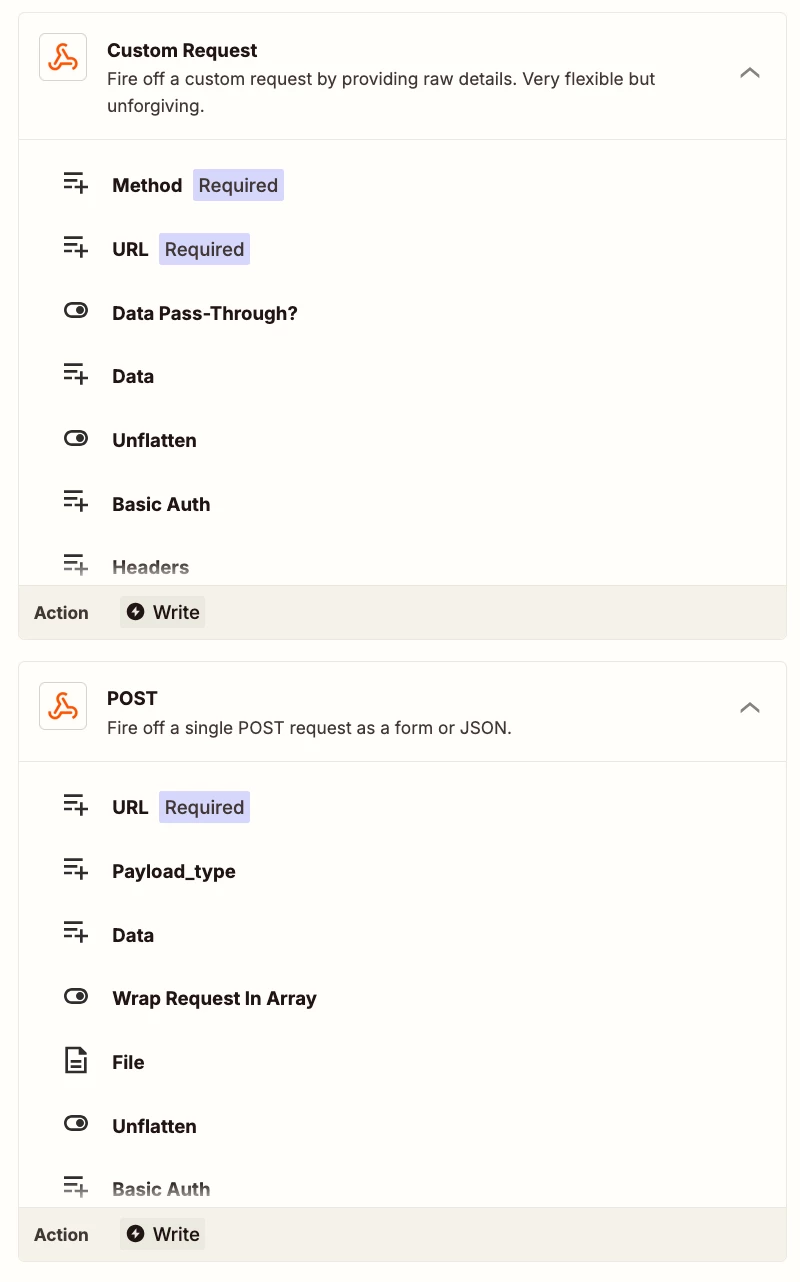
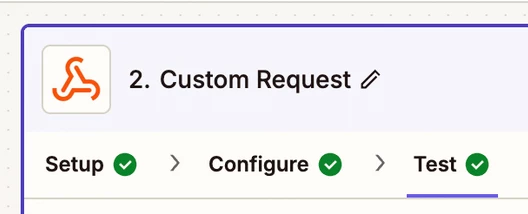
Try using this Zap action: Webhooks - Custom Request

  • Method: POST
  • Body: add the JSON

  • Author
  • Beginner
  • May 19, 2025 11:52 AM UTC

That’s exactly what I did


Troy Tessalone
Zapier Orchestrator & Solution Partner
Forum|alt.badge.img+14
  • Zapier Orchestrator & Solution Partner
  • May 19, 2025 2:51 PM UTC

​@njj1986 

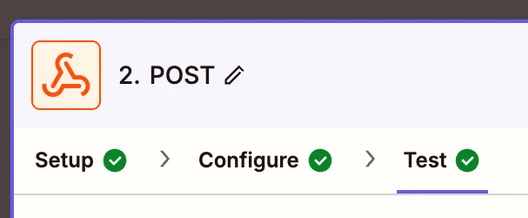
From your screenshots, you are using this Zap action: Webhooks - POST

Instead, try using this Zap action: Webhooks - Custom Request (POST)


  • Author
  • Beginner
  • May 20, 2025 11:32 AM UTC

I also tried the method that you gave me but still getting the same error.


Troy Tessalone
Zapier Orchestrator & Solution Partner
Forum|alt.badge.img+14
  • Zapier Orchestrator & Solution Partner
  • May 20, 2025 2:30 PM UTC

​@njj1986 

Screenshot shot does not show your Zap step is configured in the CONFIGURE tab.


Make sure you replace invalid mapped dynamic variables with valid mapped dynamic variables.