Question

My Integrations. Cant Sign in

  • January 5, 2024
  • 8 replies
  • 111 views

Forum|alt.badge.img

Hello everyone,

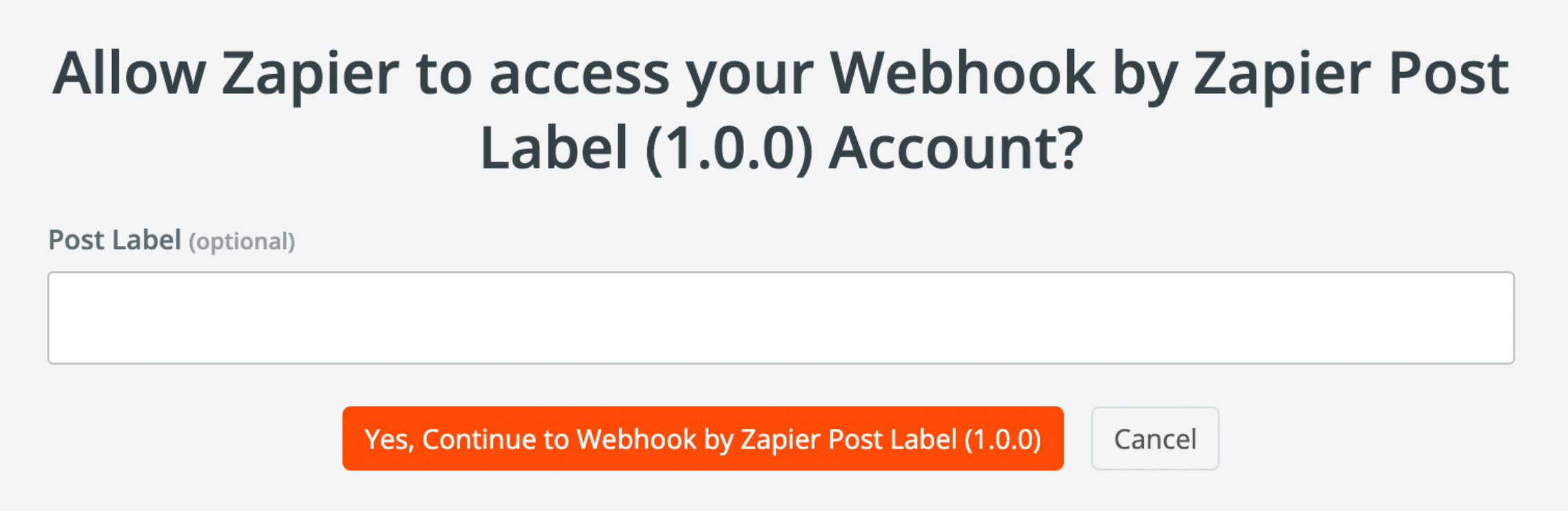
I've created an integration/app called 'Webhook by Zapier Post Label,' and everything seemed to be working fine. However, I'm unable to sign in within the Zap 'Webhook by Zapier Post Label.' Whenever I press 'Sign in,' an error message appears after the prompt. I can also find the Zap 'Webhook by Zapier Post Label' and the event 'Create Label' in Zapier. Do I need to input something specific in the prompt, like a password? Or am I missing the necessary access permissions?

I would appreciate any suggestions for a solution. Thank you.

This post has been closed for comments. Please create a new post if you need help or have a question about this topic.

8 replies

Troy Tessalone
Zapier Orchestrator & Solution Partner
Forum|alt.badge.img+14
  • Zapier Orchestrator & Solution Partner
  • January 5, 2024

Hi @VIktor1515 

The attachments didn’t upload.


Forum|alt.badge.img
  • Author
  • Beginner
  • January 5, 2024

Now they should be online. @Troy Tessalone 


Troy Tessalone
Zapier Orchestrator & Solution Partner
Forum|alt.badge.img+14
  • Zapier Orchestrator & Solution Partner
  • January 6, 2024

Hi @VIktor1515

Why do you need a custom Zap app integration?

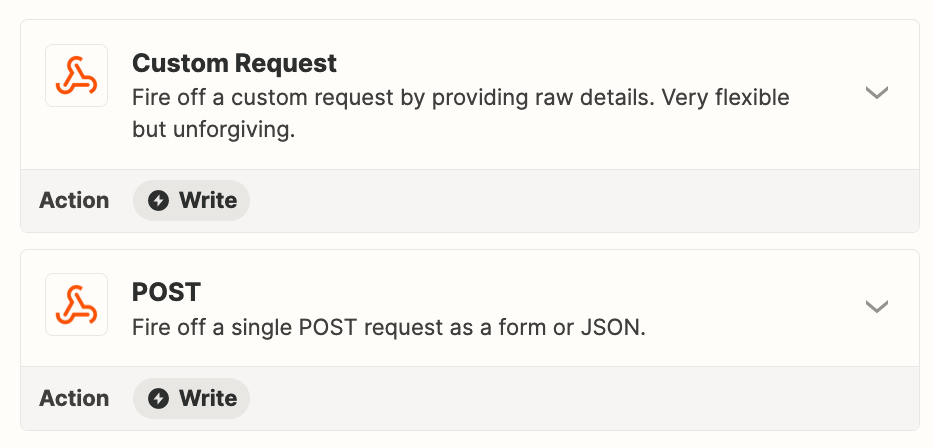
Have you tried just using a Webhook POST or (Custom Request POST) as a Zap step?

Or maybe even just a Code step.


Forum|alt.badge.img
  • Author
  • Beginner
  • January 6, 2024

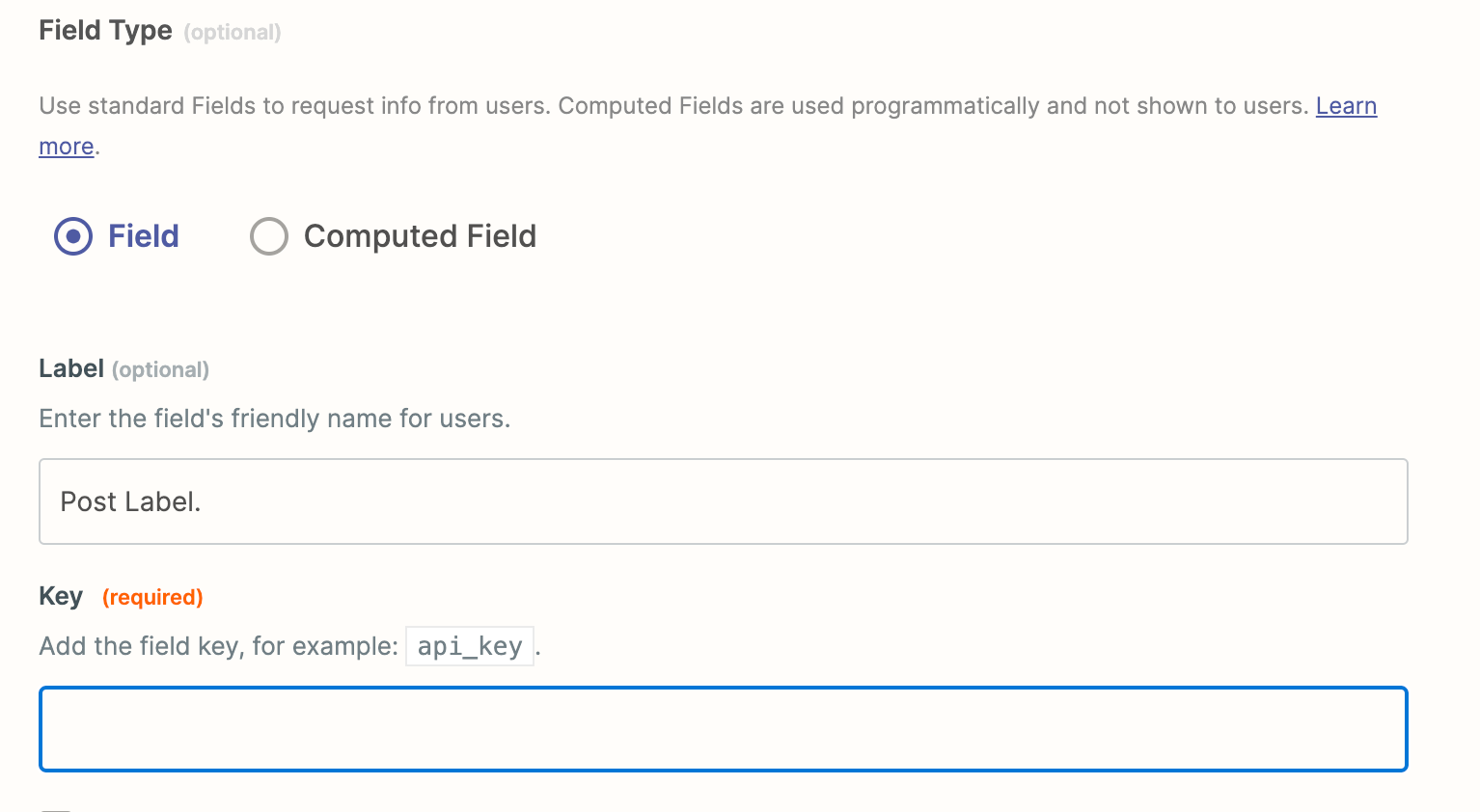
On the one hand, OAuth 2.0 needs authentication, since the access token is only valid for 300 seconds. On the other hand, the integration between the External Service Provider and Zapier must be given so that the label which is generated is also valid. The individual parameters such as: Client ID, Client Secrest, Scopes, Grant-Types, and the token endpoint I have already received from the external service provider for the application. I have already inserted the redirect URLs of Zapier at the external service provider. In my opinion, that is all in order so far. Now, however, I am not sure in the field "Key" with the designation "api_key", which key I should insert or where I get it. Could it also be that it is not the right "key"?


Forum|alt.badge.img
  • Author
  • Beginner
  • January 6, 2024

@Troy Tessalone 


Troy Tessalone
Zapier Orchestrator & Solution Partner
Forum|alt.badge.img+14
  • Zapier Orchestrator & Solution Partner
  • January 6, 2024

@VIktor1515 

It seems like the authentication piece is not configured correctly.

The Post Label seems like it would be part of the action configuration, rather than the authentication.


Troy Tessalone
Zapier Orchestrator & Solution Partner
Forum|alt.badge.img+14
  • Zapier Orchestrator & Solution Partner
  • January 6, 2024

@VIktor1515 

Zapier Developer Platform help articles for authentication: https://platform.zapier.com/build/auth


Forum|alt.badge.img
  • Author
  • Beginner
  • January 6, 2024

@Troy Tessalone 

That's what I thought. To be honest, I have never set up an OAtuh 2.0 connection between 2 programs before. Now the question arises, where do I get the "key" or api_key? I've already looked in Zapier in the settings, but I can't figure out where it is or how to get it.