Hello,
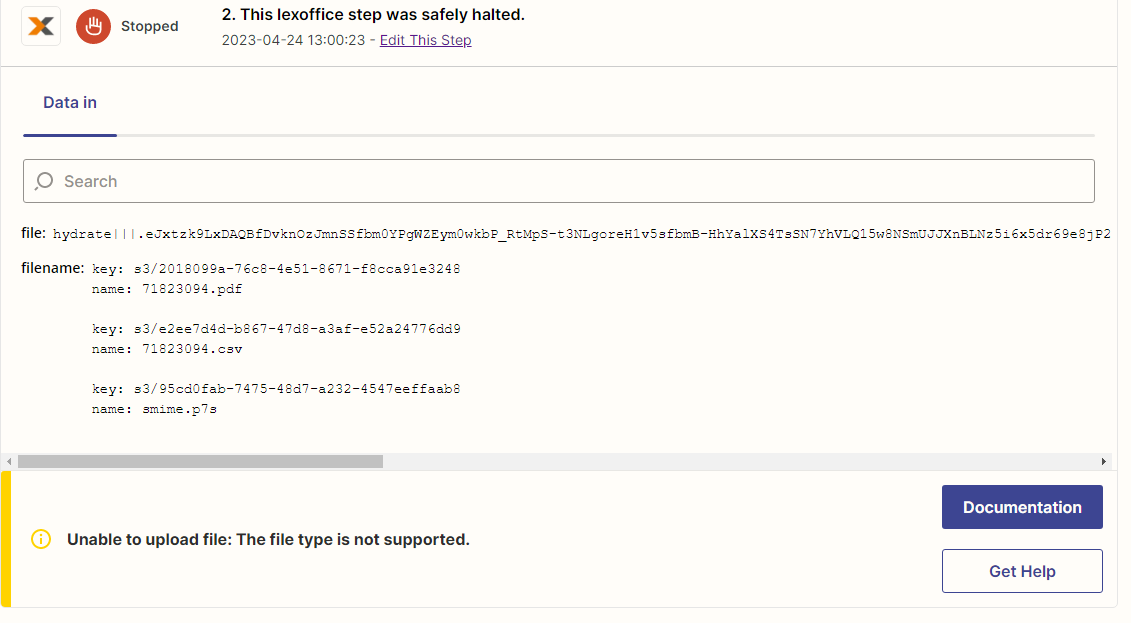
I get e-mails with PDF and for example CSV attachments. These e-mails contain a error message.
Unable to upload file: The file type is not supported.
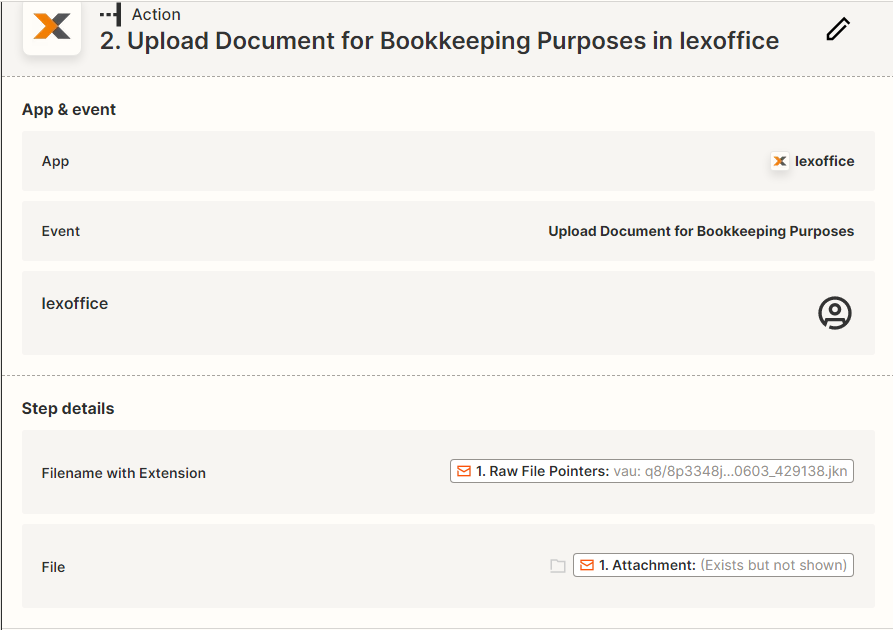
How do I have to configure the Zap that no every PDF - file gets blocked or removed?


Hello,
I get e-mails with PDF and for example CSV attachments. These e-mails contain a error message.
Unable to upload file: The file type is not supported.
How do I have to configure the Zap that no every PDF - file gets blocked or removed?

Build and deploy automations from AI tools you already use. With Agentic Management, if anything breaks, the agent diagnoses the issue and proposes a fix.
Enter your E-mail address. We'll send you an e-mail with instructions to reset your password.